Blog

  • Change Clothes to a Bikini or Swimsuit with AI (Free Online)

    Change Clothes to a Bikini or Swimsuit with AI (Free Online)

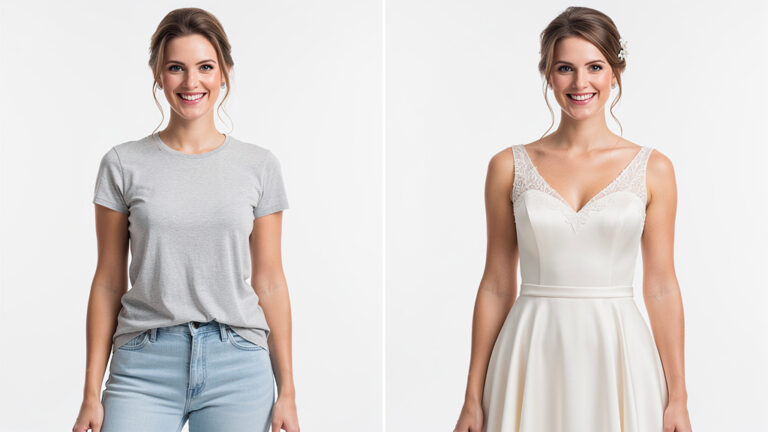
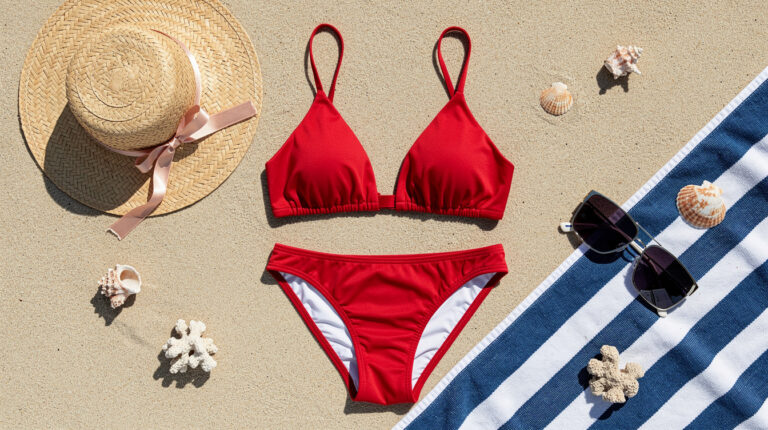
    Change clothes to a bikini or swimsuit in a photo with AI. Preview swimwear on yourself before a holiday or before you buy — 30 seconds, 1 credit, 2 free to start.

  • How to Remove an Object or Person from a Photo with AI

    How to Remove an Object or Person from a Photo with AI

    To remove an object or person from a photo, pick the Remove mode, type what should disappear (e.g. “Remove the car in the background”), and click “Apply” — the AI detects the element and rebuilds the background in seconds. No Photoshop, no masks to draw, fully online in your browser. Your first tries are free.…

  • How to Turn a Photo into Anime, a Cartoon or a Drawing with AI

    How to Turn a Photo into Anime, a Cartoon or a Drawing with AI

    To turn a photo into anime, a cartoon or a drawing, upload it, open the Change Style tool, pick a style (or describe your own), and click “Apply” — the AI redraws your photo in seconds while keeping your face. It all runs online, with no software to install. Your first tries are free. This…

  • Mountain Photoshoot in 30 Seconds — Summits, Ridges & Sunrises by AI

    Mountain Photoshoot in 30 Seconds — Summits, Ridges & Sunrises by AI

    A mountain photoshoot without a photographer, the weather or a single hike. 30 new AI scenes: summits, ridges, sunrises, alpine lakes and cabins. Start in 30 seconds.

  • Outdoor Photoshoot Without a Photographer? 30 AI Scenes

    Outdoor Photoshoot Without a Photographer? 30 AI Scenes

    A sun-soaked canola field, a white horse in a green meadow, romantic castle ruins, a wooden dock vanishing into morning mist… These are the scenes photographers have used for decades — because they always work. Now 30 classic outdoor scenes are available in PixiFixi with one click. Why outdoor photoshoots are timeless An outdoor photoshoot…

  • Izbaviz – a new AI interior design app from PixiFixi creators

    Izbaviz – a new AI interior design app from PixiFixi creators

    If you’ve used PixiFixi before, you already know how powerful AI tools can be when working with photos. Now we’re bringing that same experience to interior design. Meet Izbaviz – a new AI-powered app that lets you redesign and visualize your room in seconds. Instead of editing photos of people, you can now transform your…

  • How to turn a photo into an Easter photo with PixiFixi AI?

    How to turn a photo into an Easter photo with PixiFixi AI?

    How to turn a photo into an Easter photo? Thanks to artificial intelligence, it is now easier than ever. In just a few seconds, you can transform a regular photo into a colorful Easter scene with eggs, spring flowers, or even an Easter bunny. In the PixiFixi app we have just added 30 new Easter…

  • How to Create a Women’s Day 2026 Photo with AI?

    How to Create a Women’s Day 2026 Photo with AI?

    Women’s Day 2026 – March 8 is a great opportunity to prepare a unique gift or simply create a beautiful, stylish photo inspired by feminine themes. Thanks to artificial intelligence, you can transform an ordinary photo into a professional photoshoot in just a few seconds — full of flowers, elegance, and romantic atmosphere. That’s why…

  • How do you remove background from a photo online using AI?

    How do you remove background from a photo online using AI?

    You upload your image to an AI tool, click “Remove Background,” and download the PNG with a transparent background. The process takes just a few seconds. This guide explains how background removal works, whether it’s really free, and how to get high-quality results without Photoshop. What Is Background Removal? Background removal is the process of…

  • How to Animate a Photo Online in 2026 (Step-by-Step + Best AI Tools)

    How to Animate a Photo Online in 2026 (Step-by-Step + Best AI Tools)

    To animate a photo online in 2026, upload your image to a browser-based AI tool, choose a motion preset or describe the movement, pick a length of 5–12 seconds, and generate. The whole process takes 1–3 minutes, runs entirely in your browser, and needs no software to install. This guide shows you how to animate…