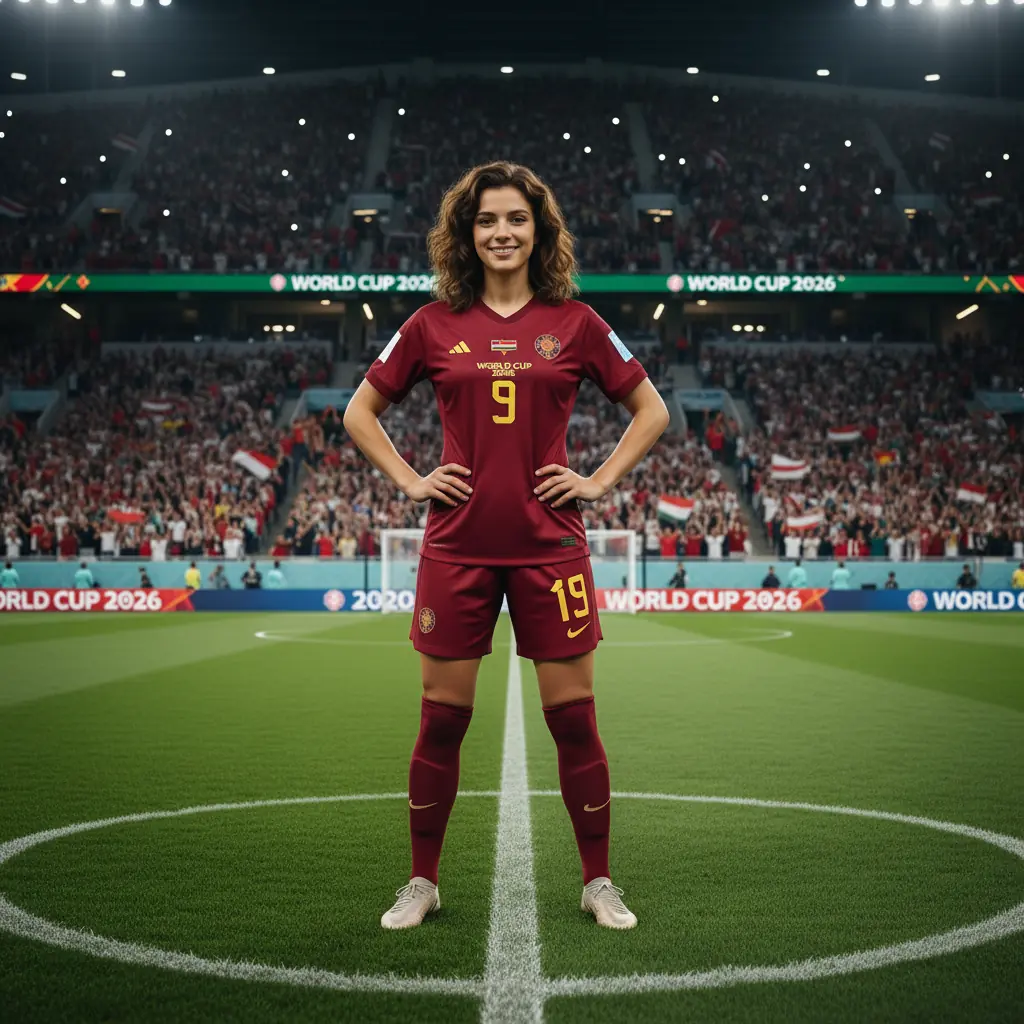
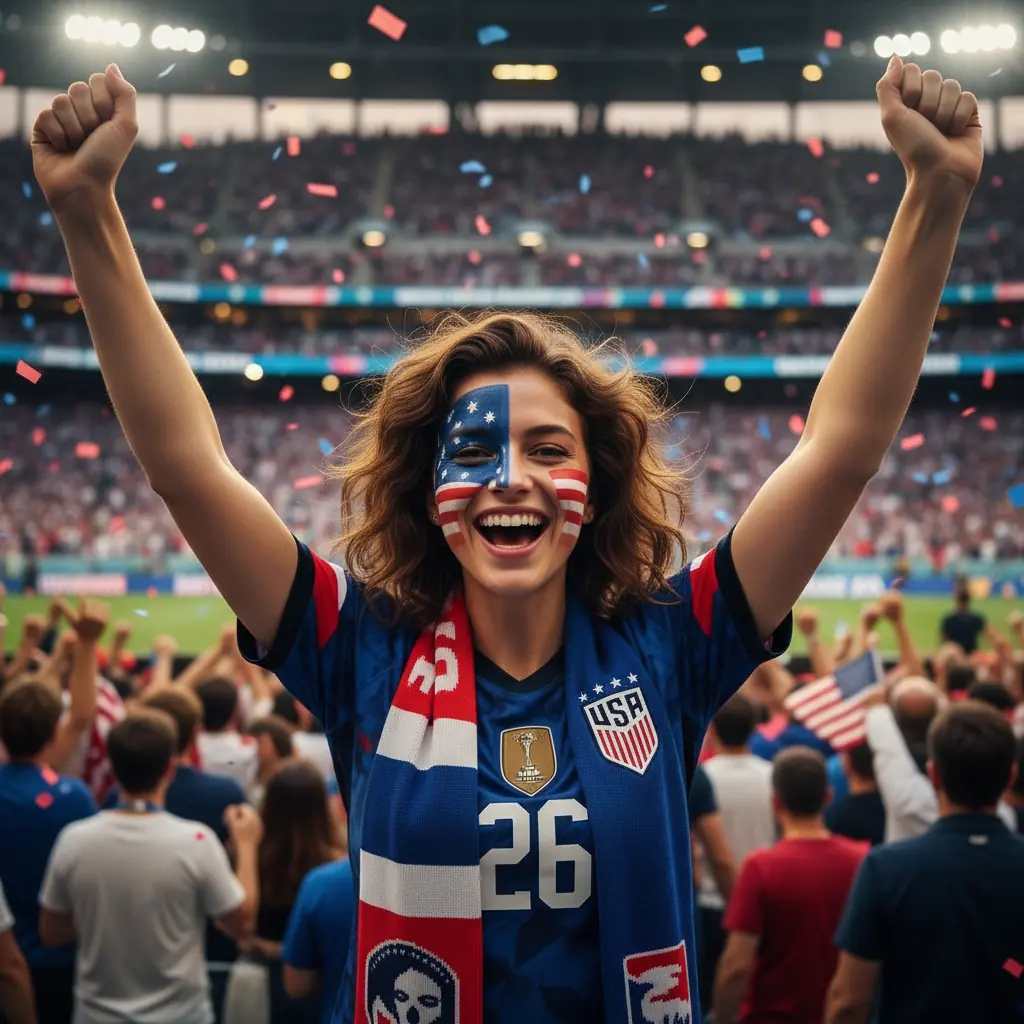
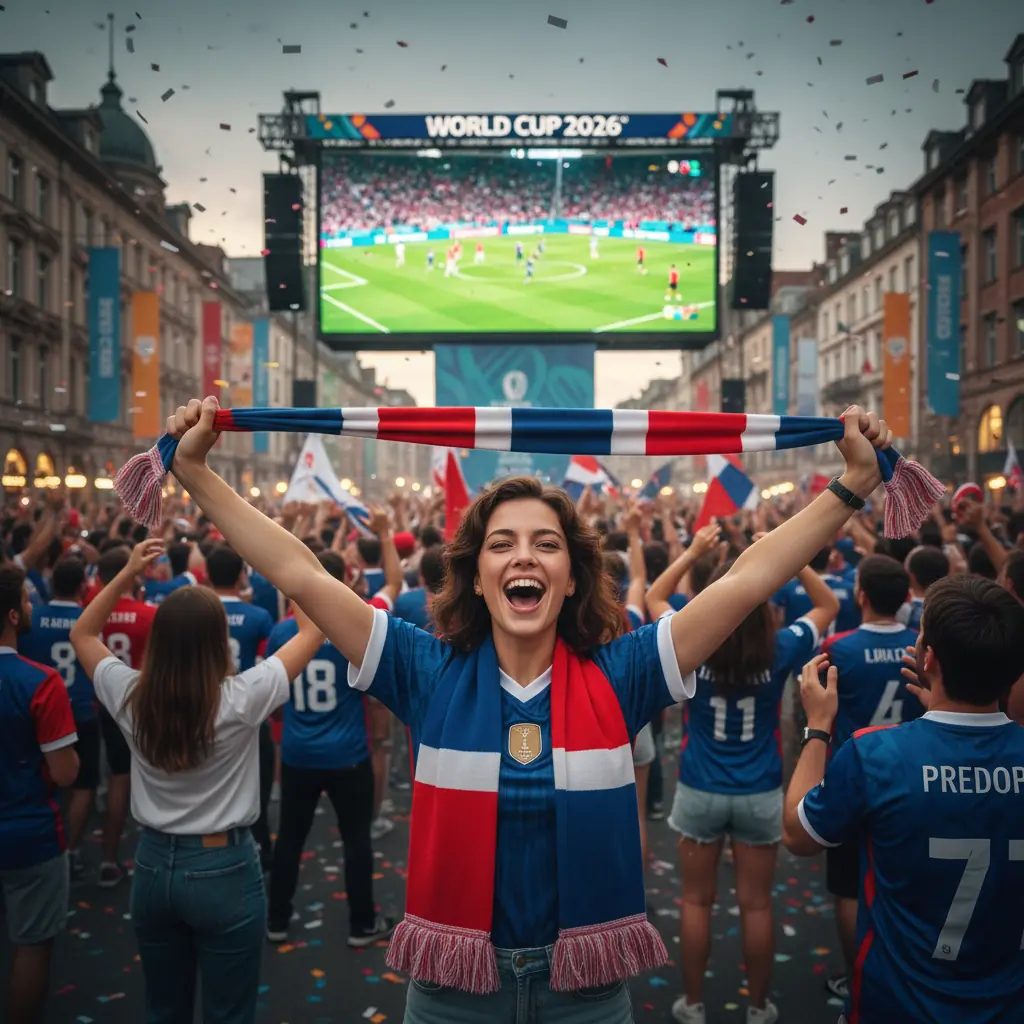
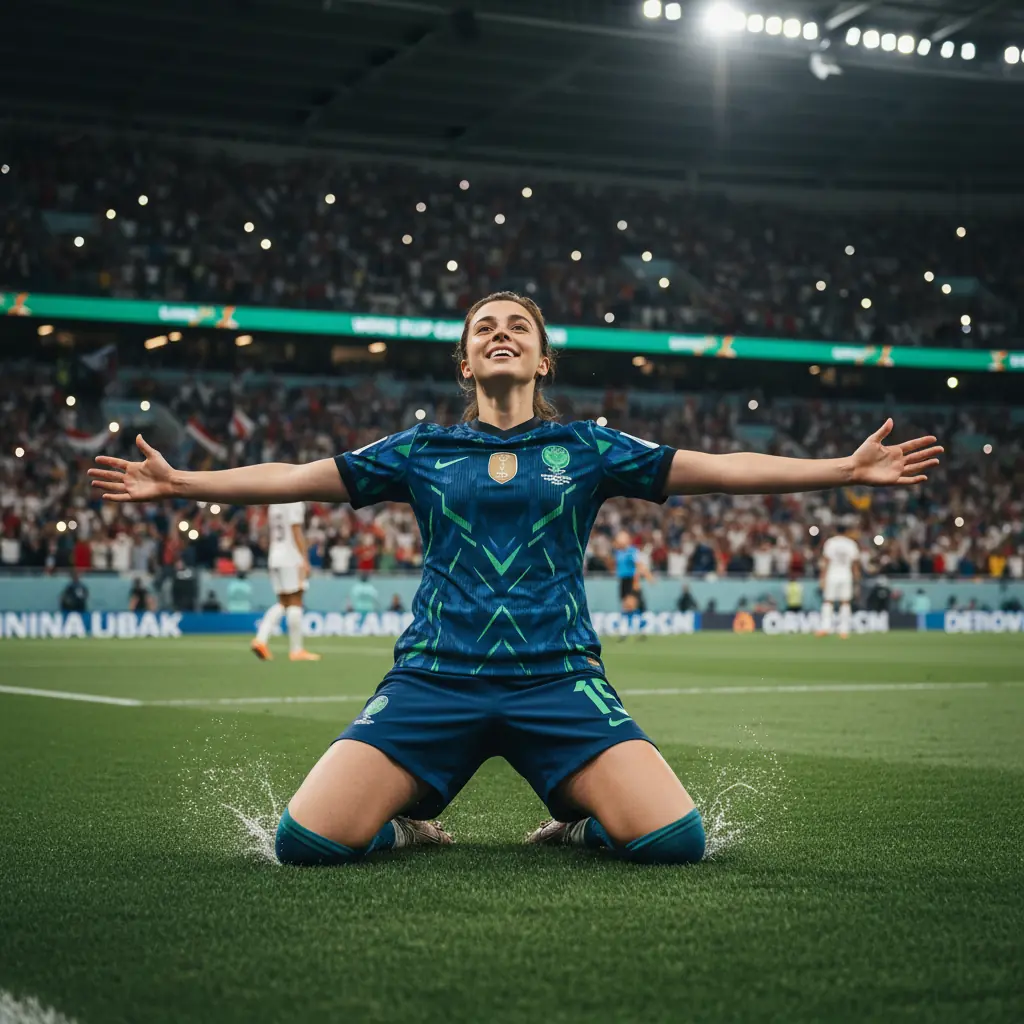
Want a World Cup 2026 AI photo that turns you into a football star on the pitch or a roaring fan in the stands? In PixiFixi you upload one photo, pick one of 30 World Cup styles, and get a finished shot in seconds — with your face kept, no camera, pitch or photographer needed. It’s a brand-new category inside the AI photoshoot generator, built for the tournament.
TL;DR
What it is: a World Cup 2026 AI photo category — 30 ready styles, fan and player, for the FIFA World Cup.
How: upload a photo → pick the “World Cup 2026” style → click “Apply”. Done in seconds.
Your face stays: PixiFixi changes the kit, background and mood, but keeps your features.
Cost: 2 credits per photo (2K). New accounts get free starter credits — your first World Cup photo is free.
Works for any nation — 48 teams, three host countries, your colors.
A World Cup 2026 AI photo — lift the trophy (PixiFixi AI)
Why a World Cup AI photo is the easiest viral post this summer
The 2026 World Cup is the biggest ever — 48 nations across the USA, Mexico and Canada — and the whole internet is posting matchday content. A World Cup AI photo lets you join in without props, a jersey or a photo studio: become a player scoring in front of a packed stadium, or a face-painted fan in your team’s colors. It’s perfect for a social avatar, a group-chat laugh, or a personalized supporter poster. PixiFixi keeps your face, so it still looks like you.
Upload your photo — a clear, well-lit shot with your face visible (a phone selfie works).
Open the “Photoshoot” tool, then the “World Cup 2026” category.
Pick a style — fan, player on the pitch, trophy lift, podium… — and click “Apply”.
Download and post it to Instagram, your story or the group chat.
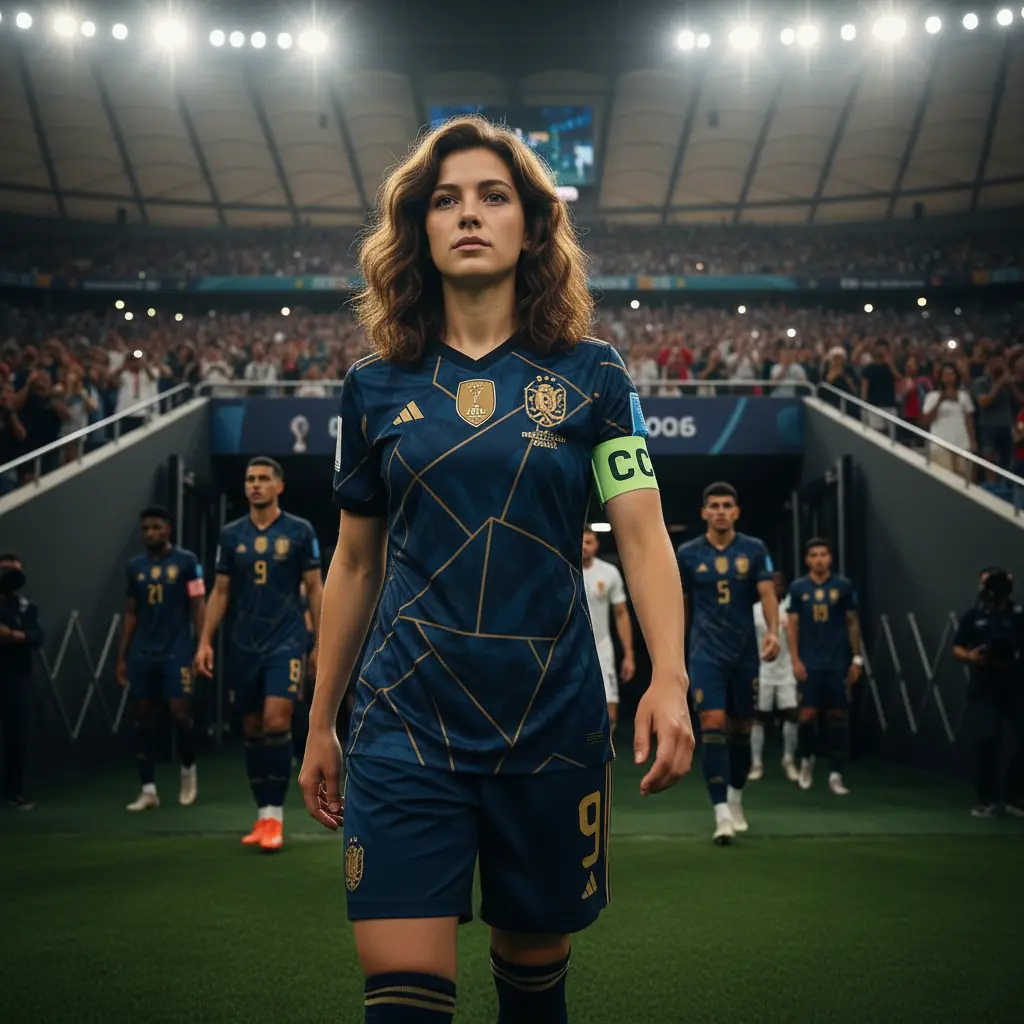
Turn your photo into a football player in a national team kit
30 World Cup styles in PixiFixi
The “World Cup 2026” category in PixiFixi packs 30 ready styles — fan-culture heavy, with plenty for those who’d rather feel like a star on the pitch. Here’s what you get:
Fan vibes
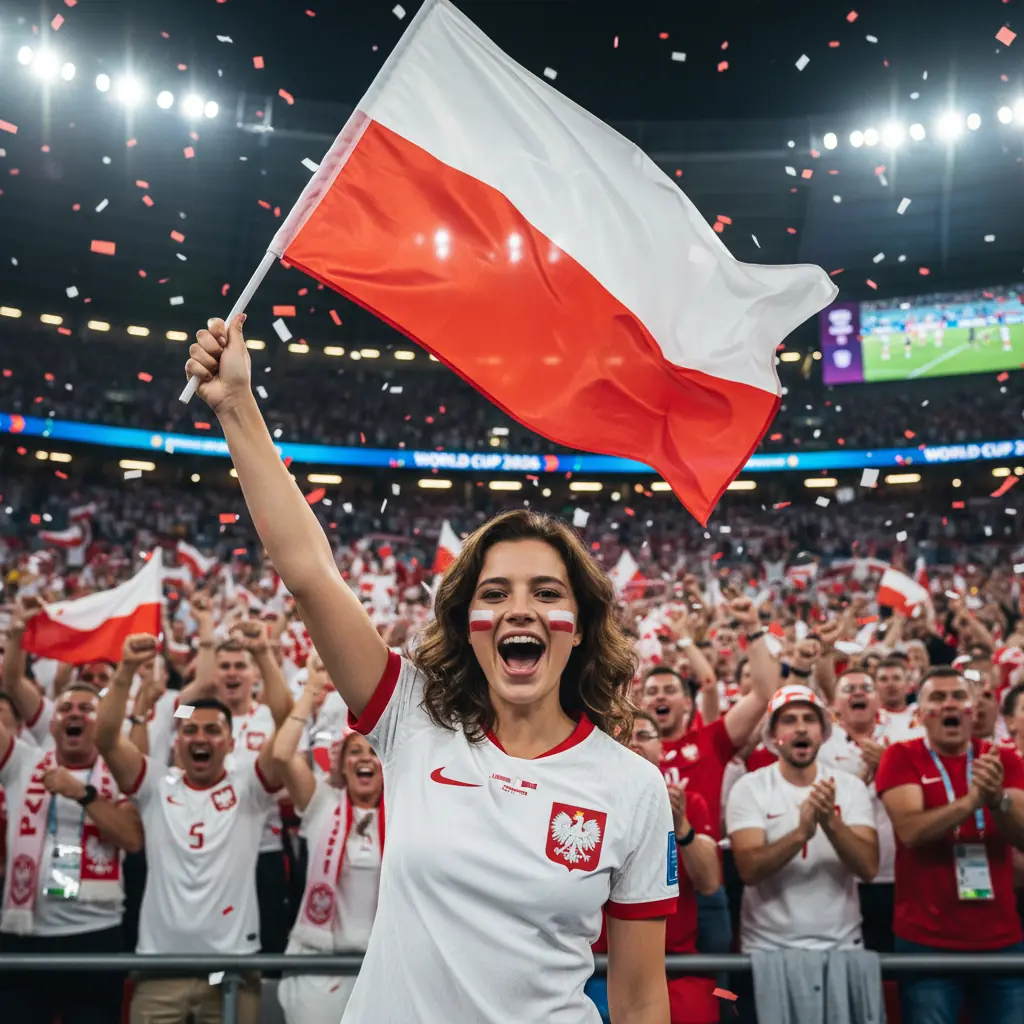
Scarf in the stands, painted face, flag worn like a cape
Fan zone, match at the pub, stadium cheering, selfie in the crowd
Ultras with a drum, giant tifo, confetti, match under the lights, street celebration
Like a real player
National team kit on the pitch, captain with the armband
Goal celebration, trophy lift, champion on the podium with a medal
Host countries & extras
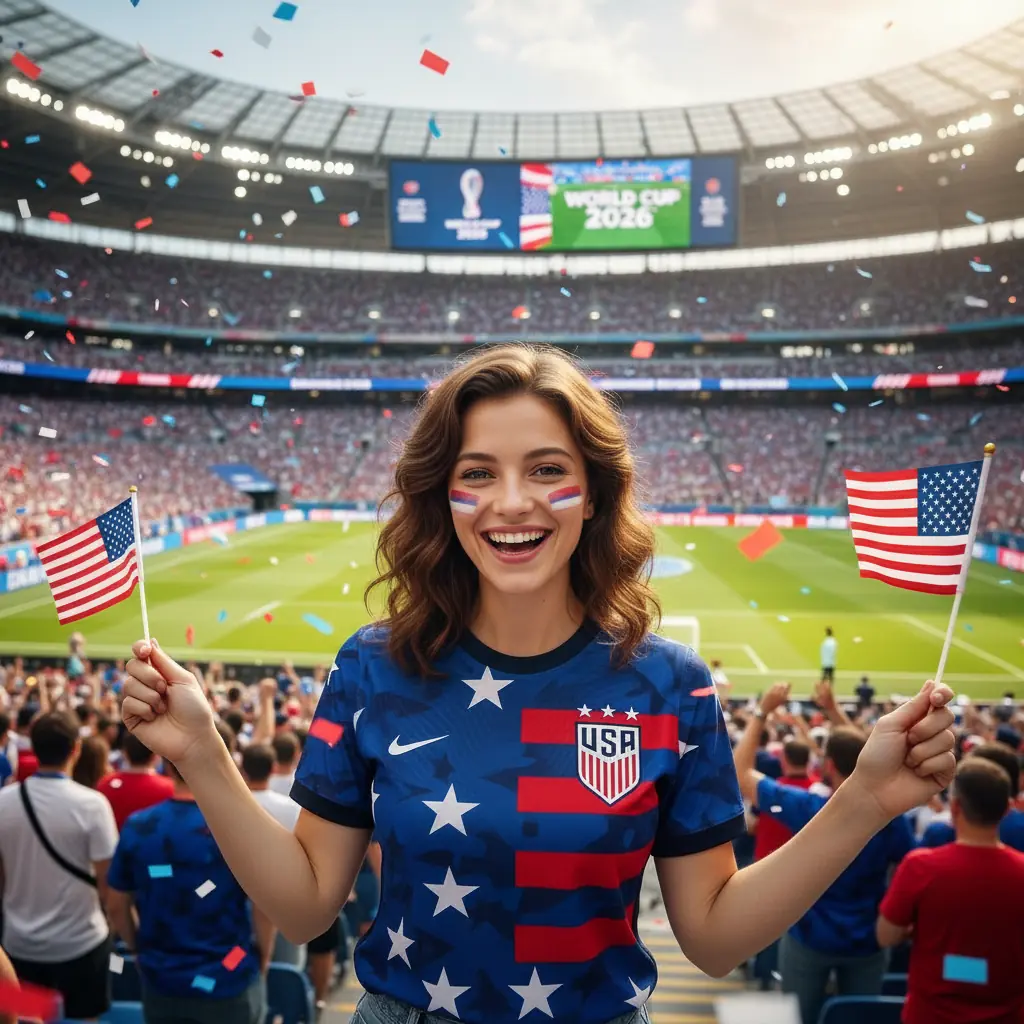
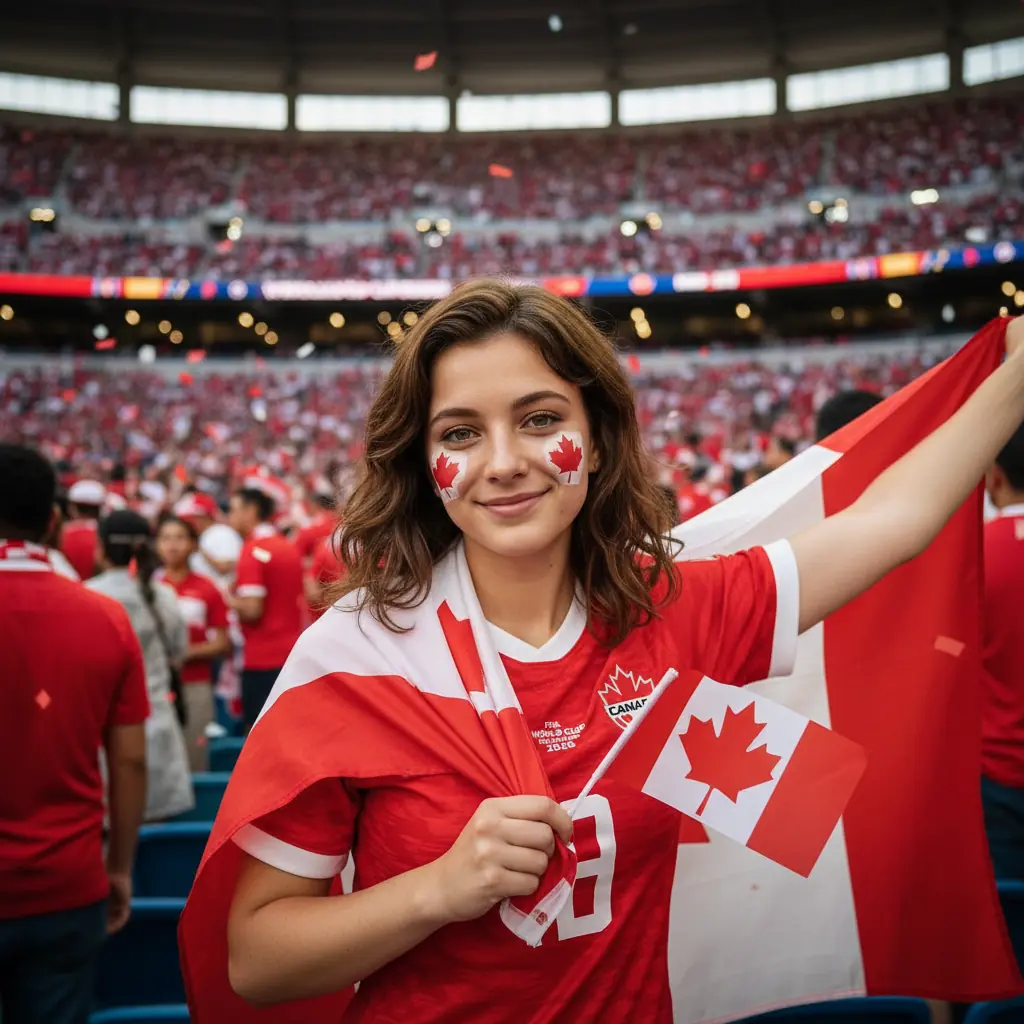
World Cup in the USA, Mexico and Canada
Retro 1970s fan look, photo with the mascot
Your photo can look like this too
Try it on your own picture — no card, no subscription, and you get free credits to start.
Not sure where to start? Here’s when each World Cup AI photo works best:
Social avatar for the tournament — a face-painted fan in your national colors.
Group-chat banter — you as the captain with the armband, or a star after a goal.
A gift for a young fan — your kid as a player in the national team kit.
A tournament keepsake — a shot themed for a host country: USA, Mexico or Canada.
A fan with a national flag — pick your own colors
World Cup 2026: USA, Mexico & Canada
The 2026 FIFA World Cup is the first tournament hosted by three countries at once — the USA, Mexico and Canada — and the first with 48 teams. It runs in the summer of 2026. That makes it the perfect moment to create a World Cup AI photo themed for a specific host city and ride the seasonal hype in PixiFixi.
How much does a World Cup AI photo cost? Is it free?
Each photo costs 2 credits and is created in 2K — one best AI engine, no quality choice. New accounts get free starter credits, so your first World Cup photo is free. You can also pick up to 4 styles at once and generate them in parallel — handy for comparing a fan, a player and a trophy version from one photo. No subscription, and credits never expire.
Upload a photo to PixiFixi, open the Photoshoot tool and choose the World Cup 2026 category. Pick a style (for example a national team kit on the pitch, or a goal celebration) and click Apply. Your finished photo, with your face kept, is ready in seconds.
Is the World Cup AI photo free?
New accounts get free starter credits, so your first World Cup photo is free. After that each photo costs 2 credits and is created in 2K. No subscription, and credits never expire.
Will the AI keep my face?
Yes. The World Cup photoshoot preserves the facial features from your uploaded photo and changes only the kit, background, lighting and mood to match the chosen style.
Can I use my own national team colors?
Yes. The styles work for any nation — pick a fan or player look and the AI applies team-colored kits, flags and face paint. There are also dedicated host-country styles for the USA, Mexico and Canada.
How many World Cup styles are there?
30 ready styles — from fan looks (scarf, face paint, fan zone, stadium cheering) to player shots (national team kit, captain, goal celebration, trophy, podium) plus host-country themes for the USA, Mexico and Canada.
What photo should I upload?
A clear, well-lit photo where your face is visible. A phone selfie works fine — a waist-up or full-body shot gives the AI the most to work with.
Can I make one for my kid?
Yes. A World Cup AI photo makes a great keepsake for a young fan — your child as a player in the national team kit, or a fan with a flag. Just upload their photo the same way.
Can I generate several styles at once?
Yes. You can select up to 4 styles at once and generate them in parallel — handy for comparing a fan, a player and a trophy version from a single photo.
Create your World Cup photo
The “World Cup 2026” category is live in the Photoshoot tool in PixiFixi. Upload a photo, pick a fan or player style, and grab your World Cup AI photo in seconds.