

AI Photo Editor Online – Start Free
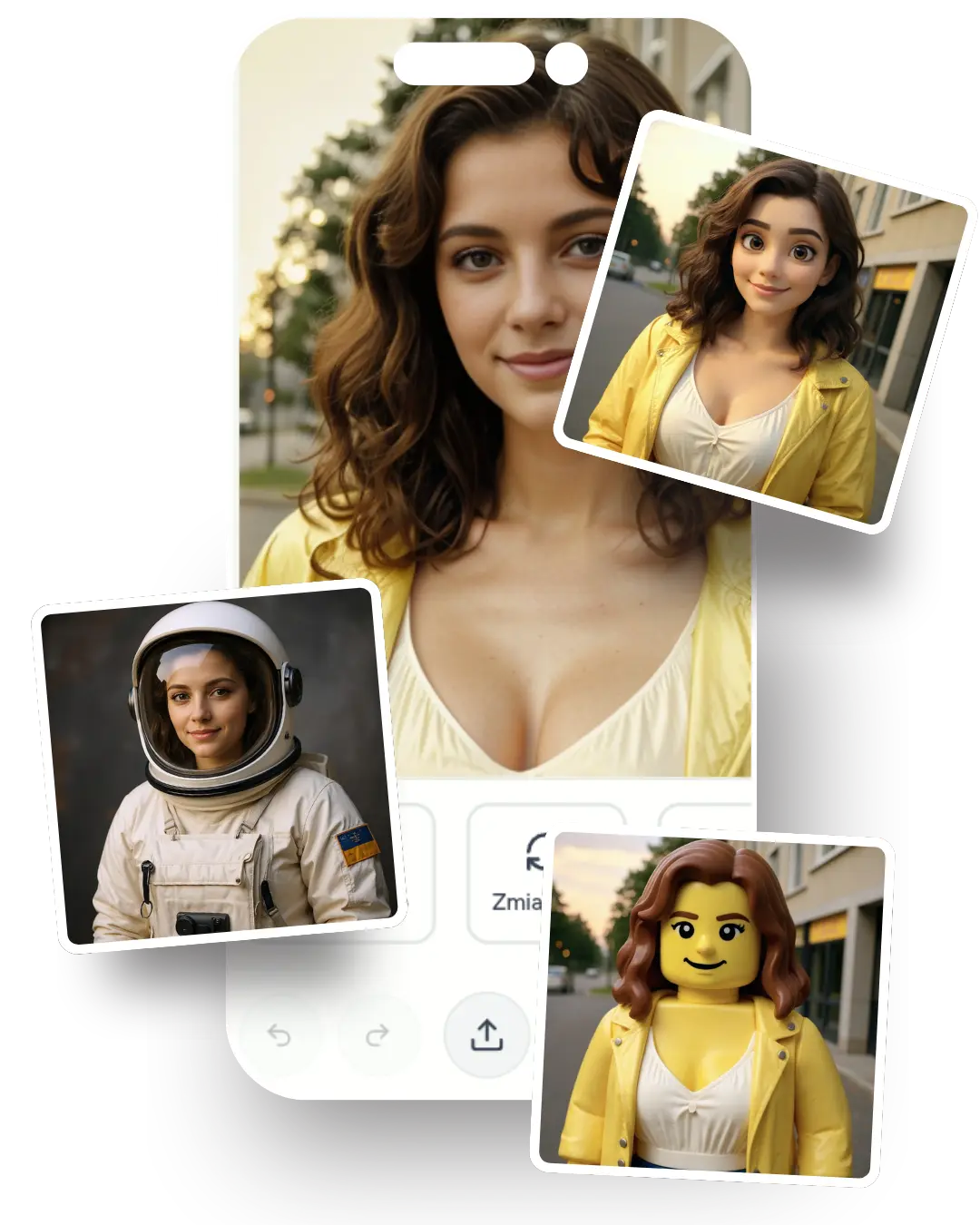
Discover powerful AI editing tools
Explore the full range of capabilities our advanced AI photo editor offers.
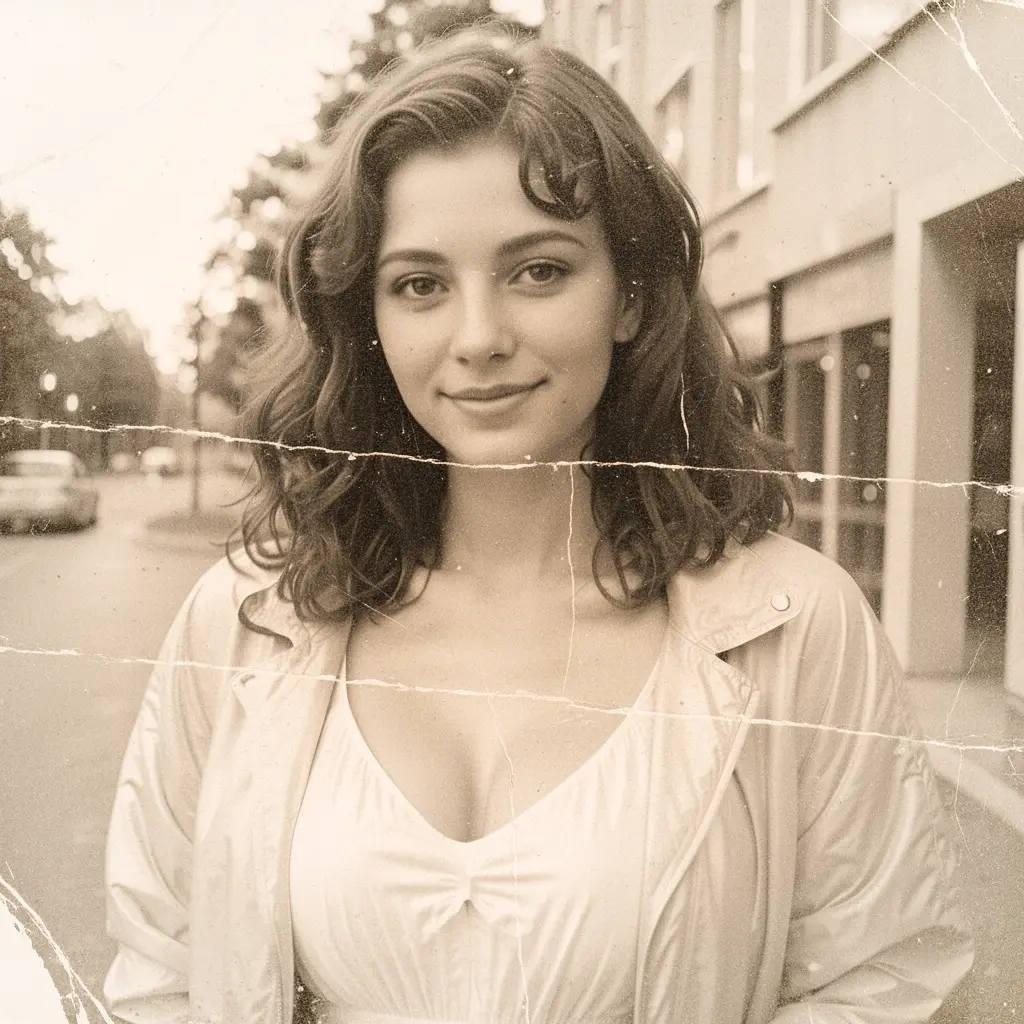
Old photo restoration
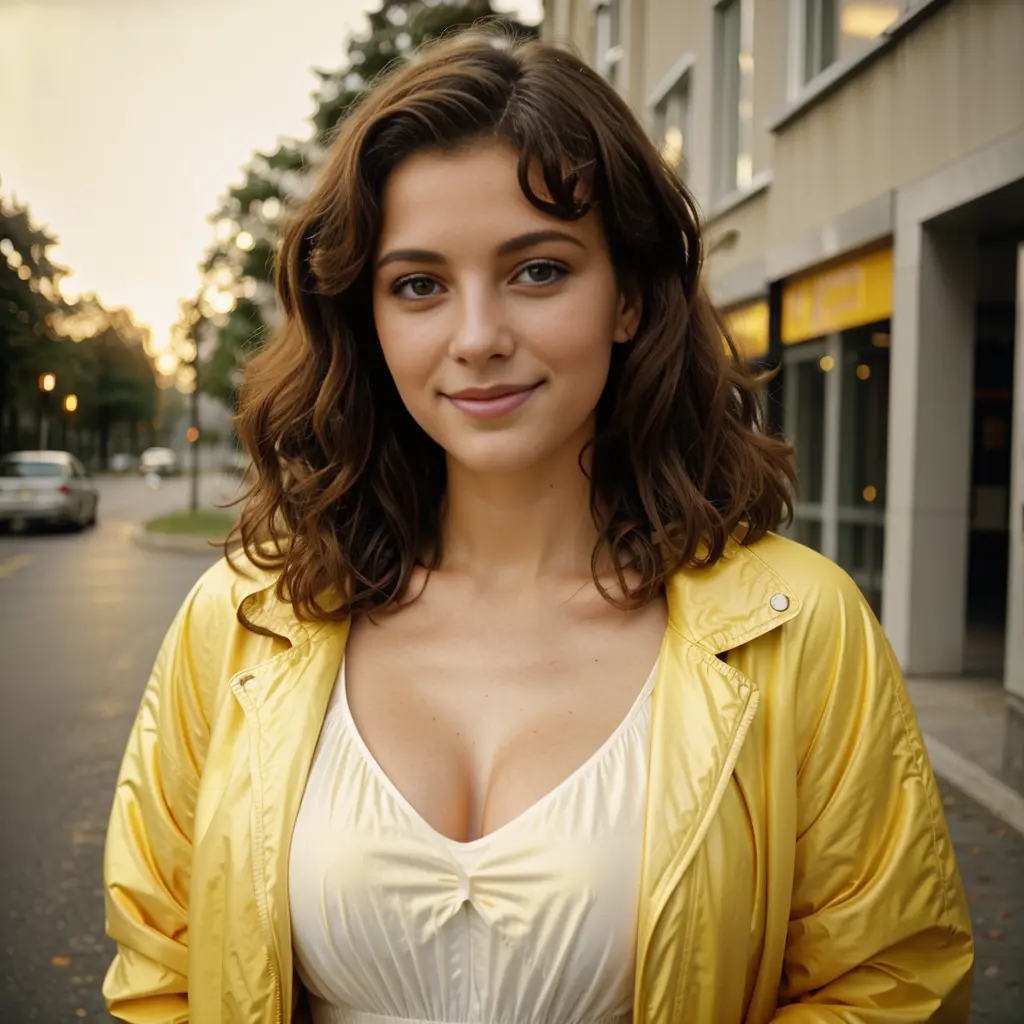
Automatically recover and enhance damaged, blurry, or aged photos. Our AI fixes scratches, retouches blemishes, brings back lost detail, and significantly improves overall image quality.
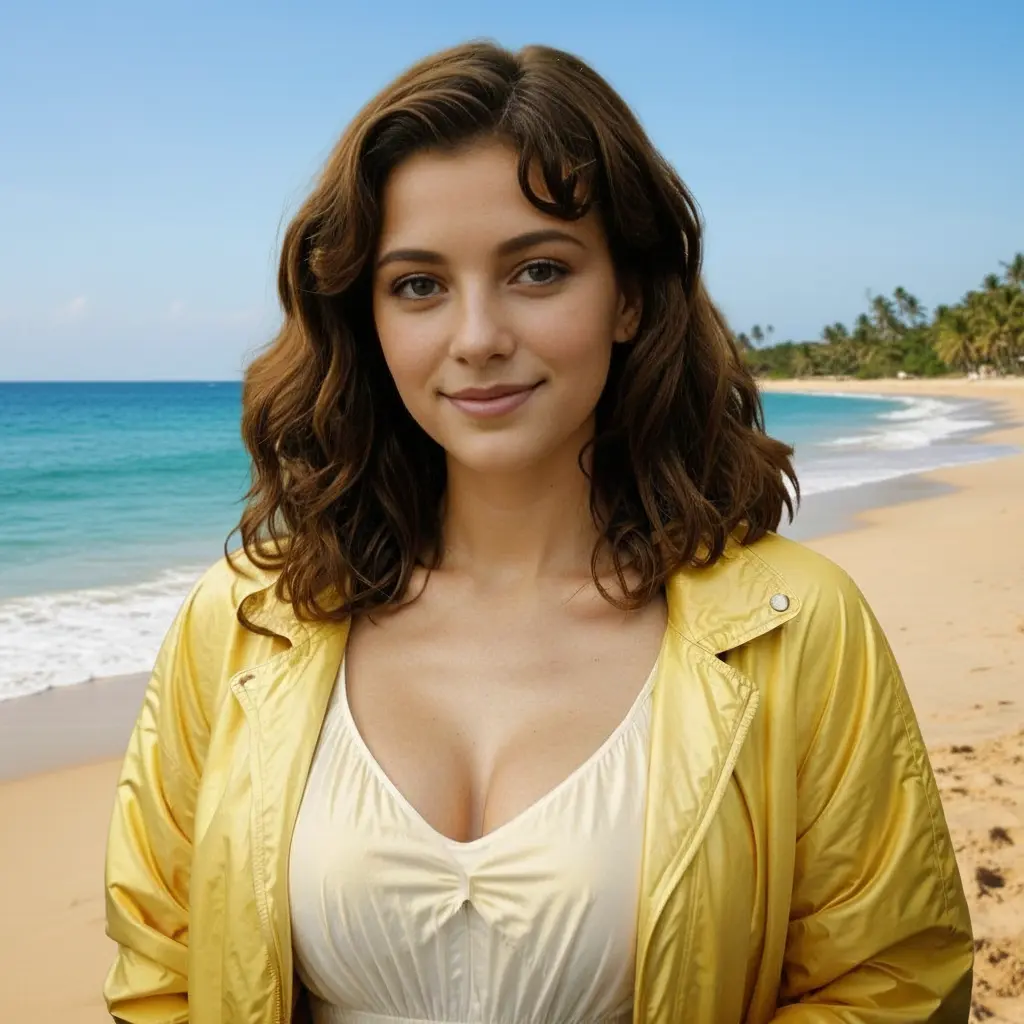
Background replacement
Easily replace backgrounds in your photos. Just describe the new background and our AI will generate it, perfectly preserving the original lighting and perspective.
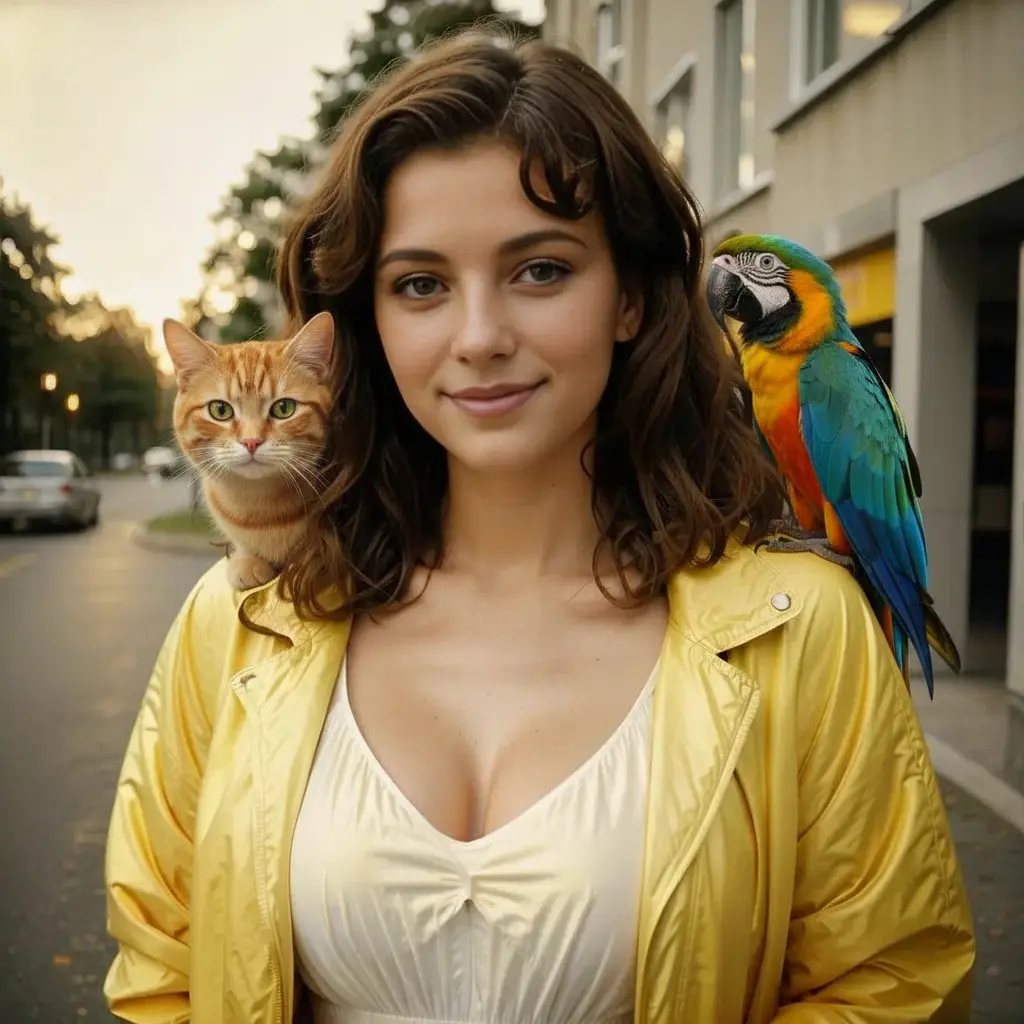
Add and remove objects
Precisely add new elements to your photos or remove unwanted objects. Simply describe what should change or what you want to add — the AI does the rest, keeping everything natural and cohesive.
Artistic style transfer
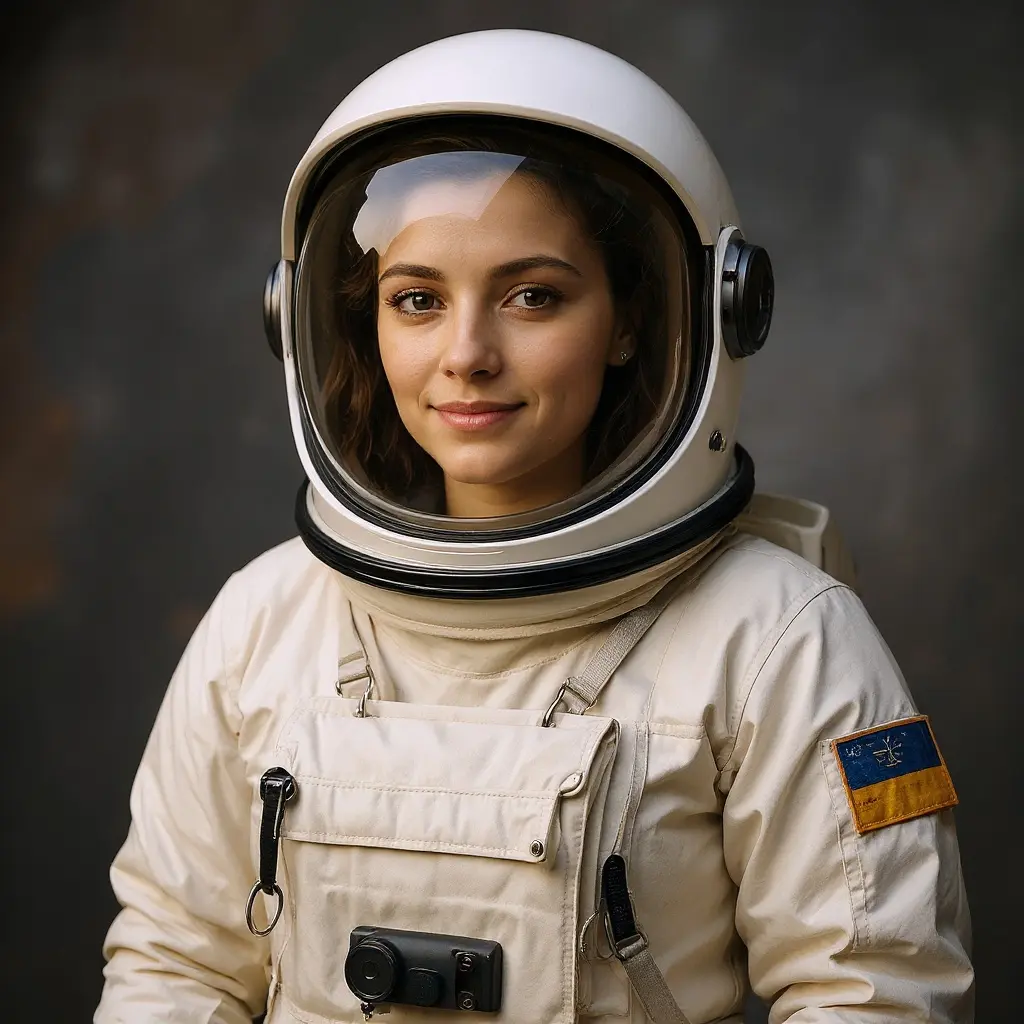
Transform your photos into different art styles — from charming Disney-like animation and dynamic comic looks to elegant oil paintings or minimalist sketches. Give your images a completely new vibe.
AI hairstyle & hair color changer
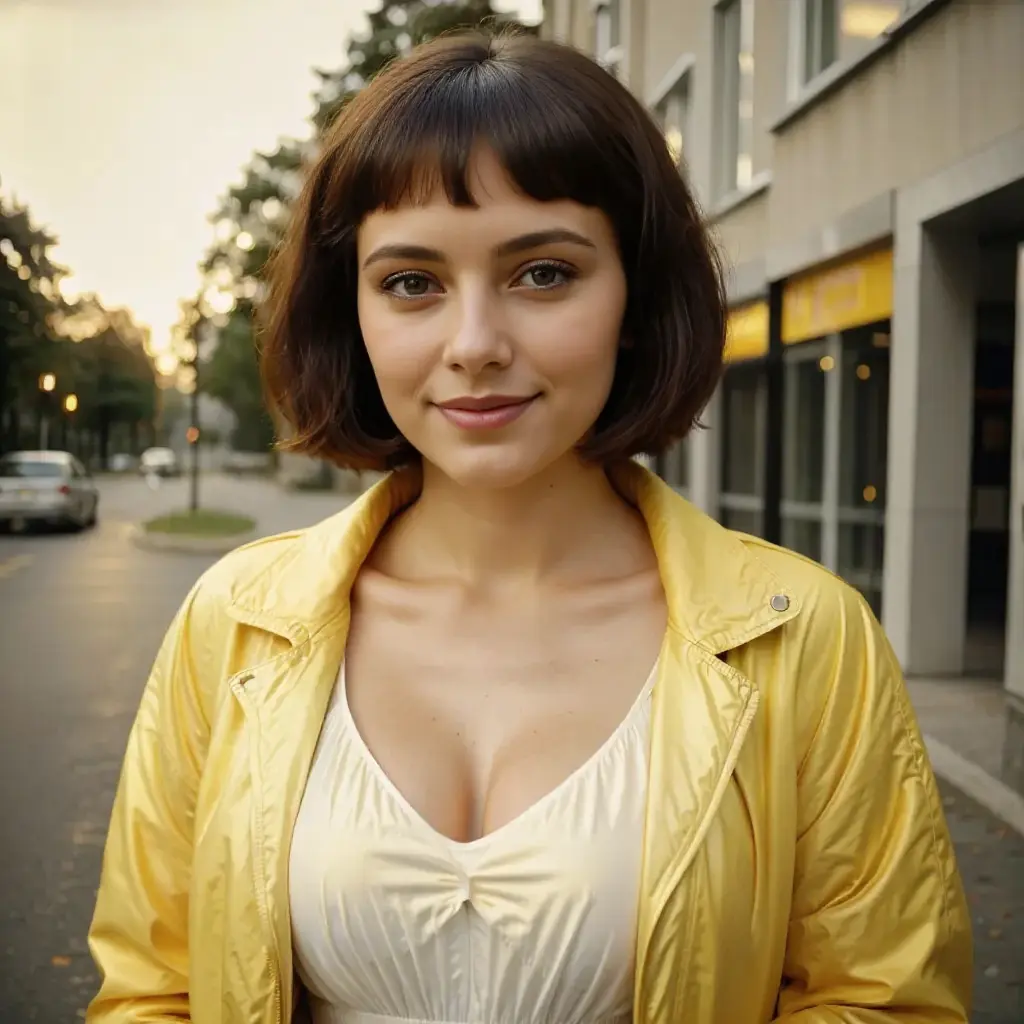
Try different hairstyles and hair colors on your photos without a salon visit. Perfect for planning a new look, experimenting with styles, or just having fun.
AI photo animation
Turn static photos into short, dynamic video animations. Describe how the image should move and our AI will create a smooth animation with natural motion and physics.
AI Collage Maker
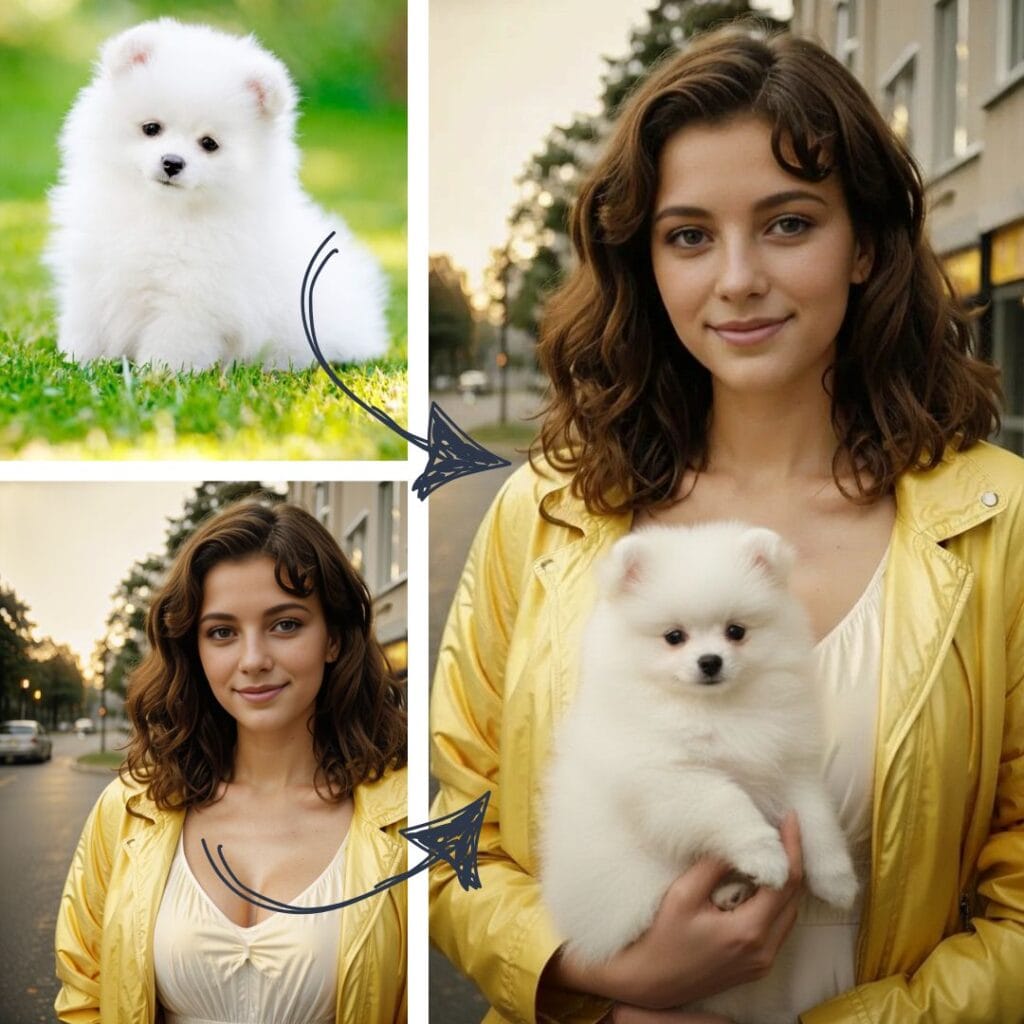
Combine 2–3 photos into creative, unique collages with the help of AI. Describe your idea and the AI will build a cohesive composition that blends all elements into a harmonious whole.
Latest on the blog
Our blog is packed with tips and tricks about AI photo editing. Take a look what we’ve prepared for you.

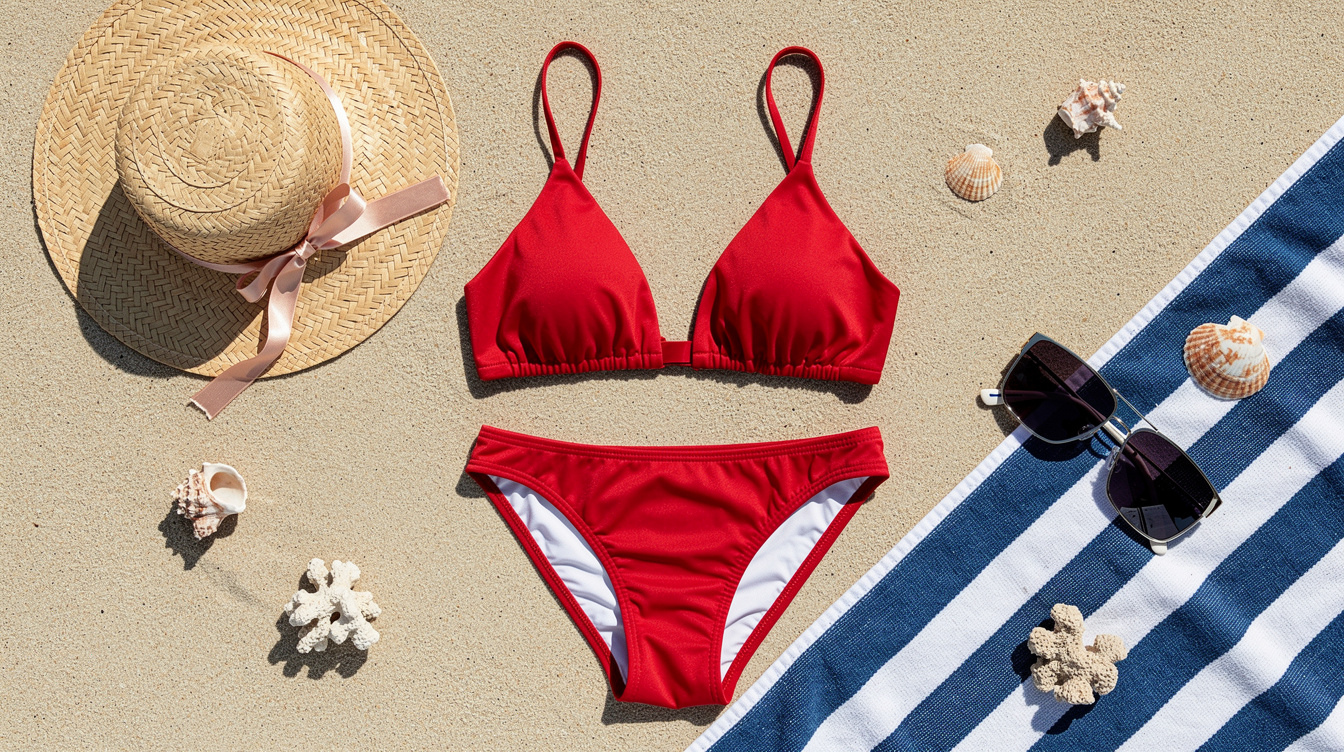
Change Clothes to a Bikini or Swimsuit with AI (Free Online)
Change clothes to a bikini or swimsuit in a photo with AI. Preview swimwear on yourself before a holiday or before you buy — 30 seconds, 1 credit, 2 free to start.
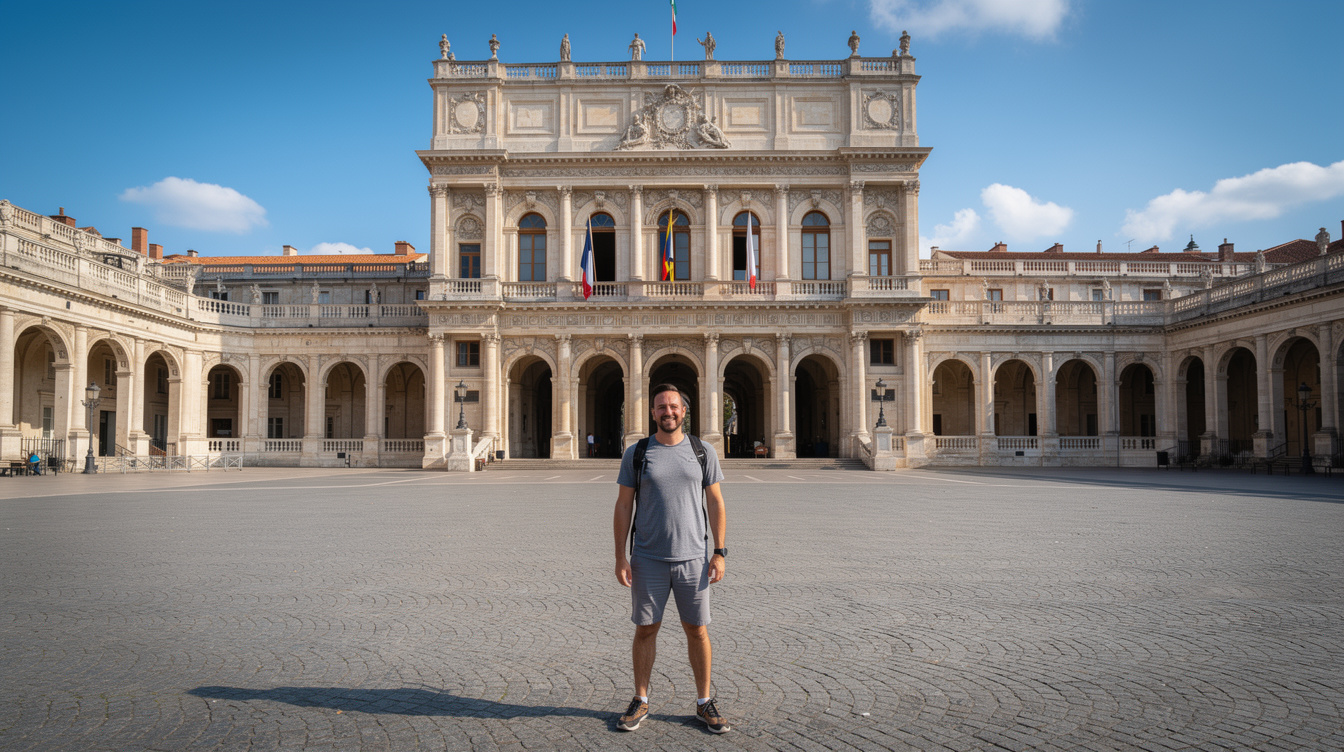
How to Remove an Object or Person from a Photo with AI
To remove an object or person from a photo, pick the Remove mode, type what should disappear (e.g. “Remove the car in the background”), and click “Apply” — the AI detects the element and rebuilds the background in seconds. No Photoshop, no masks to draw, fully online in your browser. Your first tries are free.…
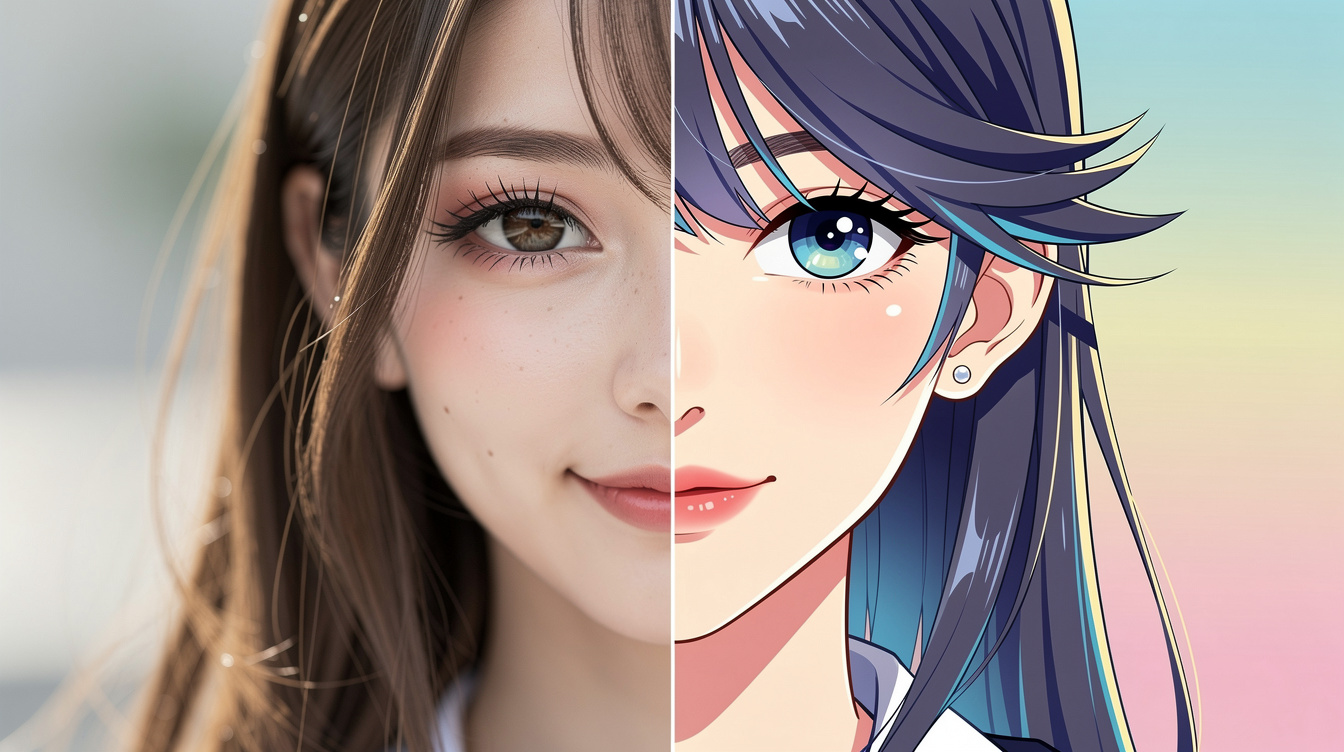
How to Turn a Photo into Anime, a Cartoon or a Drawing with AI
To turn a photo into anime, a cartoon or a drawing, upload it, open the Change Style tool, pick a style (or describe your own), and click “Apply” — the AI redraws your photo in seconds while keeping your face. It all runs online, with no software to install. Your first tries are free. This…
Your photos. Your privacy.
We care about your data security — in our app, you decide how long we keep your photos and edits.
No need to manually clean your account. Set automatic deletion of your photos after:
- 7 days — quick and maximum security,
- 30 days — a convenient balance between privacy and access,
- 90 days — more time to download and edit.
7 days before automatic deletion, we’ll send you an email reminder so you can download anything important in time.
Ready to transform your photos?
Join thousands of users who’ve already discovered the magic of AI photo editing.