Restore photo
Repairs and restores old, damaged photographs — creases, scratches, fading. Plus colorize, black & white or sepia.
from 1 credit
How it works


PixiFixi is an AI photo editor that runs in your browser. Restore old photos, change the background, hair and clothes, run a studio photoshoot or bring a still to life as video. No install, no Photoshop skills — results in seconds.





One editor window, thirteen tools. Tap any of them to read how it works and see before/after examples.
Repairs and restores old, damaged photographs — creases, scratches, fading. Plus colorize, black & white or sepia.
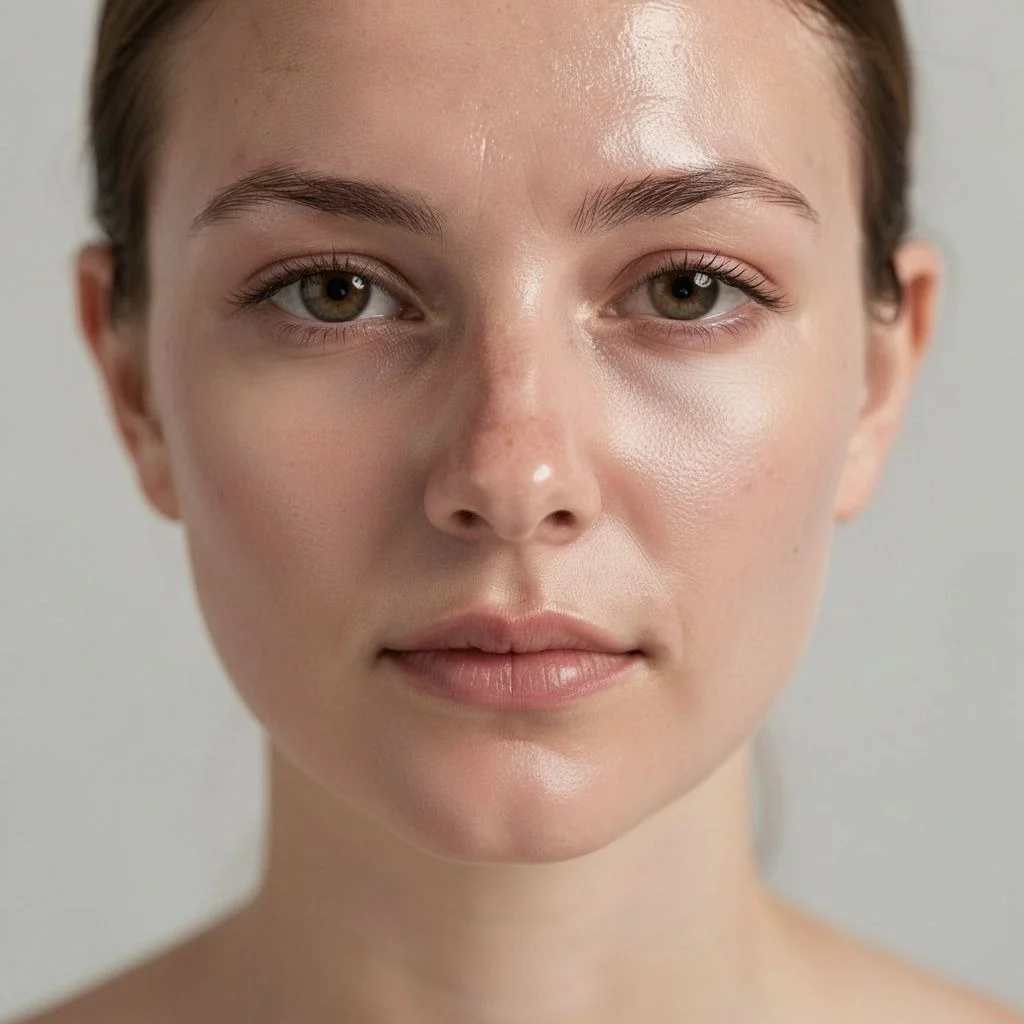
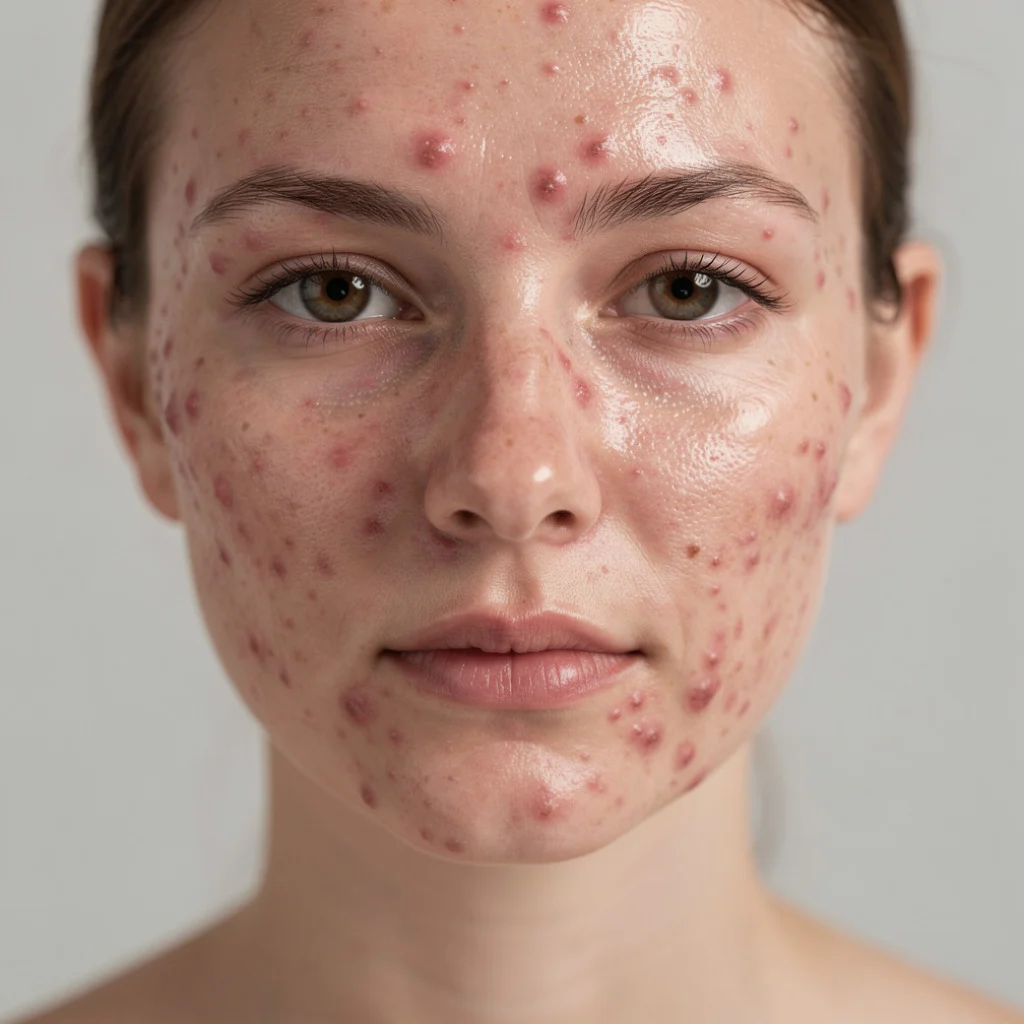
Smooths skin and removes blemishes in a portrait. Does not change facial features or body shape - skin texture stays visible.
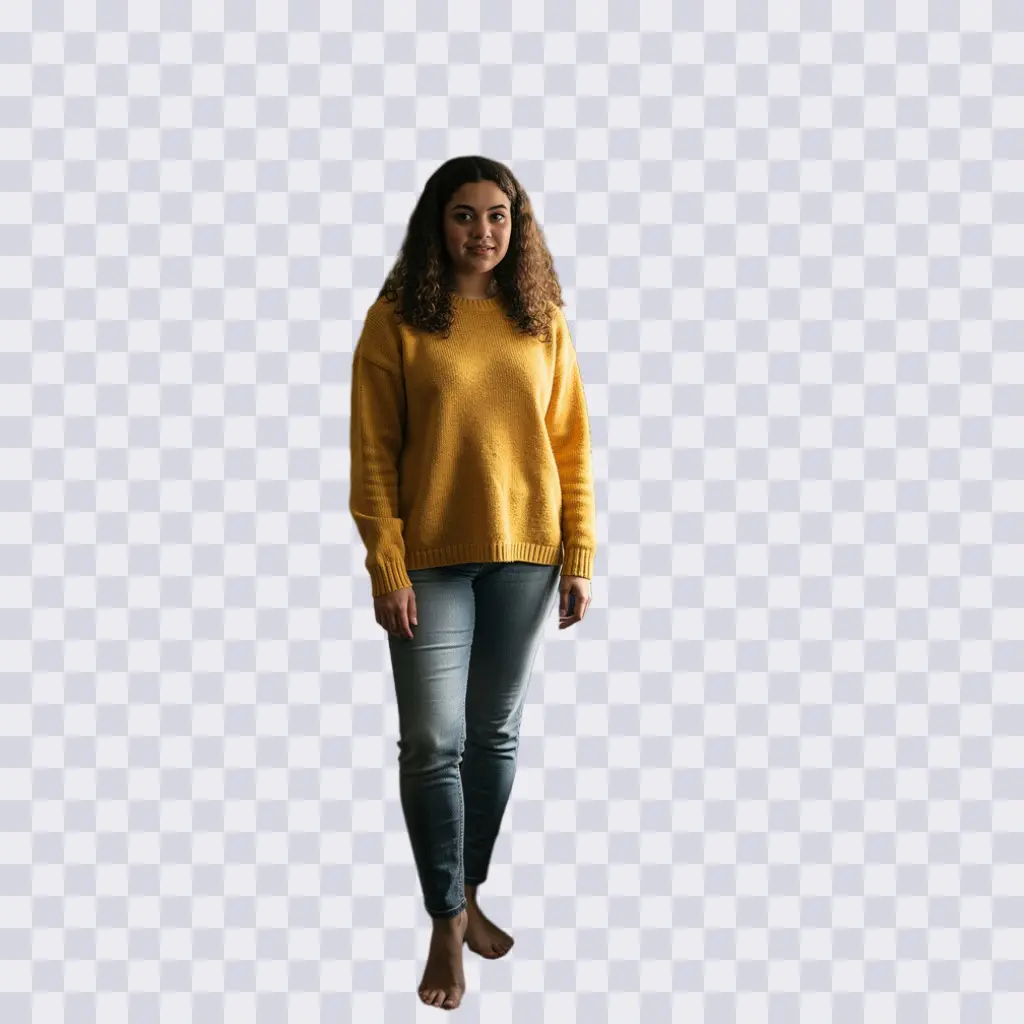
Automatically removes the background and outputs a transparent PNG. One click, no edge selecting.

Swap the background for anything else — describe it in your own words or pick a ready style. The person stays unchanged.
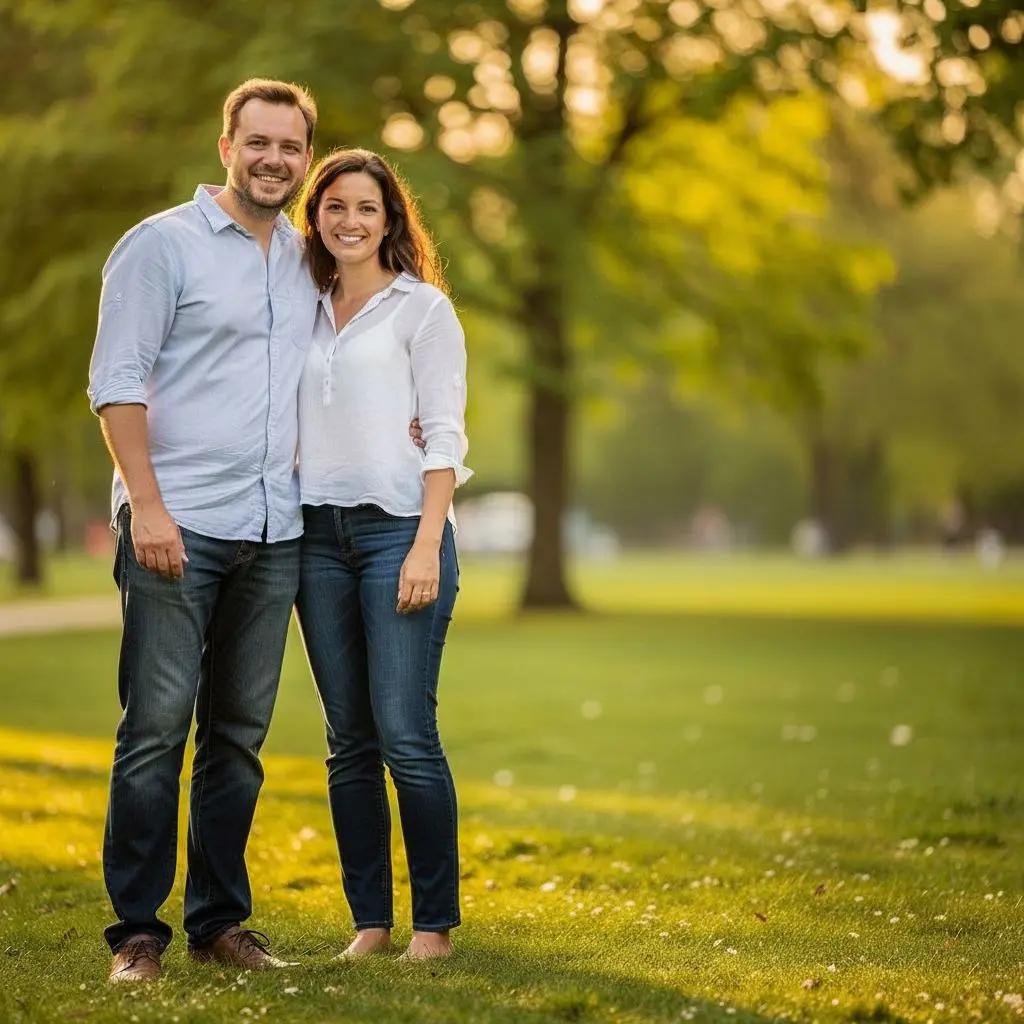
Add new elements or remove unwanted objects from a photo — a passer-by, a bin, a cable.

Mark the spots you want to change on the photo and describe each one separately. The rest of the image stays untouched.
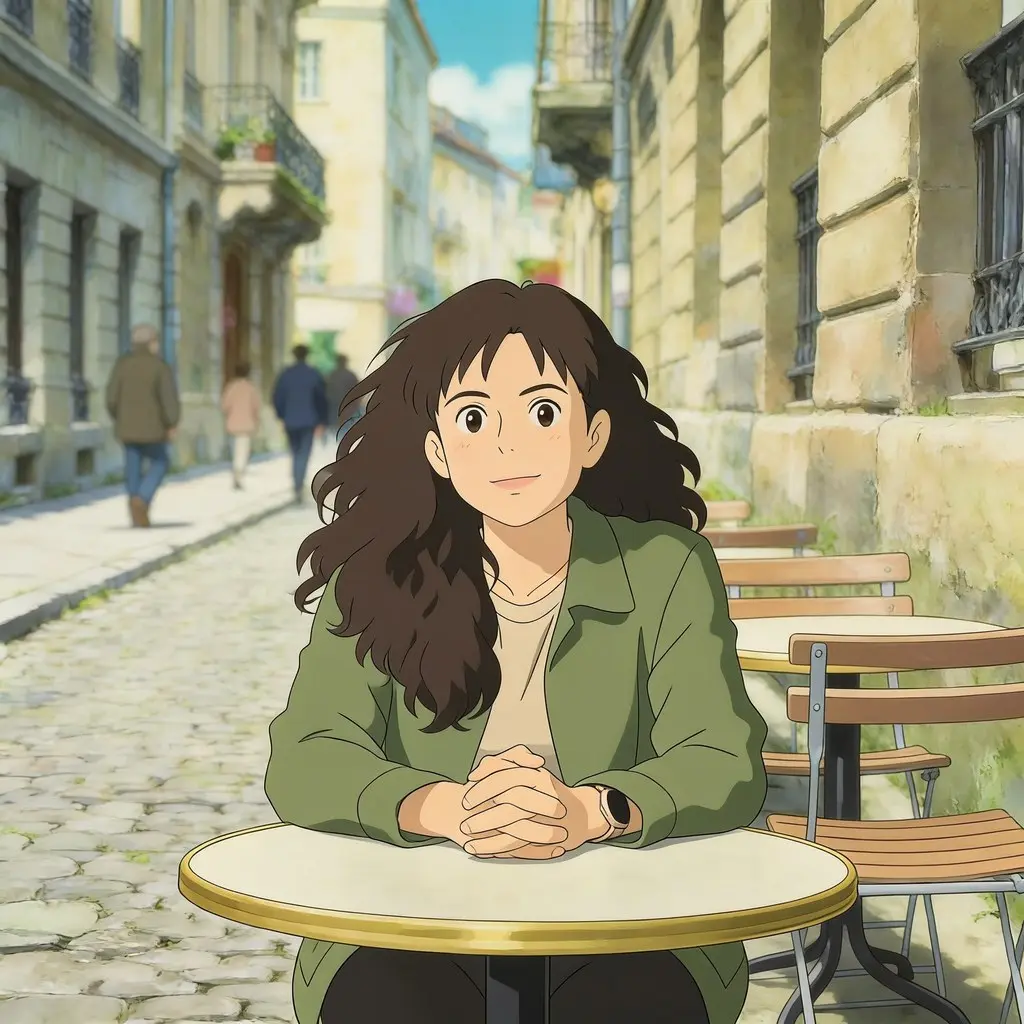
Turn a photo into an art style — Ghibli, Pixar, comic, manga, caricature, Lego — 19 ready styles.

Step into a pro studio — pick a photoshoot style from over 870 ready scenes. Your face stays yours.
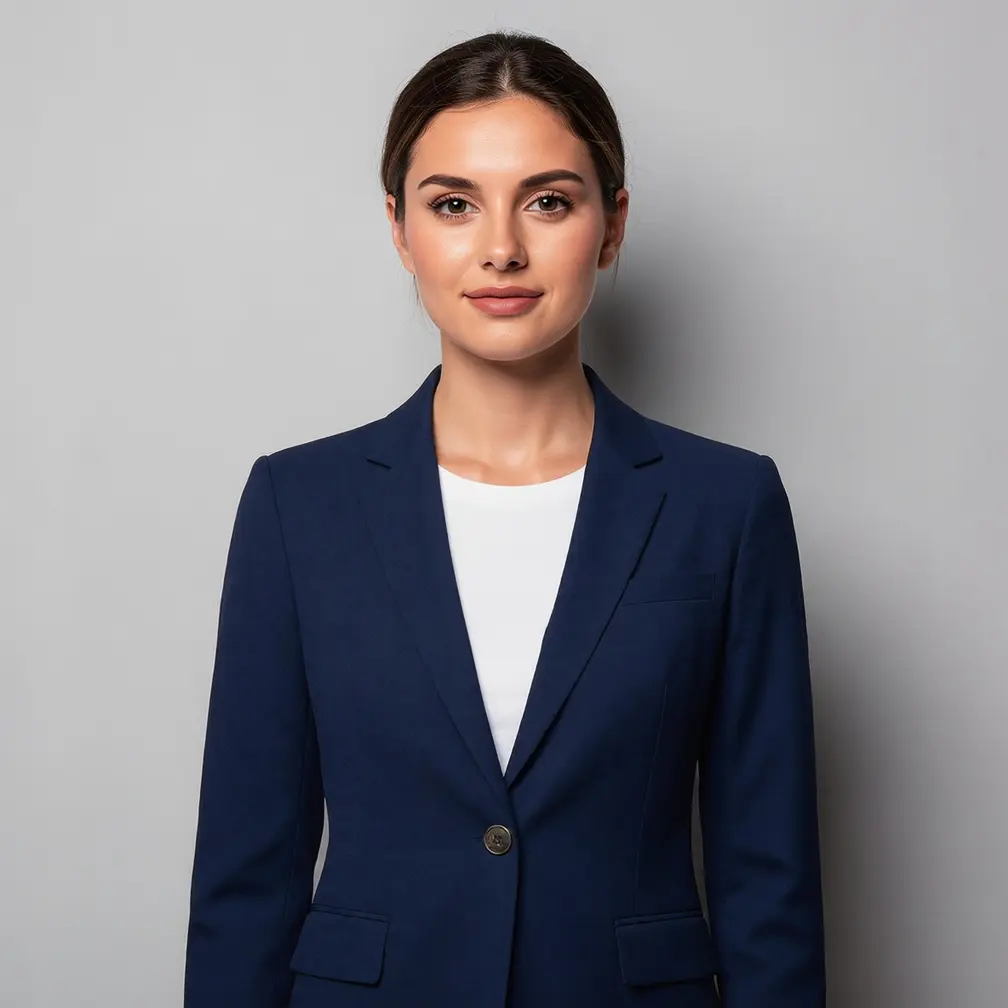
Try clothes on virtually — build a look from the wardrobe or upload a photo of your own garment.
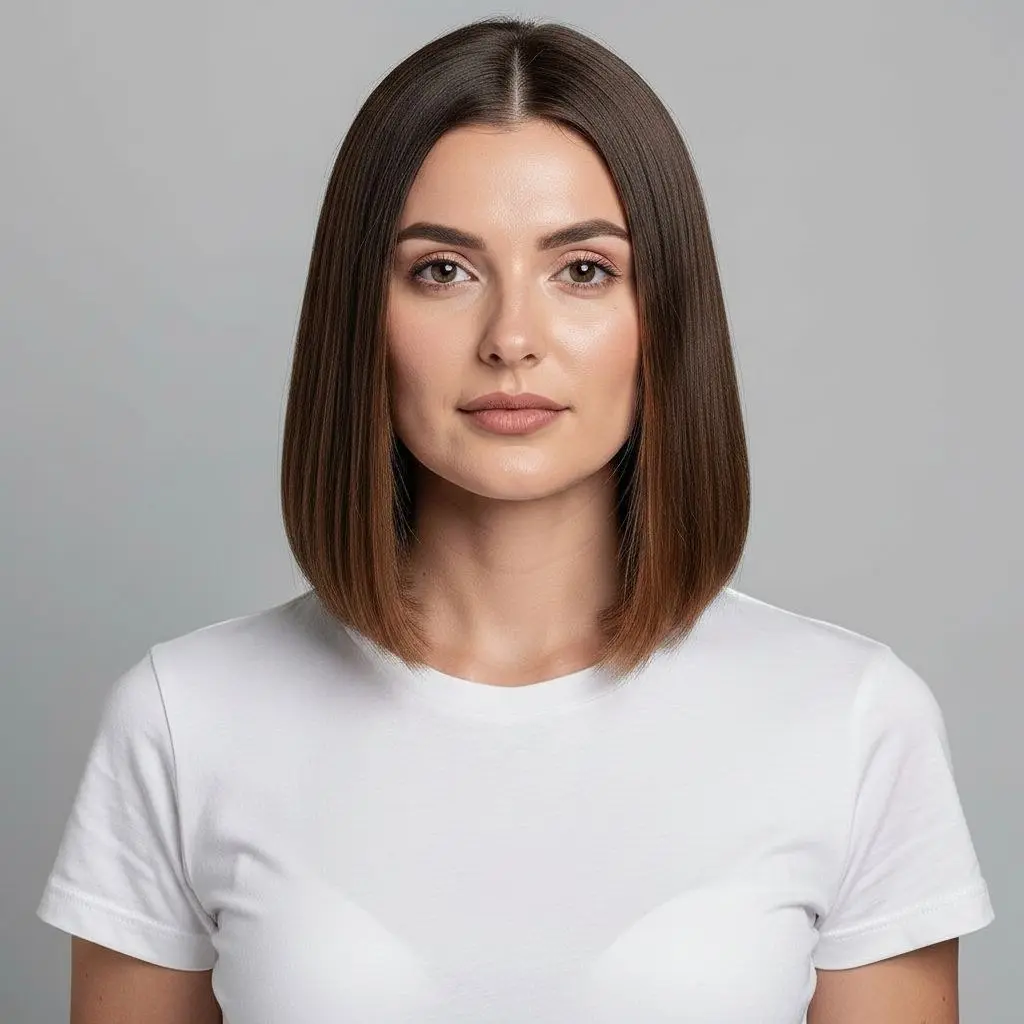
Try a new hairstyle and hair color without a salon visit. Over 200 cuts for women and men.

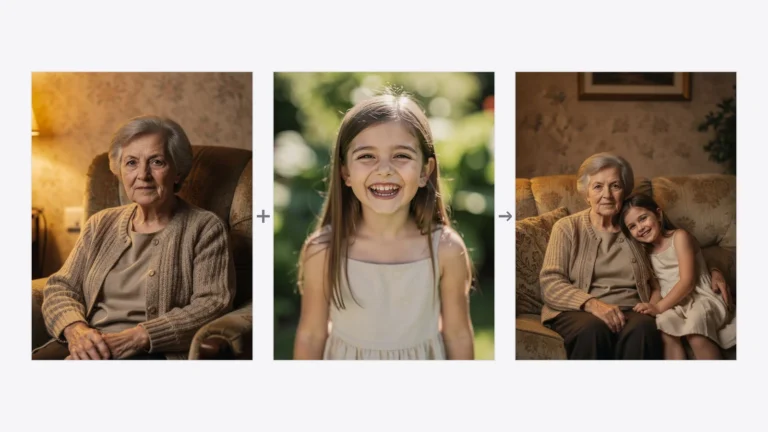
Combine two photos into one picture — even two people who were never photographed together. Light and perspective are matched.
Turn a photo into a short video animation — a smile, a hug, a dance or snow. 34 ready effects.
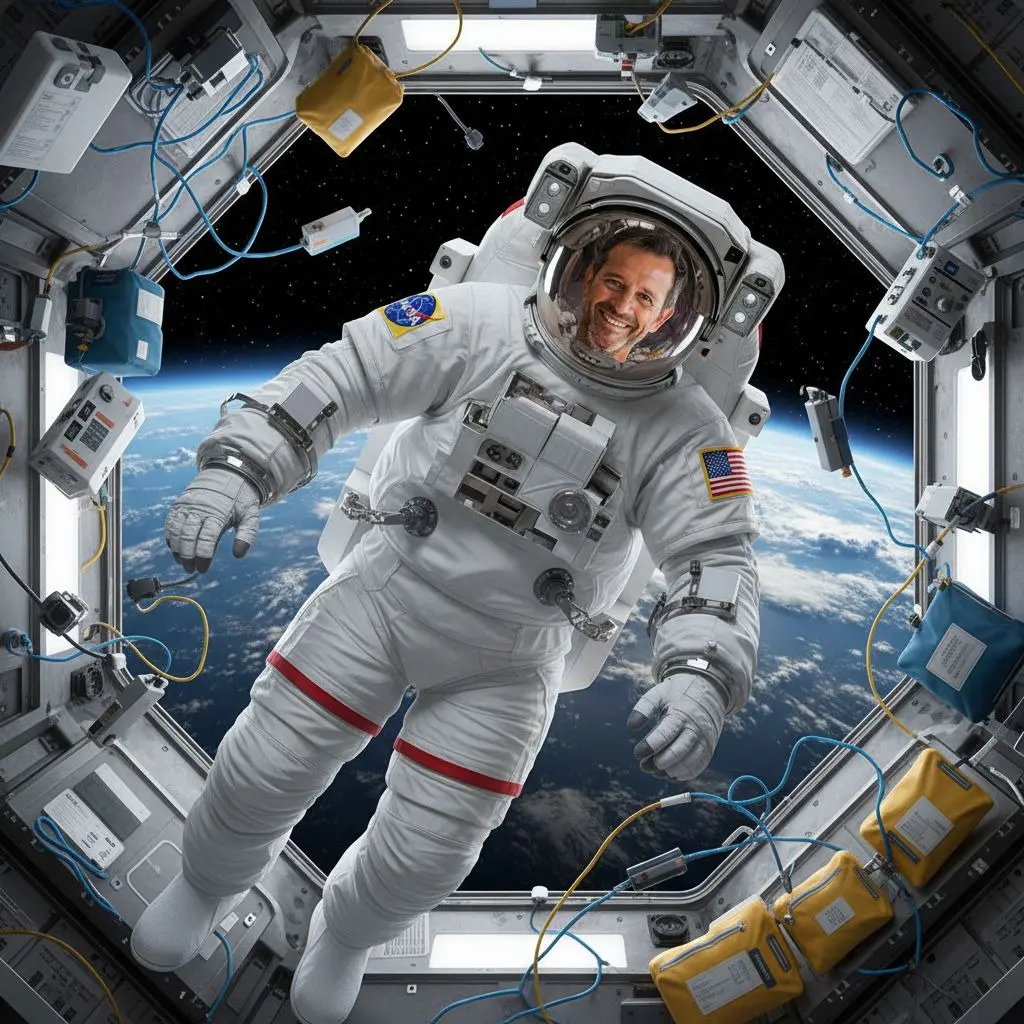
Describe any change you want to make to the photo — like chatting with ChatGPT, only straight onto the image.

Crop, rotate or flip the photo — all in the browser, using no credits.
You don't have to choose up front — upload one photo and switch tools until the result is what you want. Registration takes 20 seconds and you get starter credits right away.
Creases, tears, faded colors, a scratched scan. Drop in a photo of your grandmother and seconds later you have a version you can hang on the wall.
Original
RestoredA LinkedIn business shot, a wedding, autumn, mountain or holiday session. Pick a scene from the list — AI does the rest, and your face stays yours.


A bob, bangs, blond, a beard, a new blazer or a wedding dress. You check it on your own photo, not a catalogue model — then you go to the salon or the fitting room.


Thumbnails come from the hairstyle and wardrobe library in the app.
It isn't always about the whole photo. You draw a box with your finger, type “swap the sign for a wooden one”, mark a second and type “remove the stain”. The rest of the frame stays untouched.
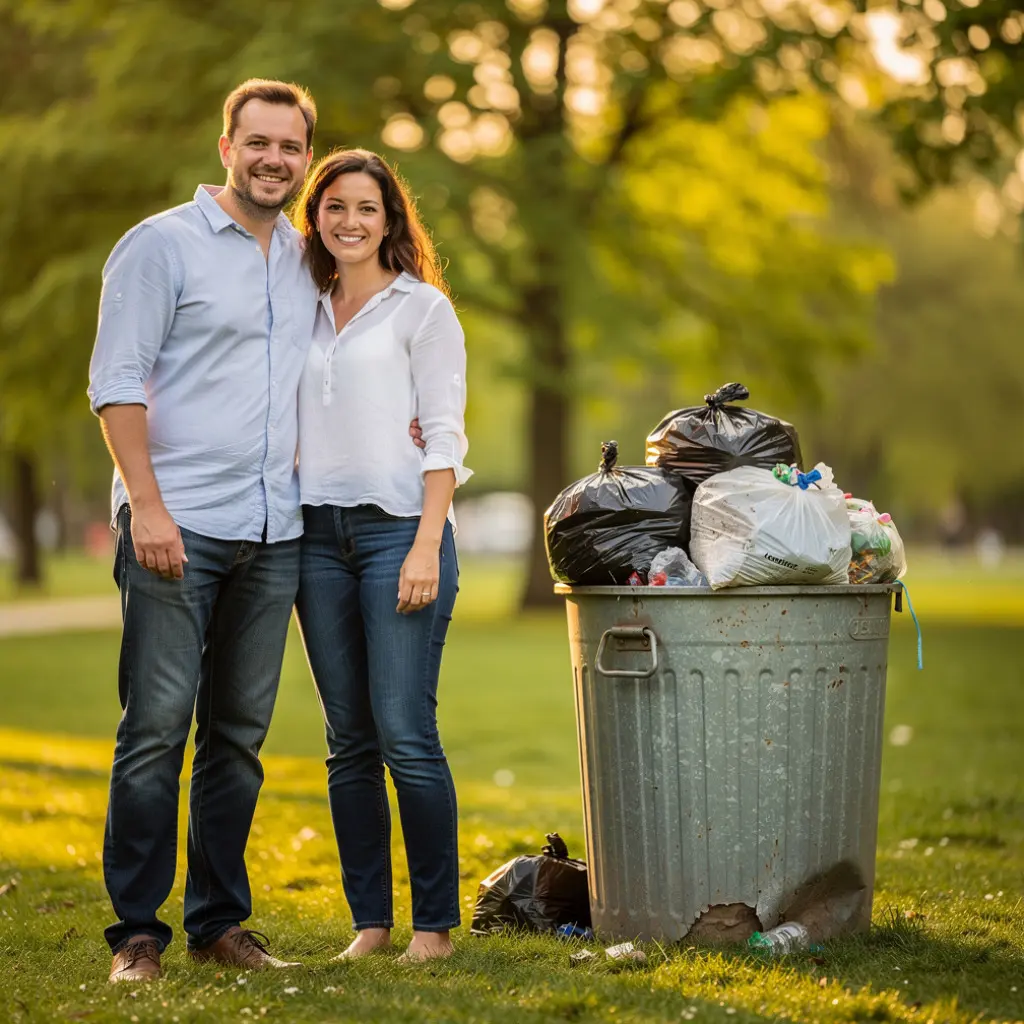 Marked
After the edit
Marked
After the editNo install, no layers and no learning curve. The whole thing takes under a minute.
Straight from your phone or computer. A scan of an old photo works too — even crooked and creased.
Tap one of thirteen icons on the bottom bar and set what should change. Describe it in your own words.
A few seconds and it is done. Save the photo to disk or keep working on it with another tool.
Upload any photo and tap “Restore photo”. It is the most-used tool in PixiFixi and shows best what AI can do.
Most tools have three quality levels. You pick at each edit — you only pay for what you actually need.
A fast result for the web and social media. Plenty for most uses.
A stronger model and higher resolution. Keeps face detail and fine elements better.
The highest resolution — for print, large formats and photos meant for the wall.
Like a specific Standard result? Don’t regenerate it — download it in high quality from your history (2 credits, four times the resolution).
Buy credits once and spend them whenever — they don’t expire and there’s no monthly fee. You get a free starter pool.
Card, PayPal, Google Pay and Apple Pay. Business invoice on request.
“The interface feels clean and super easy to navigate. The editing worked well, and I especially love that you don’t force people into a monthly subscription — the pay-as-you-go credit model is a breath of fresh air.”

“Your app is really great and you did an amazing job creating it. I’ve tested plenty of apps already and yours is very user friendly and clear to use.”

“Your work is magnificent! And the result I got was even better than the expected. The interface was intuitive and easy to use too. … I would certainly recommend this app to my friends and colleagues.”

Reviews sent in by people who use PixiFixi, shortened for length. Names and portraits are stand-ins, for privacy.
You upload family photos, so we take them seriously. They don’t go into any gallery, they’re not used to train models, and you can delete them anytime.
Photos and results are available only from your account.
You can also enable auto-deletion after 7, 30 or 90 days.
We don’t sell them or share them onward.
Yes — you get a free pool of starter credits and can test the tools without a card. When they run out you buy a pack — the smallest is $2.99 for 10 credits. There’s no subscription, and bought credits don’t expire.
No. PixiFixi runs in your browser on computer and phone. You can also add the app to your phone’s home screen — then it behaves like a normal app but still takes no storage.
You can just write naturally — “change the background to an autumn park”, “remove the bin on the right”. It’s handled for you in the background.
Usually a few seconds. The exceptions are animations (from tens of seconds to a few minutes, since it’s a video) and precise edit, which needs about a minute to work the marked zones carefully.
You can try again — each run gives a slightly different result. If an edit fails due to an error on our side, credits return to your account automatically, no need to report anything.
Yes. At checkout you mark that you’re buying as a company and enter your VAT number — we validate it right away. The invoice arrives by email once the payment is settled.
How to get the most out of each tool, with before and after examples.
The viral 1980s AI photo trend, explained — why most results come out as synthwave instead of the 1980s, what…
Read moreYes, ChatGPT can merge two photos - but not reliably keep the faces. The prompts that work, the three ways…
Read moreMark the spots you want changed and describe each one separately. The rest of the photo stays untouched. Up to…
Read moreUpload it and see the result before you decide on anything. The first edits are free, no card needed.
Upload a photo freeRegistration takes 20 seconds · No subscription · Delete photos anytime