Creative ideas
Dress someone as an astronaut, add wings, change the season — anything.


No ready tool for what you want to do? Describe the change in your own words — like chatting with ChatGPT, only straight onto the image. Whatever comes to mind.

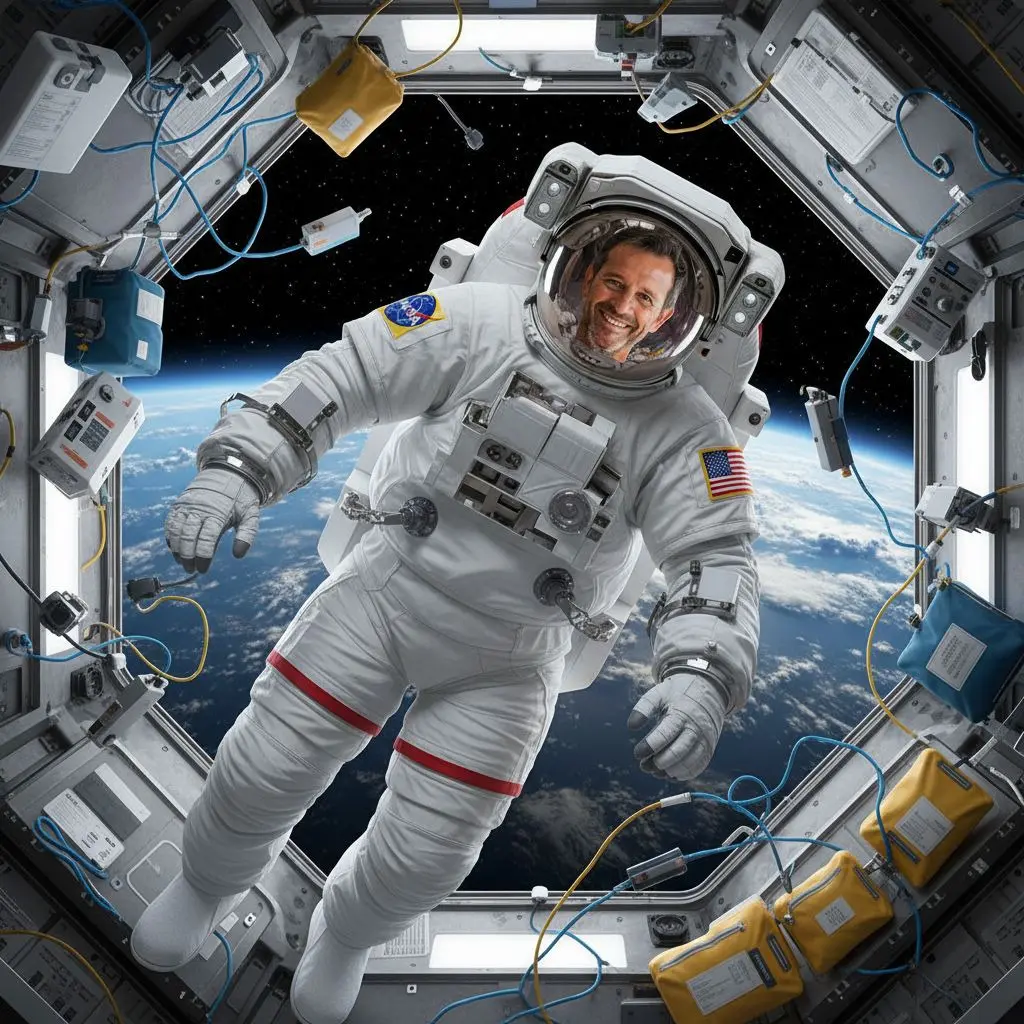
When your idea doesn’t fit any of the ready tools.
Dress someone as an astronaut, add wings, change the season — anything.
Describe more than one fix in a single sentence.
You don’t pick from a list — you write exactly what you mean.
Write naturally; it’s handled for you in the background.
Examples from PixiFixi.
Any photo you want to change something in.
A plain sentence — like chatting with ChatGPT.
A few seconds and you see your description on the image.
Three quality tiers.
| Quality | Resolution | Cost | For |
|---|---|---|---|
| Standard | basic | 1 credit | screen, social media |
| Pro | 2K | 4 credits | print, portrait |
| Ultra | 4K | 8 credits | large print, wall |
| HQ download | 4× larger | 2 credits | when Standard already fits |
Step-by-step guide: how to edit photos by describing the change
Almost any change — from creative ideas to fixes. The more specific you are, the better the result.
Your own. Translation for the model happens in the background.
Yes — you can include more than one fix in a single description.
Custom changes the whole photo by your sentence; precise editing lets you mark specific zones and leave the rest.
From 1 credit (Standard). Pro and Ultra give higher resolution.
No. PixiFixi runs in the browser — open the page, upload a photo, download the result. There is nothing to install and nothing takes up space on your device.
Yes. Everything works the same on a phone as on a computer — upload straight from your gallery or take the photo right there. You can also add the app to your phone’s home screen.
JPG, PNG, HEIC from an iPhone and TIFF. A photo straight from your phone is fine — it is resized automatically before upload, so there is nothing to convert or compress yourself.
Only you can see them. They never appear in any gallery, are not used to train models and are not shared with anyone. You can delete them at any time, or switch on automatic deletion after 7, 30 or 90 days.
When you want to change only marked areas, not the whole image.
A simple add or remove of a single element.
Ready art styles instead of describing in words.
Upload a photo and write what to change. The first edits are free.
Describe a change freeNo card · Any change