Product photos
White or transparent background for your shop or marketplace — consistent, no studio.


One click and the background is gone — you get a transparent PNG ready to drop anywhere: a product for your shop, an avatar, a graphic or a new background. No manual edge selecting.

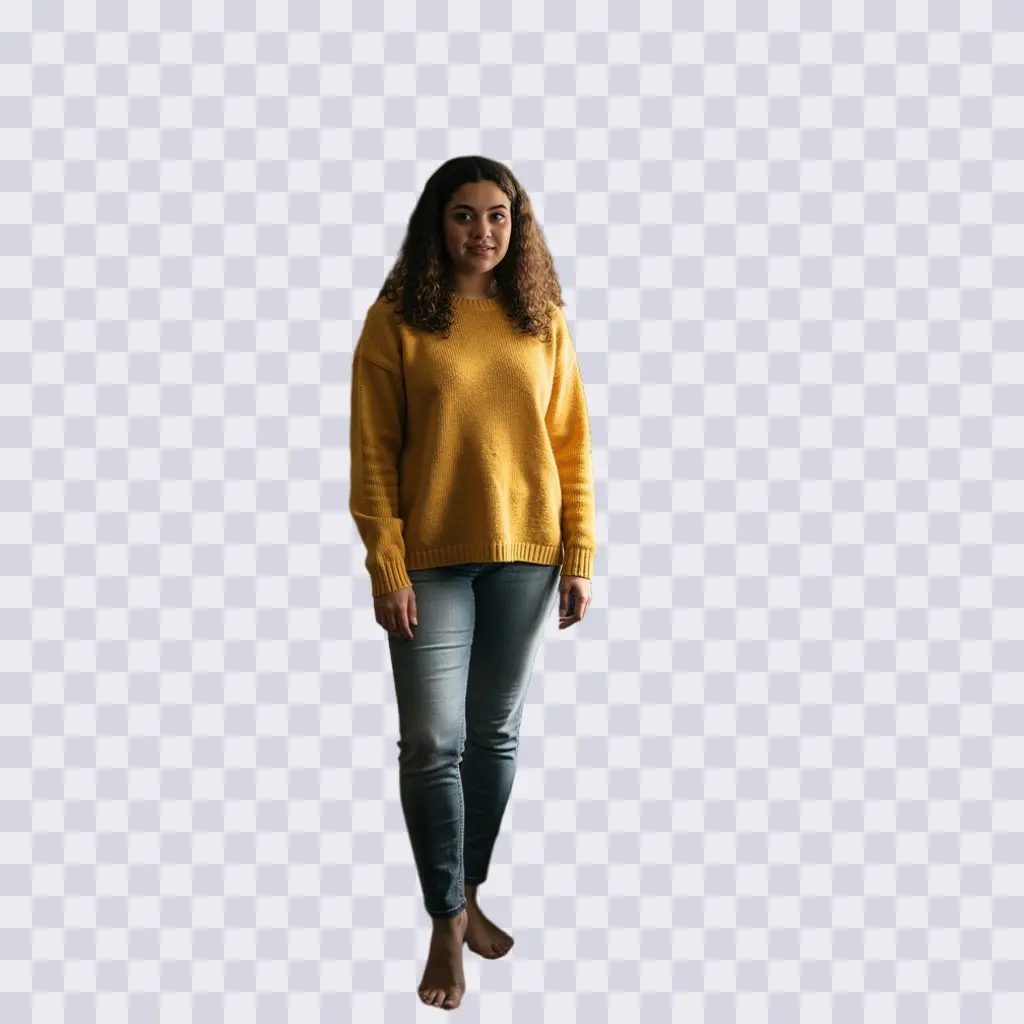
One tool, many uses — and the result is ready for the next step.
White or transparent background for your shop or marketplace — consistent, no studio.
Cut out the subject and drop it on a banner, thumbnail or slide.
Remove the background first, then add any new one with “Change background”.
Handles hair and fine detail — transparency is written to the alpha channel, no halo.
The result sits on a checkerboard — meaning the background is truly transparent.
Person, product, pet — whatever you want to cut out.
No settings — the tool detects the subject itself.
A transparent file ready to paste anywhere.
Flat price, a single quality tier.
| Quality | Resolution | Cost | For |
|---|---|---|---|
| Single tier | optimised | 1 credit | transparent PNG, finished file |
| HQ download | 4× larger | 2 credits | print the finished photo |
Step-by-step guide: how to remove a background, step by step
A transparent PNG — the background is really removed, so you can paste the subject on any new background.
Yes, it handles hair and fine detail well. For very tangled strands, check the result zoomed in.
A flat 1 credit per image. You get free starter credits.
Yes. After removal use “Change background” and describe the new scene in your own words.
Yes — that’s the most common use: white or transparent background for an online shop.
No. PixiFixi runs in the browser — open the page, upload a photo, download the result. There is nothing to install and nothing takes up space on your device.
Yes. Everything works the same on a phone as on a computer — upload straight from your gallery or take the photo right there. You can also add the app to your phone’s home screen.
Only you can see them. They never appear in any gallery, are not used to train models and are not shared with anyone. You can delete them at any time, or switch on automatic deletion after 7, 30 or 90 days.
After cutting out, drop in any new background — described or from a style.
A whole professional scene around you, not just a background.
Remove a single unwanted element instead of the whole background.
Upload a photo and download a transparent PNG. The first edits are free.
Remove background freeNo card · Flat 1 credit