Animated
Ghibli, Disney, Pixar — a warm, animated version of your photo.


Turn an ordinary photo into an art style — Ghibli, Pixar, comic, manga, caricature or Lego. Your face stays recognisable, the whole look changes.

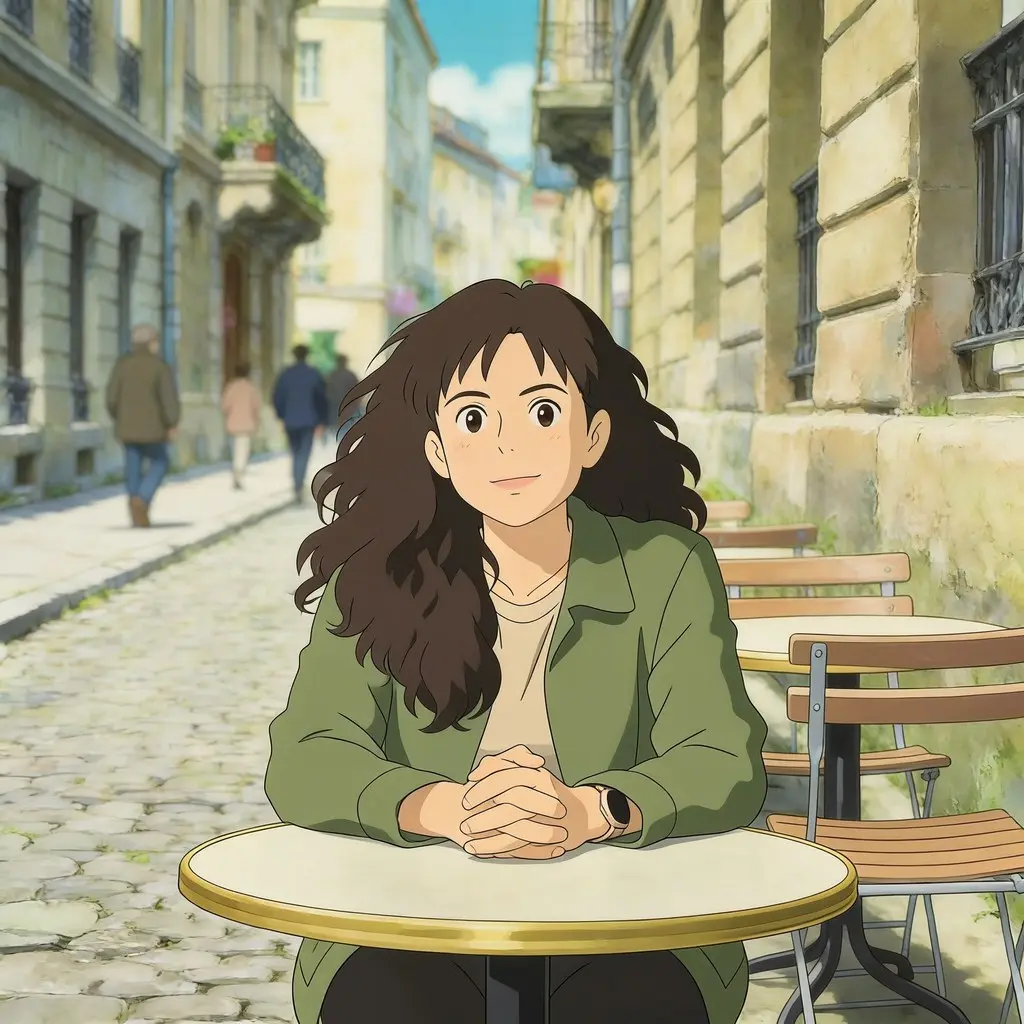
Pick a style from the list — AI does the rest.
Ghibli, Disney, Pixar — a warm, animated version of your photo.
Comic, manga, caricature — bold lines and character.
Lego, Simpsons, Rick & Morty and other pop-culture looks.
The style changes, but your face stays recognisable.
An example from PixiFixi.
A portrait or any photo you want to stylise.
Ghibli, Pixar, comic, manga, Lego… — click one from the list.
A few seconds and it’s done. For print, download the HQ version.
Three quality tiers.
| Quality | Resolution | Cost | For |
|---|---|---|---|
| Standard | basic | 1 credit | screen, social media |
| Pro | 2K | 4 credits | print, portrait |
| Ultra | 4K | 8 credits | large print, wall |
| HQ download | 4× larger | 2 credits | when Standard already fits |
Step-by-step guide: how to turn a photo into a drawing
Yes — the style changes the line and colors but keeps enough of the features to recognize the person.
Over 20: Ghibli, Disney, Pixar, Lego, Simpsons, comic, manga, caricature and more.
Yes, that’s a popular use — a stylised portrait as an avatar or a print.
Click a ready style from the list — you don’t type anything.
Standard for the web, Pro (2K) and Ultra (4K) for print.
No. PixiFixi runs in the browser — open the page, upload a photo, download the result. There is nothing to install and nothing takes up space on your device.
Yes. Everything works the same on a phone as on a computer — upload straight from your gallery or take the photo right there. You can also add the app to your phone’s home screen.
JPG, PNG, HEIC from an iPhone and TIFF. A photo straight from your phone is fine — it is resized automatically before upload, so there is nothing to convert or compress yourself.
Only you can see them. They never appear in any gallery, are not used to train models and are not shared with anyone. You can delete them at any time, or switch on automatic deletion after 7, 30 or 90 days.
A realistic photoshoot instead of an art style.
Change just the background instead of the whole line.
Describe your own effect if no ready style fits.
Upload a photo, pick a style and download it. The first edits are free.
Change style freeNo card · 19 ready styles