A whole look
Top, bottom, outerwear, hat and shoes — build a set from the wardrobe.


Try clothes on virtually on your own photo, not a catalogue model. Build a whole look from the wardrobe — top, bottom, outerwear, hat, shoes — or upload a photo of your own garment.

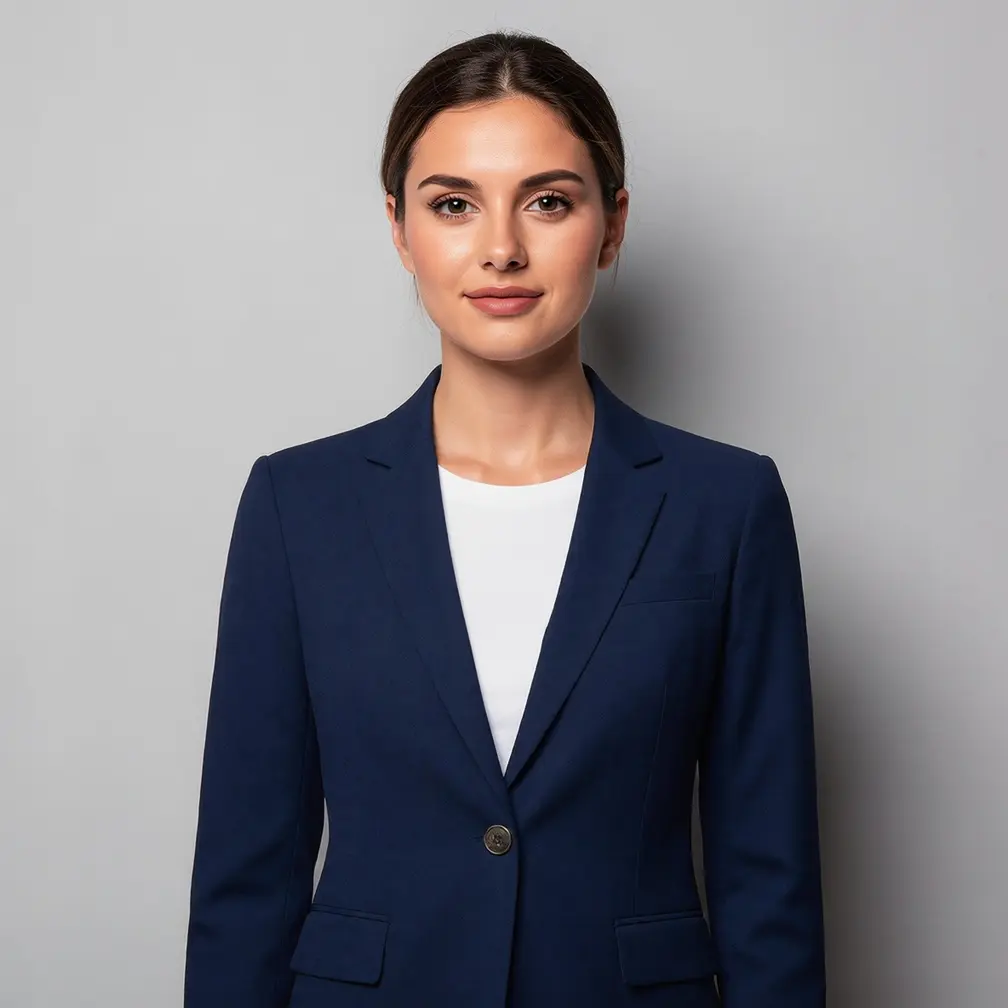
A whole look or a single item — on your own photo.
Top, bottom, outerwear, hat and shoes — build a set from the wardrobe.
Upload a photo of a garment from a shop and check it on yourself.
See how a blazer or dress sits before you spend a penny.
Face, pose and background stay — only the clothing changes.
Examples from PixiFixi — clothing put on a real person, not a catalogue model.
Ideally one where your figure is visible from the head down.
Pick items from the wardrobe or upload a photo of your own garment.
A few seconds and you see yourself in the new outfit.
Flat price, a single quality tier.
| Quality | Resolution | Cost | For |
|---|---|---|---|
| Single tier | optimised | 1 credit | one look try-on |
| HQ download | 4× larger | 2 credits | print the finished photo |
Step-by-step guide: how to change clothes in a photo
Yes — upload a photo of a garment (e.g. from a shop) and try it on your photo. You can also build a look from the ready wardrobe.
A top (shirt, blazer) works even on a portrait. Trousers or shoes need a visible figure.
No — only the clothing changes, the face and pose stay.
A flat 1 credit per look try-on. You get free starter credits.
Yes — instead of picking from the wardrobe you can describe the outfit.
No. PixiFixi runs in the browser — open the page, upload a photo, download the result. There is nothing to install and nothing takes up space on your device.
Yes. Everything works the same on a phone as on a computer — upload straight from your gallery or take the photo right there. You can also add the app to your phone’s home screen.
JPG, PNG, HEIC from an iPhone and TIFF. A photo straight from your phone is fine — it is resized automatically before upload, so there is nothing to convert or compress yourself.
Only you can see them. They never appear in any gallery, are not used to train models and are not shared with anyone. You can delete them at any time, or switch on automatic deletion after 7, 30 or 90 days.
Match a hairstyle to the new look.
A whole photoshoot in the new outfit.
Change the whole photo’s style instead of the clothes.
Upload a photo, build a look and see yourself in it. The first edits are free.
Try it on freeNo card · Flat 1 credit