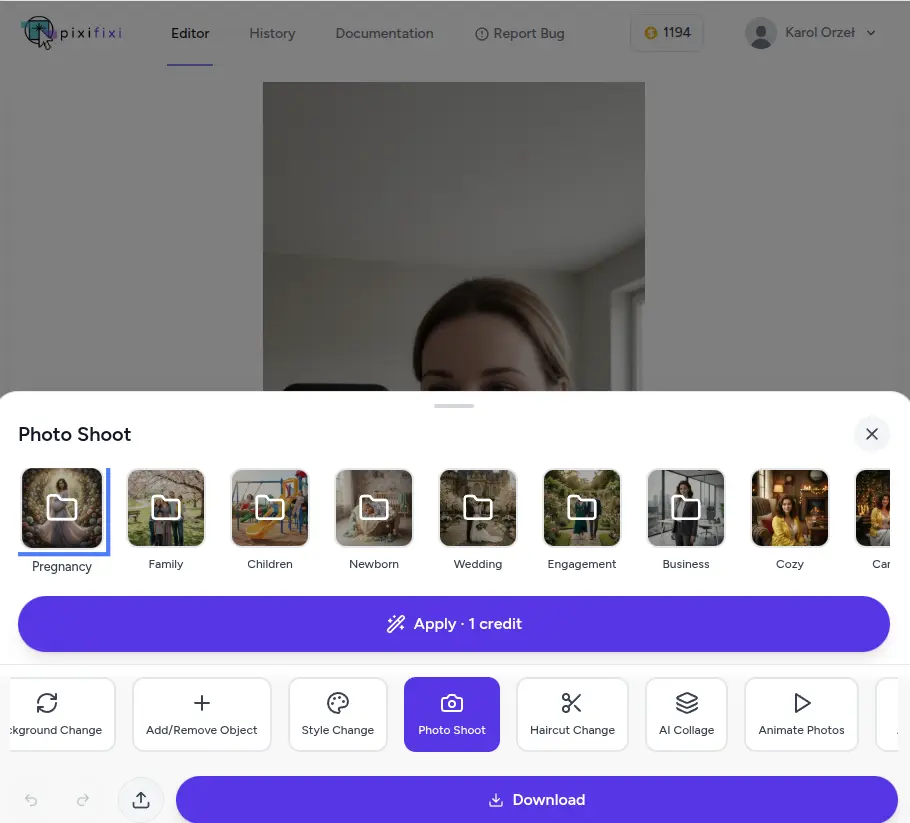
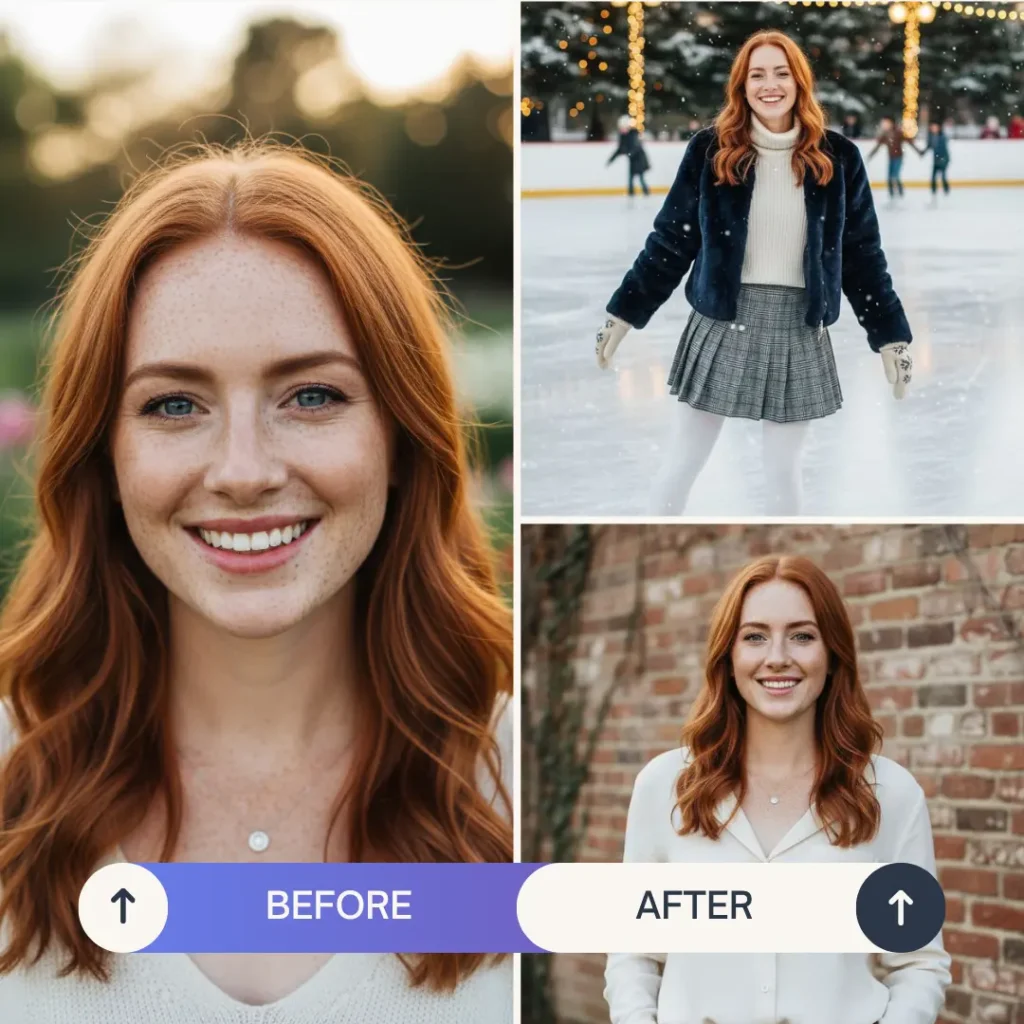
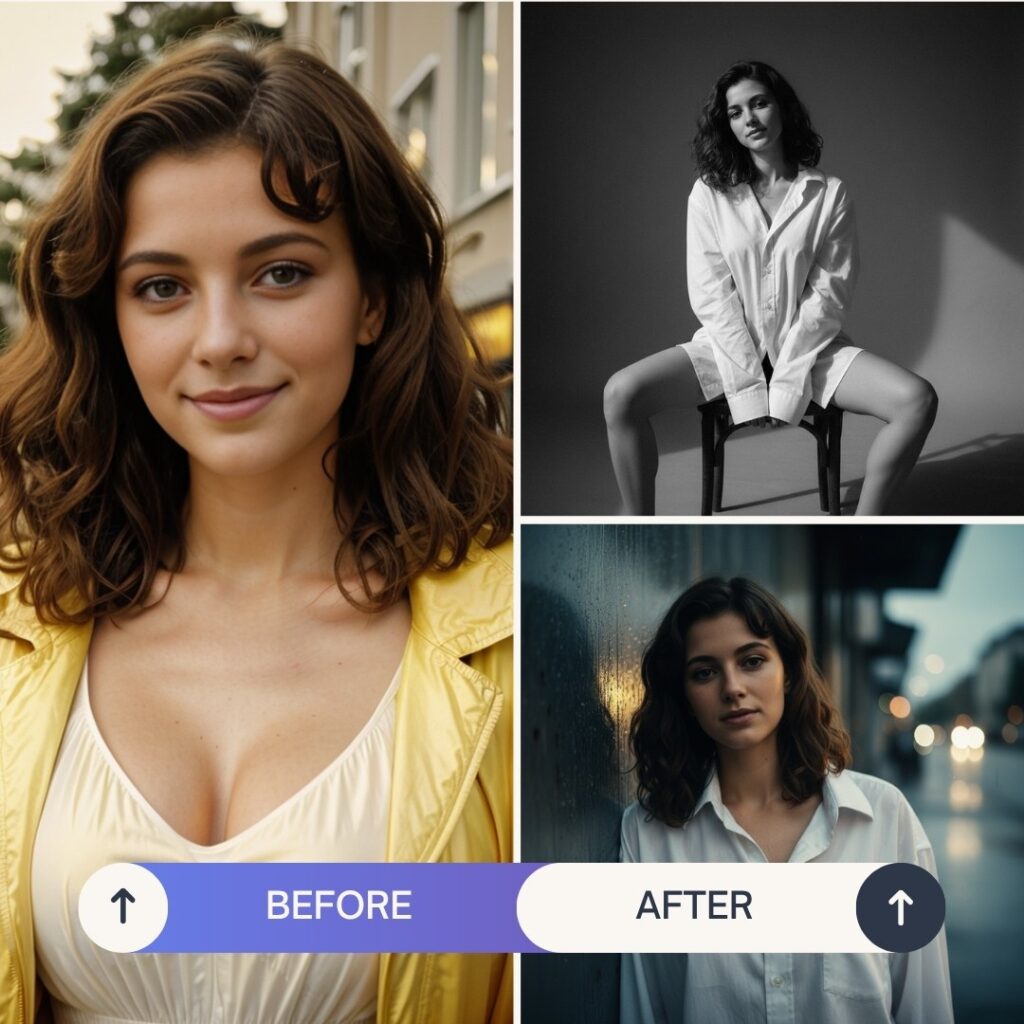
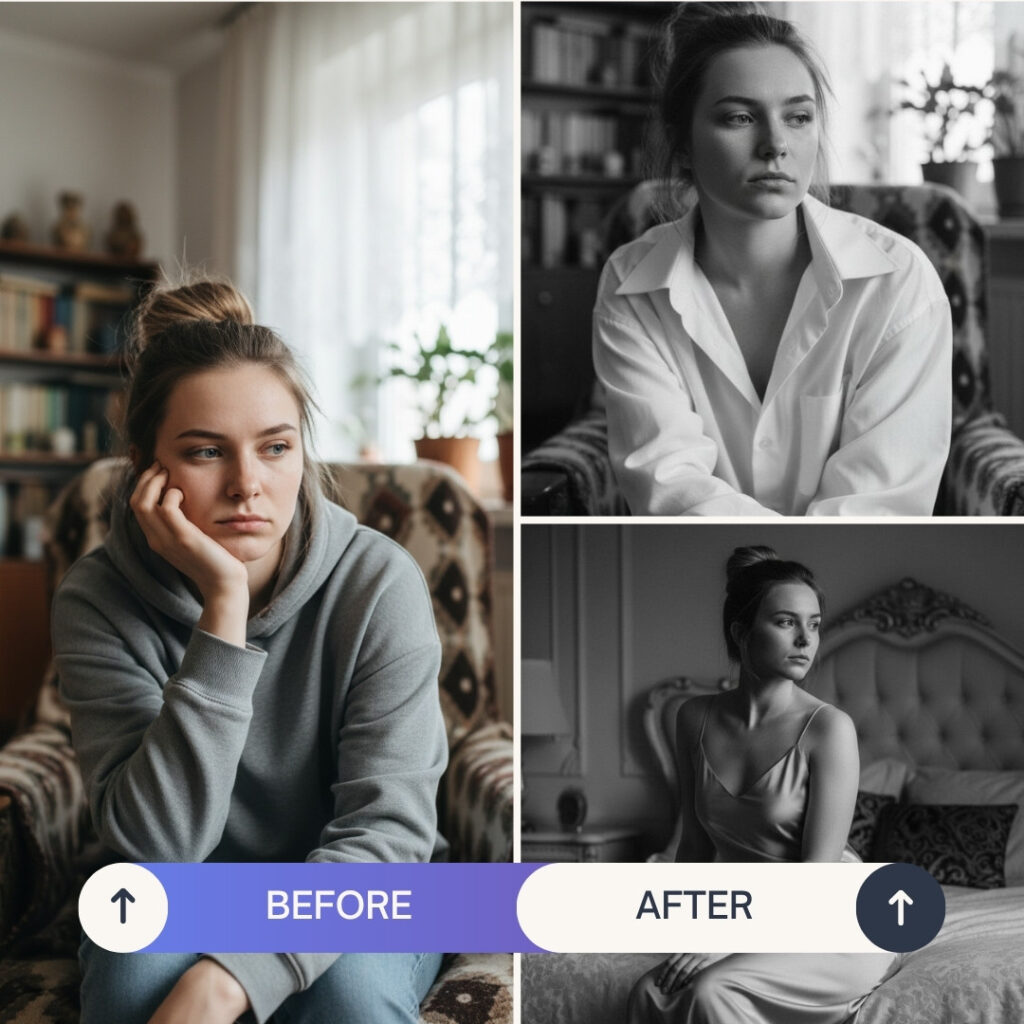
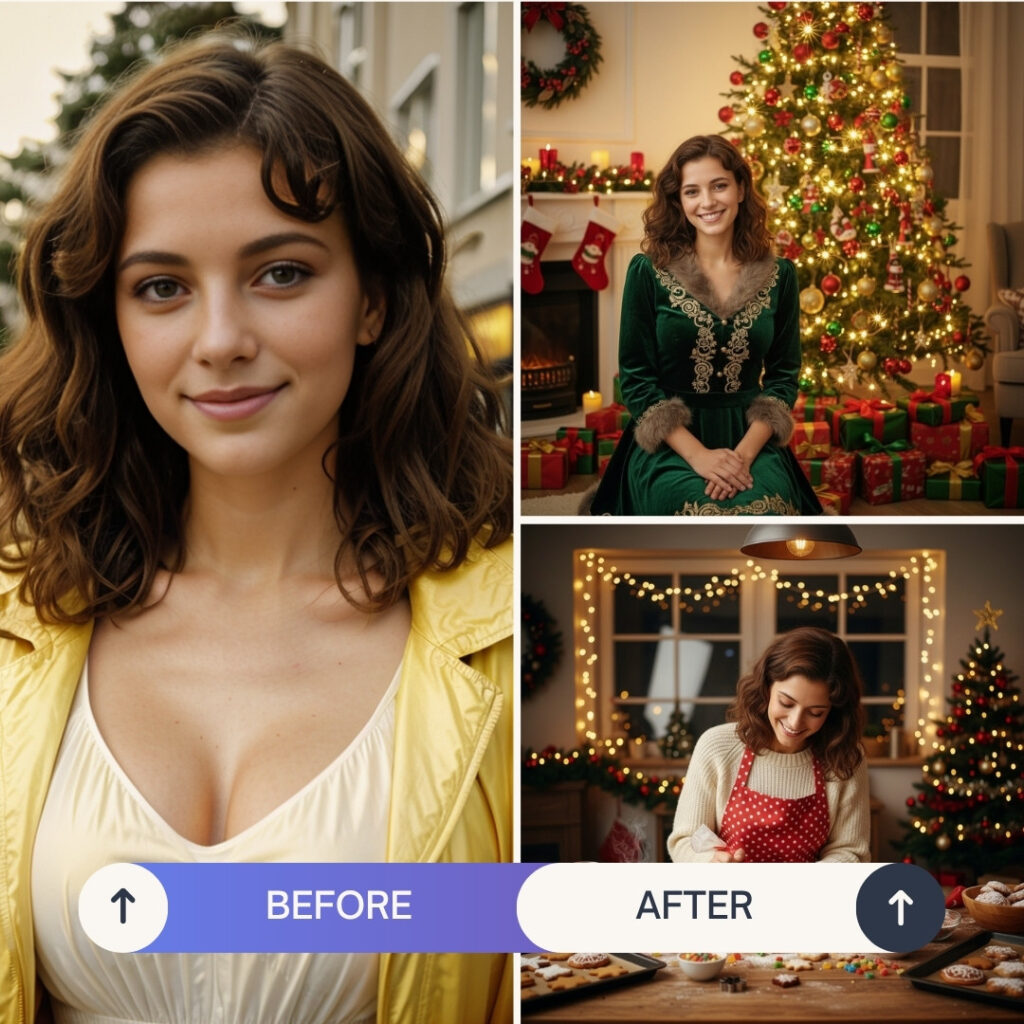
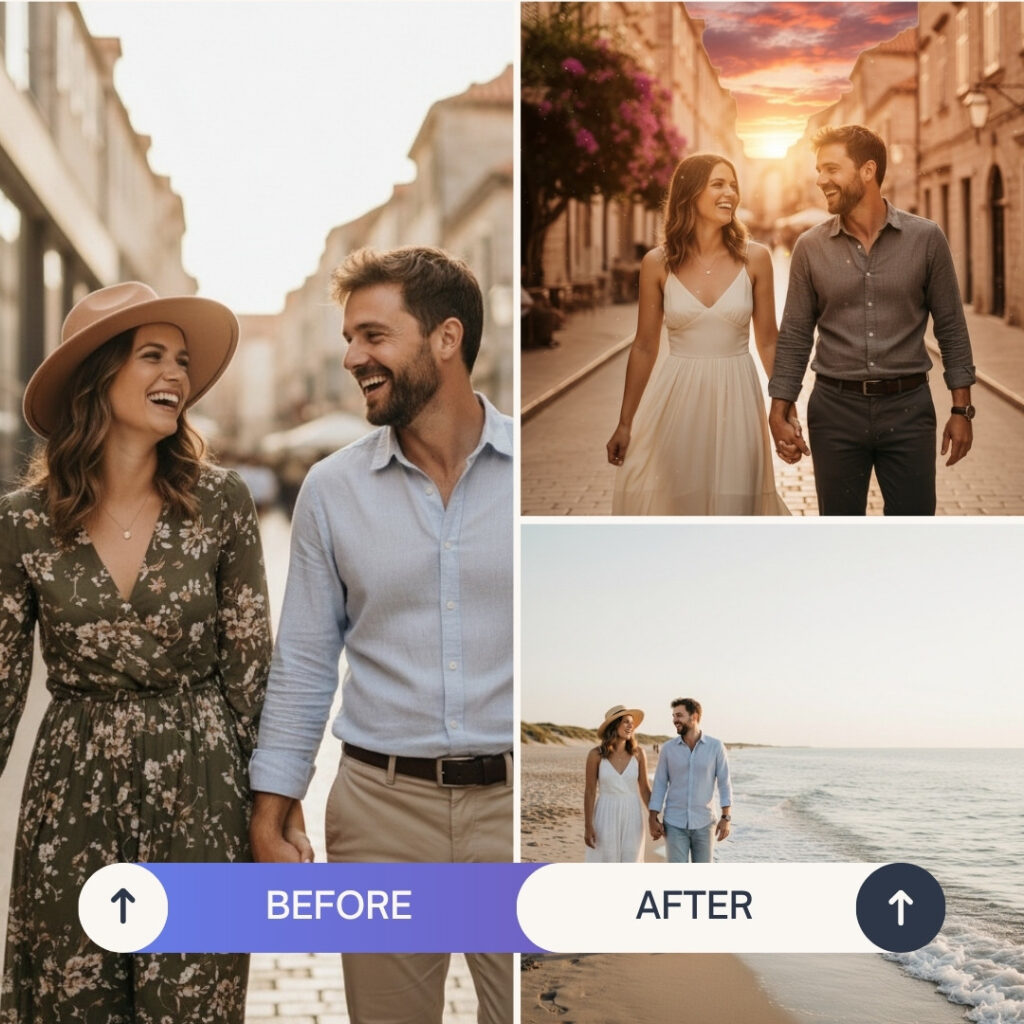
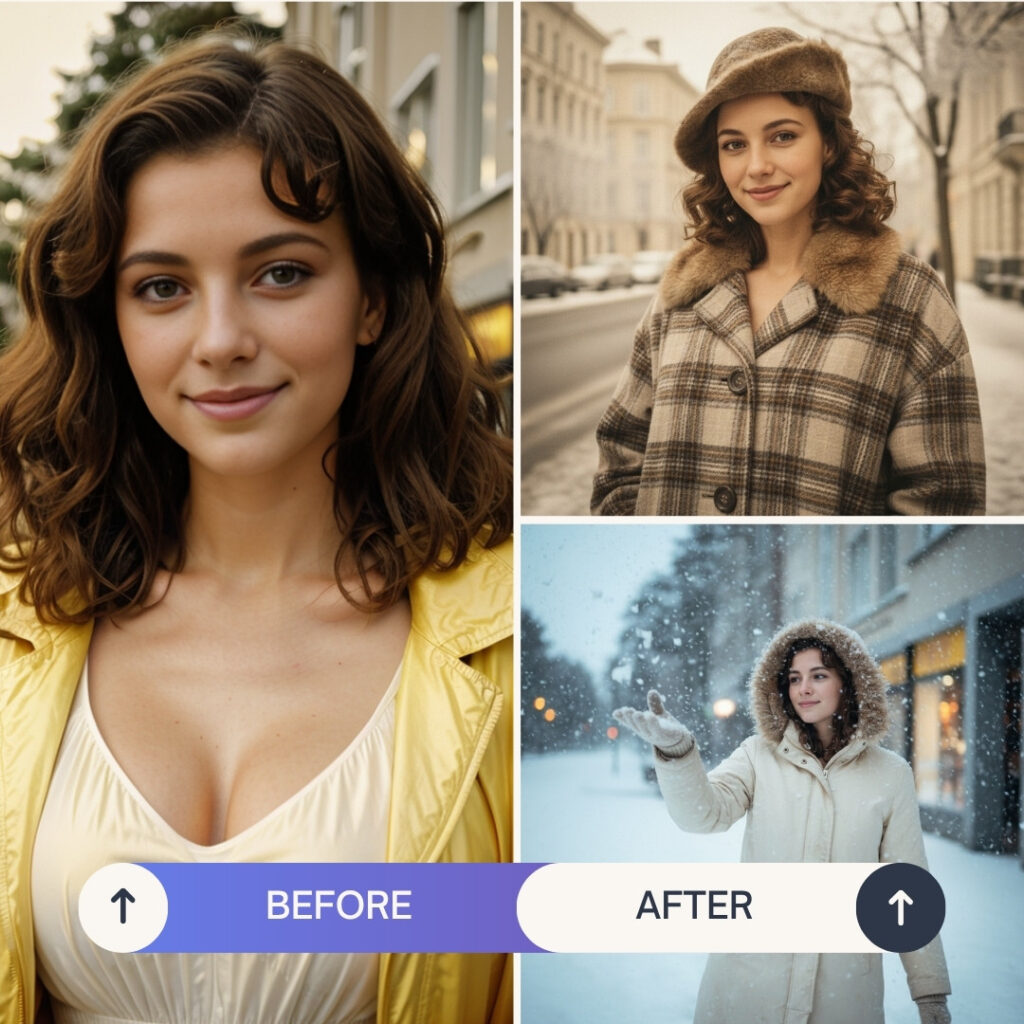
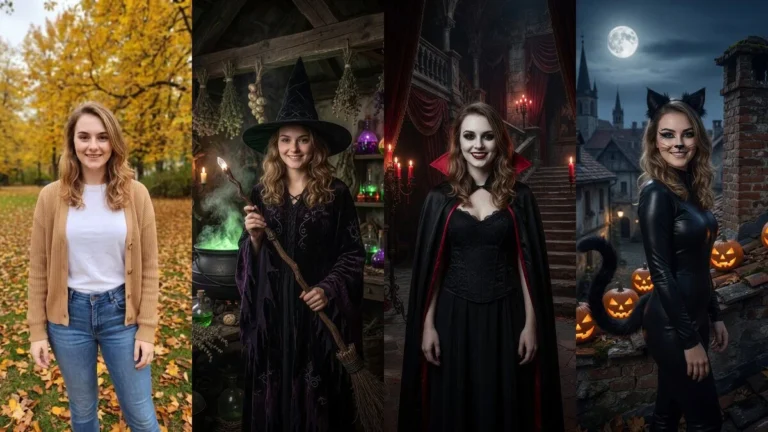
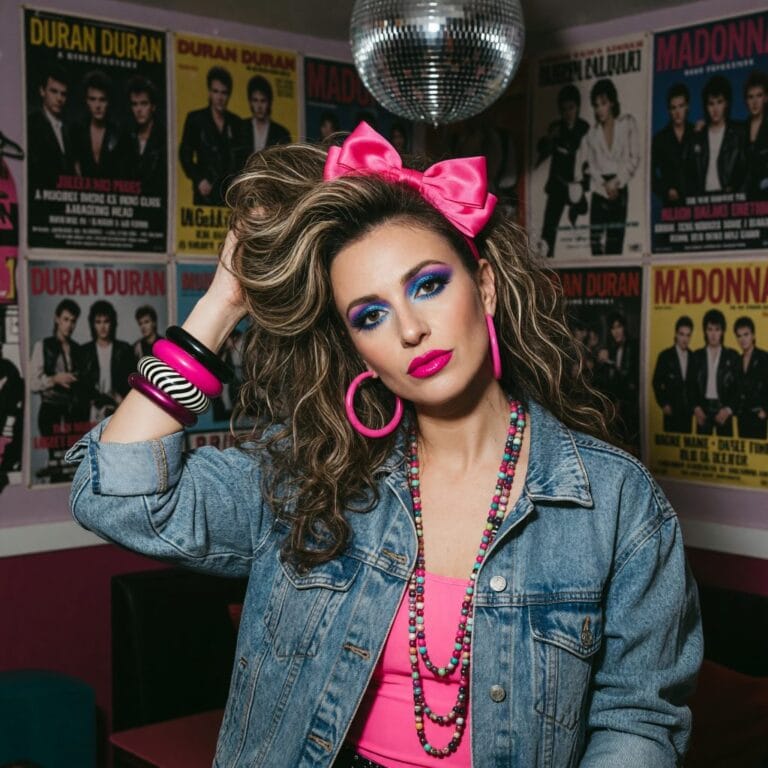
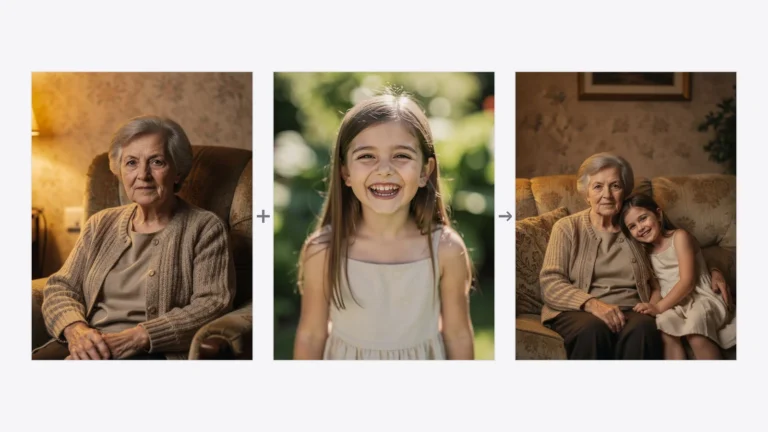
An AI photoshoot generator turns an ordinary photo into a professional-looking studio session — a business headshot, wedding, family, or fashion shot — in seconds, with no camera, studio, or photographer. In PixiFixi you upload one photo, pick from 800+ styles, and download the result; your first photoshoots are free.
This guide explains what the AI photoshoot does, how to use it step by step, the styles available, what it costs, and how it compares to a traditional studio session. To skip straight to it, open the AI photoshoot generator.
What is an AI photoshoot generator?
An AI photoshoot generator is a tool that gives your image the look and feel of a professional photoshoot. Powered by advanced image models, it relights the scene, restyles the background and outfit, and applies a professional grade — while preserving the face from your original photo. With a single click your picture can become an elegant business portrait, a romantic engagement session, or a fashion-style glamour shot.
The tool includes more than 200 professional photoshoot styles, grouped into categories:
Family & kids
Maternity — Outdoor, Maternity — Studio
Family — Outdoor, Family — Studio
Kids — Outdoor, Kids — Studio
Business sessions
Business — Formal
Business — Smart Casual
LinkedIn (perfect profile photos)
Romantic sessions
Wedding — Outdoor, Wedding — Studio
Engagement
Romantic
Artistic sessions
Artistic
Fashion
Glamour
Vintage
Boho
Themed sessions
Beach, Mountain, Meadow, Urban
Holiday
Sport
Moody
Custom (your own idea)
Pick Custom and type your own description — the AI will create a photoshoot based on your idea.
How much does an AI photoshoot cost? Is it free?
In PixiFixi each photoshoot costs 2 credits and is created in 2K — one best AI engine, no quality choice. New accounts get free starter credits, so your first photoshoots are free. You can also select up to 4 styles at once and generate them in parallel — ideal for comparing looks. Credits never expire and there’s no subscription.
Quality
Resolution
Credits per photo
One best AI engine
2K
2 credits
Compared with a traditional studio session (often $100+), an AI photoshoot is a fraction of the cost. Need a bigger file? Use HQ Upscale from your history.
Why use an AI photoshoot generator?
Effortless — one click gives your photo a whole new vibe
Wide selection — more than 200 professional presets
Flexible — write your own idea with the Custom option
Keeps your face — the AI changes the scene, not your identity
Accessible — works in your browser, including on phones
Affordable — 2 credits per photo, no subscription
Who is the AI photoshoot for?
Professionals who need a polished business or LinkedIn headshot
Creators and influencers building a cohesive feed
Couples planning a wedding or engagement session
Families wanting beautiful portraits without a studio
Anyone who wants quick, professional photo upgrades
Explore specific photoshoot styles
Want a particular look? These guides walk through individual sessions step by step:
It’s a tool that turns an ordinary photo into a professional-looking studio session — business, wedding, family, fashion and more — in seconds, while keeping the face from your original photo. No camera, studio or photographer needed.
Is the AI photoshoot free?
New accounts get free starter credits, so your first photoshoots are free. After that, each photoshoot costs 2 credits and is created in 2K, with one best AI engine and no subscription.
Will the AI keep my face?
Yes. The AI photoshoot preserves the facial features from your uploaded photo and changes only the scene, background, outfit and lighting to match the chosen style.
What photo should I upload for an AI photoshoot?
A clear, well-lit photo where your face is clearly visible. A phone selfie works fine — a waist-up or full-body shot gives the AI the most to work with.
Can I create business or LinkedIn photos with it?
Yes. There are dedicated Business — Formal, Business — Smart Casual and LinkedIn presets that produce clean, professional headshots ideal for profiles and CVs.
How many photoshoot styles are there?
More than 200 presets across family, business, romantic, artistic and themed categories — plus a Custom option where you describe your own idea. You can generate up to 4 styles at once.
Try the AI photoshoot now
The AI Photoshoot is available to all PixiFixi users. Upload a photo, pick a style, and see your professional shots in seconds. You can also animate the result into a short video afterwards.