The best AI tool to animate photos in 2026 depends on what you need. For most people who just want to bring a photo to life quickly and for free, PixiFixi is the easiest pick — one-tap motion presets, your face kept intact, and free credits to start, right in the browser. If you want the strongest free quality, Google Veo 3.1 is now free on every personal Google account. For advanced, cinematic video there are pro engines like Kling 3.0, Seedance 2.0 and Runway. Below are the 12 best AI photo animators this year, what each is best for, what you actually get for free, and how to choose.
What makes a good AI photo animator?
- Face & likeness — the person should still look like themselves after the motion.
- Ease of use — presets and one-click results vs. complex prompt controls.
- Free option — not just “has a free tier”, but how many clips per day or month you really get, and whether the output is watermarked.
- Output — subtle “living photo” motion vs. full cinematic video clips.
The 12 best AI tools to animate photos in 2026
1. PixiFixi — best for beginners and quick, free results
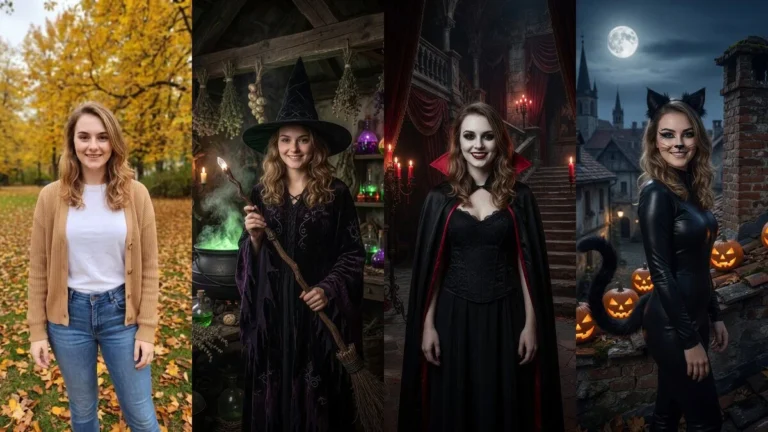
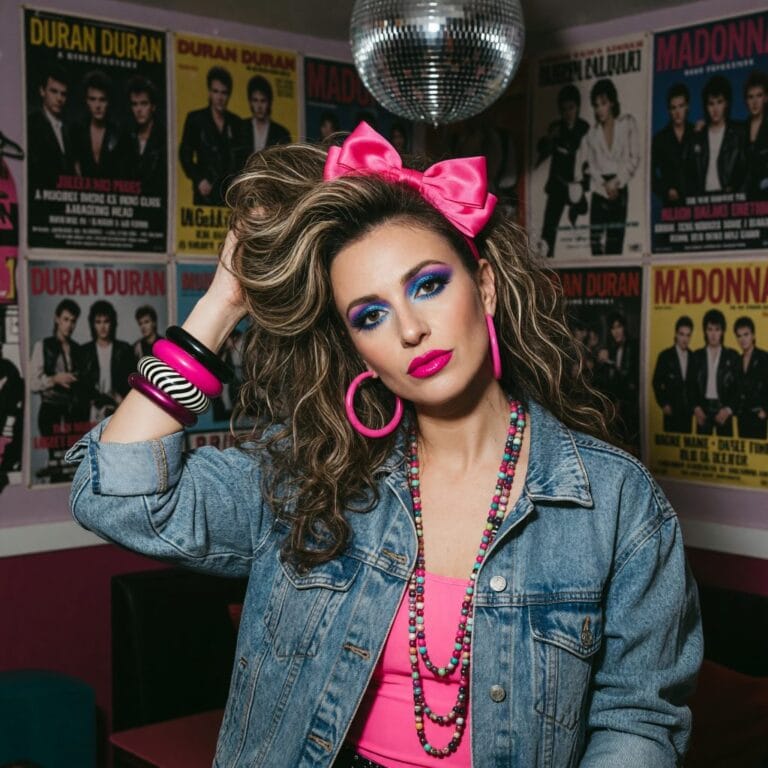
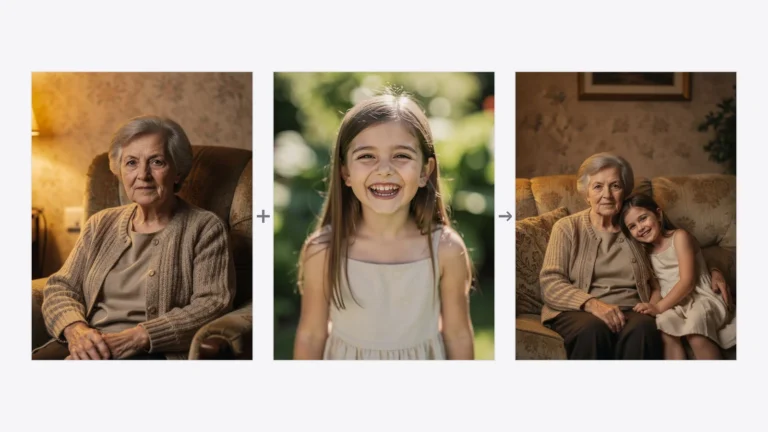
PixiFixi turns a still photo into a short video from a set of ready-made motion presets — smile, wave, hug, dance, hair in the wind and more. You pick an effect, set the length, and download; there is nothing to install and your face stays recognizable. New accounts get free credits, so your first animation costs nothing. It is the friendliest option if you just want to animate a photo without learning prompts.
Best for: everyday users, family photos, social clips. Free: credits on sign-up, no watermark. Watch out: built for short “living photo” clips, not long cinematic scenes.

2. Google Veo 3.1 — best free quality in 2026
This is the biggest change since last year. In April 2026 Google made Veo 3.1 free on every personal Google account — no card, no trial, not a promotion. You get roughly 10 clips a month through Google Vids, plus a daily allowance in Google Flow (about 50 credits a day, which works out to roughly a dozen short videos). Upload a still photo, describe the motion, and Veo animates it. The free tier renders at 720p with clips up to 8 seconds; higher resolution and volume sit behind Google AI Pro at $19.99/month.
Best for: the best-looking free result. Free: yes — ~10 clips/month (Vids) + daily Flow credits. Watch out: prompt-driven, so a recognizable face can drift.
3. Kling 3.0 — best for realistic image-to-video motion
Kling produces some of the most realistic image-to-video motion available, handling natural body movement and physics well. The current 3.0 generation added native 4K on paid plans. The free tier gives 66 credits a day — they expire after 24 hours and do not roll over, and a 5-second clip costs about 25 credits, so that is roughly two free clips a day. Free output is watermarked.
Best for: realistic motion from a single image. Free: 66 daily credits (~2 clips), watermarked. Watch out: queue times at peak hours, results vary by prompt.
4. Seedance 2.0 — best for longer, cinematic clips
ByteDance’s Seedance 2.0 is one of the strongest image-to-video models around, with native clip lengths of 4–12 seconds at 480p, 720p or 1080p — longer than most rivals produce without stitching. You can try it in the fal playground, and consumer access has been rolling out inside CapCut. ByteDance is already previewing a longer-form 2.5 generation, so expect this entry to move.
Best for: longer single-take clips. Free: limited playground / CapCut access. Watch out: access varies by region and platform.
5. Runway — best for creative and professional control
Runway is a pro-grade creative suite with strong image-to-video generation and fine control over motion, camera and style. It is popular with creators and studios. Expect a credit-based subscription and a steeper learning curve than a preset tool.
Best for: creators who want control. Free: limited trial credits. Watch out: paid plans for serious use.
6. Luma Dream Machine — best for cinematic camera moves
Luma’s Dream Machine excels at smooth, cinematic camera motion and dreamlike scenes from a single photo. It has a free tier and a simple interface, making it a good middle ground between preset tools and full pro suites.
Best for: cinematic pans and zooms. Free: yes, limited. Watch out: less control over exact motion.
7. Pika — best for quick, fun effects
Pika is playful and fast, with effects that add motion, weather or quirky transformations to a photo. It is beginner-friendly with a free tier and great for social media experiments rather than photorealistic results.
Best for: fun social clips. Free: yes, limited. Watch out: stylized over realistic.
8. Hailuo (MiniMax) — best for expressive character motion
Hailuo, from MiniMax, is known for expressive, lively character animation and good prompt following. It offers free credits and produces energetic motion, though outputs are short and can need a few tries.
Best for: expressive people and characters. Free: credits. Watch out: short clips.
9. Vidu — best free monthly allowance
Vidu’s image animator is aimed squarely at casual users: upload a photo, pick the motion, and download. Every account gets a monthly free credit allowance (around 40 credits), which makes it a good no-commitment option if you only animate a photo now and then.
Best for: occasional free use. Free: ~40 credits a month. Watch out: less control than the pro engines.
10. Immersity AI — best for 2.5D depth and parallax
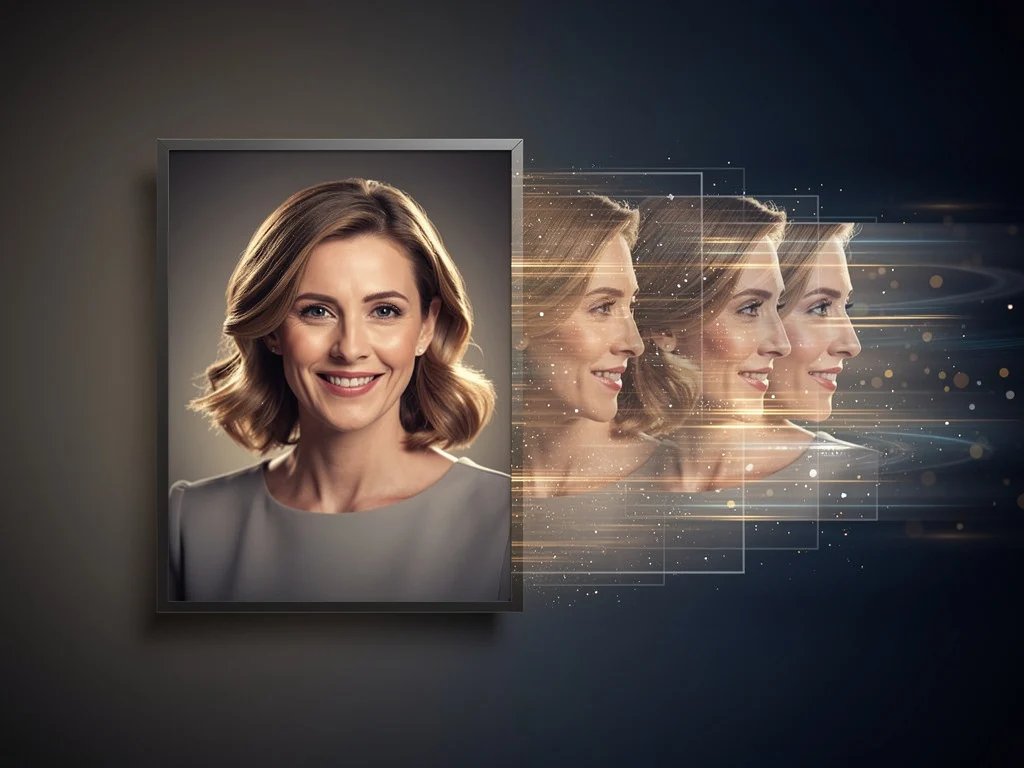
Immersity AI (formerly LeiaPix) adds a subtle 3D depth “parallax” motion to a photo rather than generating new frames. It is fast, keeps the image faithful and is ideal for a gentle, tasteful moving-photo effect — and because it never invents new pixels, the face cannot drift.
Best for: subtle depth motion, vintage portraits. Free: yes, limited. Watch out: not true video, limited movement.
11. D-ID — best for talking-photo avatars
D-ID specializes in talking-head avatars: give it a photo and a voice or script, and the face speaks. It is widely used for presentations and marketing rather than natural body motion, and runs on a subscription with a free trial.
Best for: talking avatars. Free: trial. Watch out: lip-sync focus, not scene motion.
12. LivePortrait — best free open-source face animation
LivePortrait is an open-source model that transfers expressions from a driving video onto a still portrait. It is free and powerful, but requires technical setup (or a hosted demo) and some know-how, so it suits developers and tinkerers.
Best for: free, hands-on face animation. Free: yes, open-source. Watch out: technical setup.
Quick comparison
| Tool | Best for | What you get free | Ease |
|---|---|---|---|
| PixiFixi | Quick, face-preserving clips | Credits on sign-up, no watermark | Very easy |
| Google Veo 3.1 | Best free quality | ~10 clips/month + daily Flow credits, 720p | Easy |
| Kling 3.0 | Realistic motion | 66 credits/day (~2 clips), watermarked | Medium |
| Seedance 2.0 | Longer cinematic clips | Limited playground / CapCut access | Medium |
| Runway | Pro control | Trial credits | Advanced |
| Luma Dream Machine | Cinematic moves | Limited free tier | Easy |
| Pika | Fun effects | Limited free tier | Easy |
| Hailuo (MiniMax) | Expressive motion | Free credits | Medium |
| Vidu | Occasional free use | ~40 credits/month | Very easy |
| Immersity AI | 2.5D depth/parallax | Limited free tier | Very easy |
| D-ID | Talking avatars | Trial | Easy |
| LivePortrait | Open-source face animation | Free, self-hosted | Technical |