How to Remove an Object or Person from a Photo with AI
To remove an object or person from a photo, pick the Remove mode, type what should disappear (e.g. “Remove the car in the…
Read more

How to edit photos in PixiFixi — step by step, with before and after examples.
To remove an object or person from a photo, pick the Remove mode, type what should disappear (e.g. “Remove the car in the…
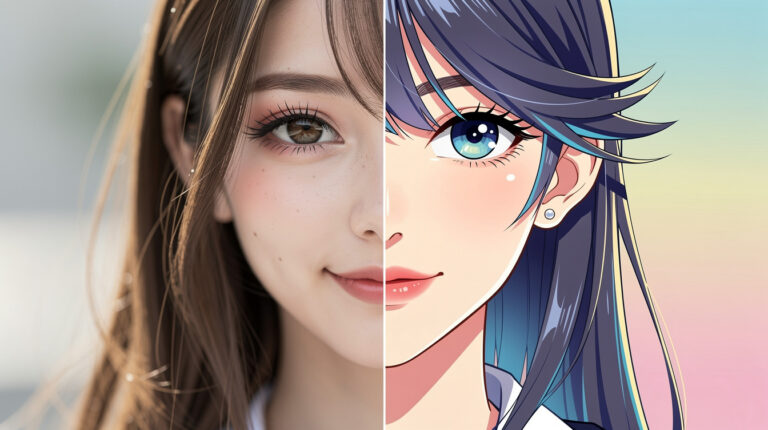
Read moreTo turn a photo into anime, a cartoon or a drawing, upload it, open the Change Style tool, pick a style (or describe…
Read moreA mountain photoshoot without a photographer, the weather or a single hike. 30 new AI scenes: summits, ridges, sunrises, alpine lakes and cabins. Start…
Read moreA sun-soaked canola field, a white horse in a green meadow, romantic castle ruins, a wooden dock vanishing into morning mist… These are…
Read moreIf you’ve used PixiFixi before, you already know how powerful AI tools can be when working with photos. Now we’re bringing that…
Read moreHow to turn a photo into an Easter photo? Thanks to artificial intelligence, it is now easier than ever. In just a few…
Read moreWomen’s Day 2026 – March 8 is a great opportunity to prepare a unique gift or simply create a beautiful, stylish photo inspired…
Read moreYou upload your image to an AI tool, click “Remove Background,” and download the PNG with a transparent background. The process takes just…
Read moreTo animate a photo online in 2026, upload your image to a browser-based AI tool, choose a motion preset or describe the movement,…
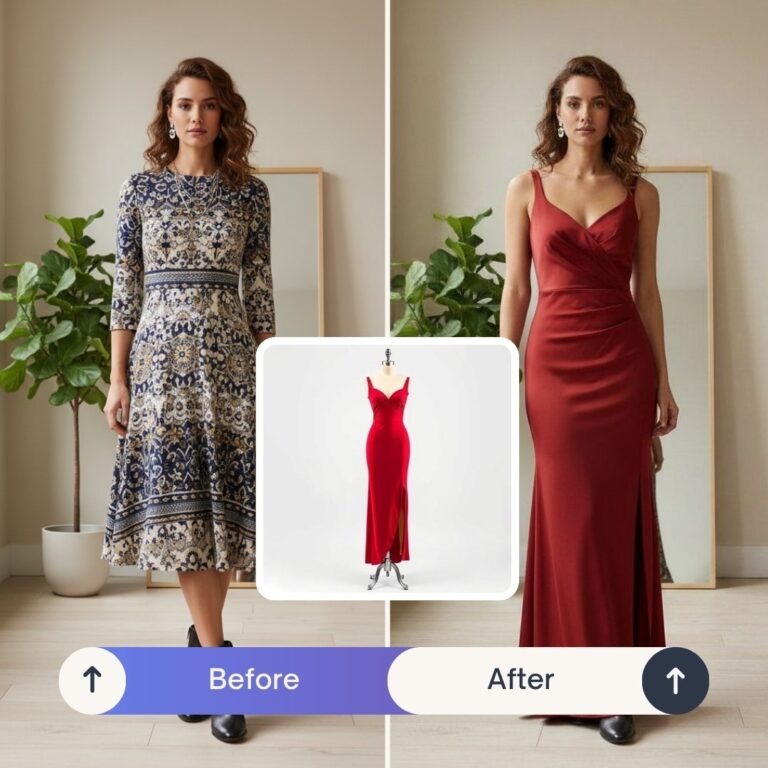
Read moreIn short: PixiFixi’s AI Clothes Changer (Virtual Try-On) lets you change any outfit in a photo using artificial intelligence — pick ready garments…
Read moreIt takes a minute and you see the result straight away. No card, no subscription.
Edit a photo for freeSigning up takes 20 seconds · Credits never expire