To make a GIF in ChatGPT, upload a photo (or describe a scene) and ask plainly: “turn this into a looping GIF”. GIF output arrived with ChatGPT Images 2.6 on November 4, 2026, and you can then change the speed and fix individual frames. The catch: OpenAI is rolling GIFs out gradually, so many accounts don’t have the option yet. Below is the step-by-step for ChatGPT, why the option may be missing, and how to turn a photo into a GIF right now with the PixiFixi AI GIF generator — pick a motion, click once, download a .gif in about 30 seconds.
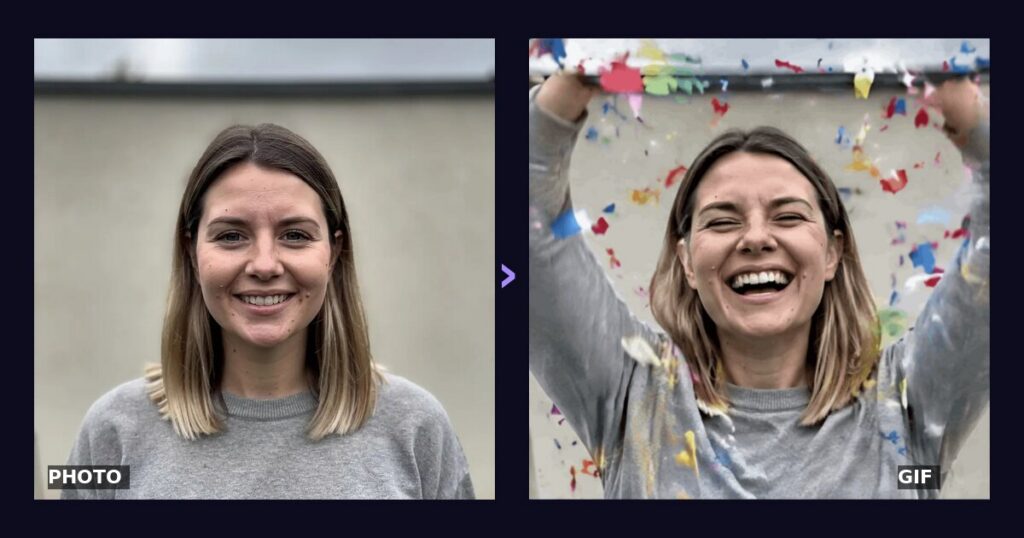
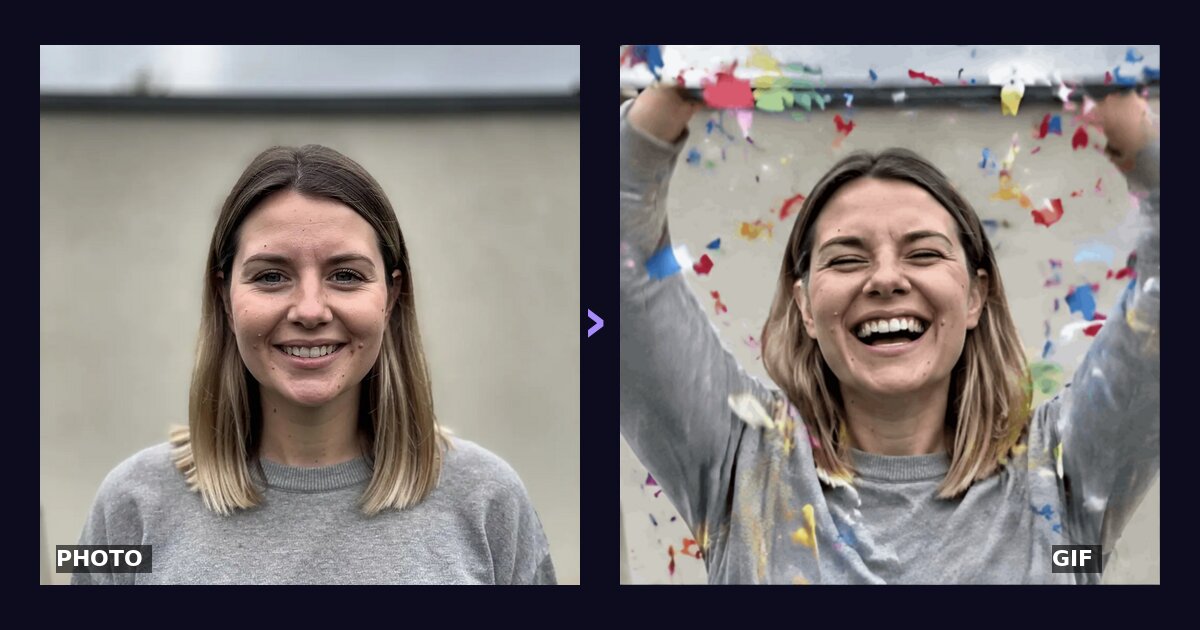
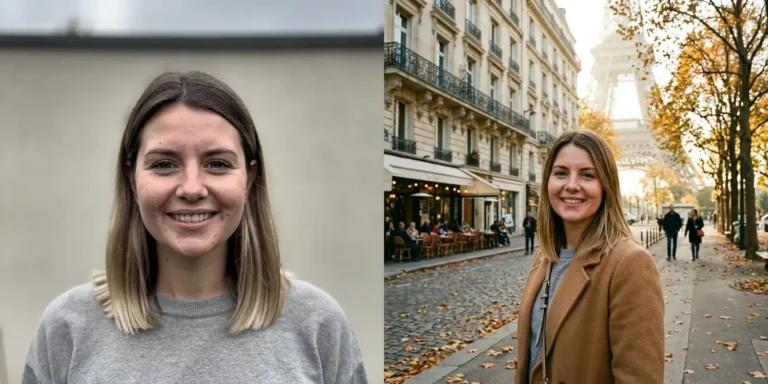
Left: an ordinary photo. Right: a frame from the GIF made from it in PixiFixi with the “Confetti” motion.
What’s new: ChatGPT Images 2.6 makes GIFs
OpenAI announced ChatGPT Images 2.6 on November 4, 2026. The headline feature is animated GIFs: the model turns a text prompt or your own photo into a short looping animation. According to the announcement and early hands-on reviews:
GIF from a prompt or a photo — describe what should happen, or upload a picture and say what should move.
Speed and frame edits — after generating, you can speed the animation up or slow it down and redo selected frames.
Saved characters — keep a reference photo of yourself, a pet or a character and reuse it without uploading it again.
Faster generation — OpenAI says the model renders images about 50% faster than version 2.5.
Free plan included — Images 2.6 is in ChatGPT on web, desktop and mobile, including the free tier, but GIF creation is being switched on gradually.
How to make a GIF in ChatGPT, step by step
Update the ChatGPT app or open ChatGPT in your browser.
Upload a photo (the paperclip or “+” icon) or describe the scene.
Ask for a GIF explicitly and say what should move, for example: “Turn this photo into a looping GIF: the dog wags its tail.”
Refine it — ask for a slower speed or a change to a particular frame.
Download the .gif and send it in any chat.
Step three matters most: say plainly that you want a GIF or an animation, otherwise you may get an ordinary still image. Save the finished GIF with the download button under the result, the same way as any other ChatGPT image.
Why don’t I have the GIF option in ChatGPT?
The most common reason is simple: the feature hasn’t reached your account yet. OpenAI enables GIF creation in batches, account by account, and hasn’t said when every user will have it. That’s why so many people search “ChatGPT GIF” and can’t find the button. What you can check:
that you have the latest version of the app (or try the browser),
that your request literally says “GIF” or “animation”,
that you haven’t hit your plan’s image generation limit — if so, you have to wait.
If you need a GIF today — for a greeting, a chat reaction or a story — you don’t have to wait for the rollout.
How to turn a photo into a GIF with PixiFixi (no waiting)
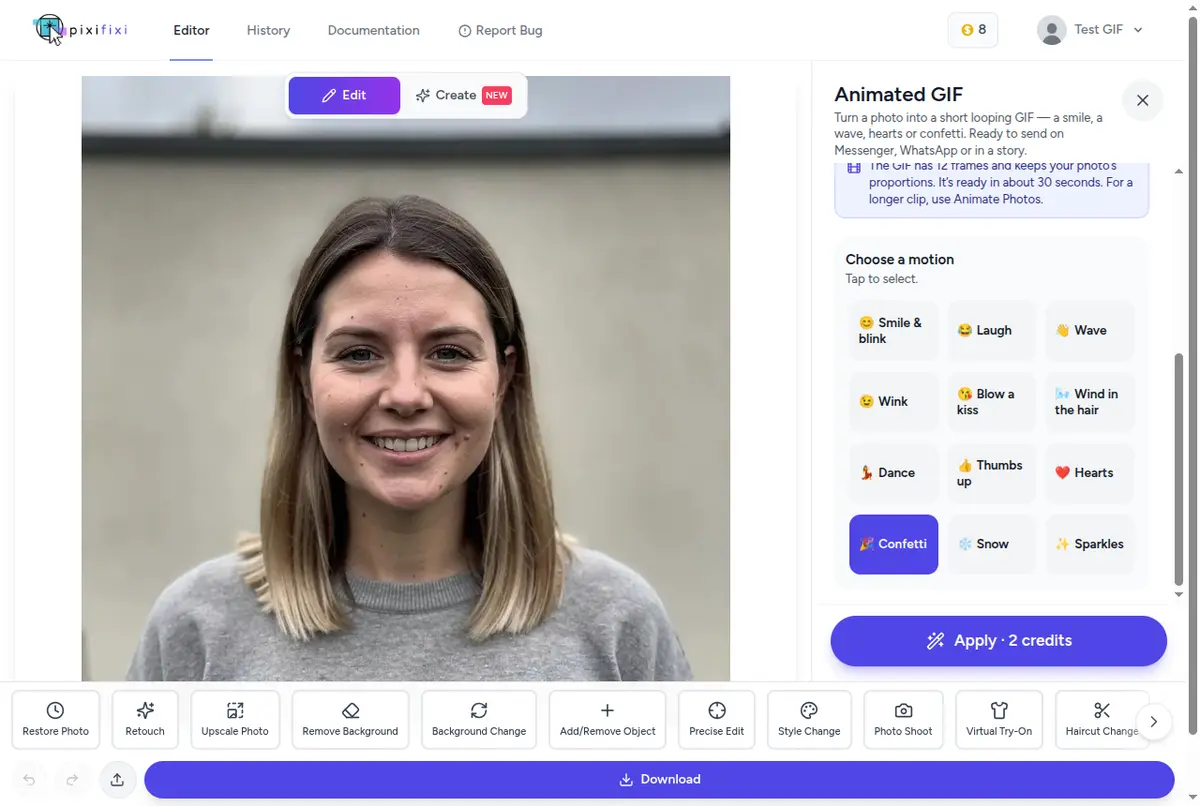
In PixiFixi, GIFs have their own tool: Animated GIF. No prompt engineering: you pick the motion from a list, and if you want something else, you describe it in your own words.
Create a free account in the photo-to-GIF generator — no card needed, and in most countries you get free credits to start.
Upload a photo from your phone or computer. One where the face is clearly visible works best.
Choose “Animated GIF” in the toolbar.
Click a motion: smile and blink, laugh, wave, wink, blow a kiss, wind in the hair, dance, thumbs up, hearts, confetti, snow or sparkles. Or type your own description.
Set the speed — slow, normal or fast — and click “Apply · 2 credits”.
Download the GIF. It’s ready in about 30 seconds and is also saved in your history.
The Animated GIF panel in PixiFixi: 12 ready-made motions, speed and your own description. The price is on the button.
Your photo can look like this too
Try it on your own picture — no card, no subscription, and you get free credits to start.
The finished “Confetti” GIF: face, sweater and background come from the photo; the AI adds the motion.
ChatGPT vs PixiFixi for GIFs
Feature
ChatGPT (Images 2.6)
PixiFixi — Animated GIF
Source
a prompt or a photo
a photo
Availability
rolling out gradually
right after sign-up
How you describe the motion
your own prompt in chat
12 ready-made motions or your own words
Speed control
yes
slow / normal / fast
Editing single frames
yes
no
Time
depends on load
about 30 seconds
Price
within your plan’s limits
2 credits, free credits to start
Also in the same place
chat and images from text
photo restoration, AI photoshoots, background, outfit and hairstyle changes, video from a photo
In short: ChatGPT is more flexible if you want a GIF from text alone or want to tweak it frame by frame. PixiFixi wins when you want to animate a specific photo fast, skip the prompt writing, and get the result now rather than after the rollout. If you need a still image from a description, see the best free AI image generators or open the AI image generator.
Examples: GIFs from ordinary photos, no waiting for ChatGPT
Each of these GIFs was made in PixiFixi from a single photo, with no edits in another program.
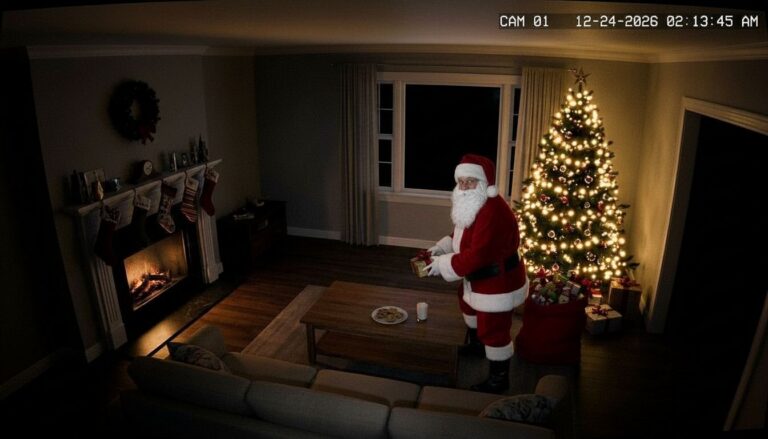
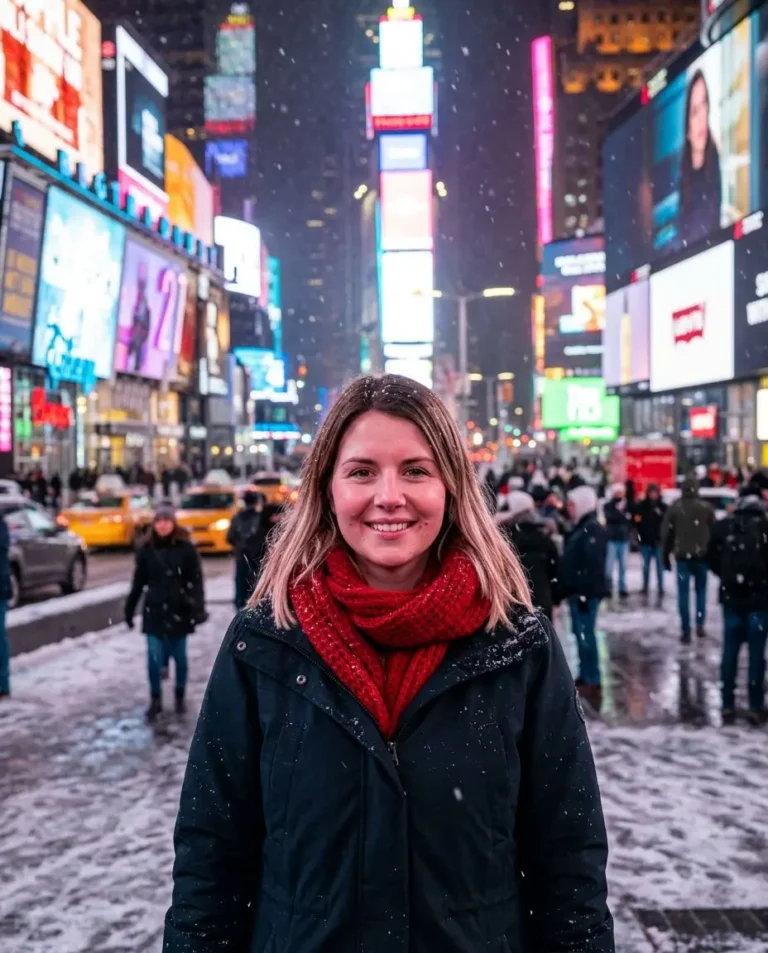
“Laugh”: in a group photo, both people laugh.Own description: “the dog wags its tail happily, pants with its tongue out and tilts its head”.“Blow a kiss” — a ready-made Messenger reaction.“Hearts” — for Valentine’s Day or an anniversary.
What an AI GIF is good for — in ChatGPT and beyond
Greetings — confetti for a birthday, snow for the holidays, hearts for Valentine’s Day.
Chat reactions — a wave hello, a thumbs up, a wink. Your own face instead of someone else’s GIF from a search.
Pets in motion — a dog wagging its tail, a cat tilting its head.
Stories and profiles — a gentle breeze in the hair catches the eye more than a still photo.
How to describe the motion so the GIF comes out well
These rules work in any AI GIF generator, including ChatGPT and PixiFixi:
One simple motion. A GIF has a dozen or so frames and lasts 1–2.5 seconds depending on speed, then loops. “Waves” works; “gets up, walks to the door and leaves” doesn’t.
Say what should stay the same. “Face, clothes and background as in the photo” keeps the AI from redrawing the whole scene. PixiFixi adds this instruction automatically.
A big face in the frame. The more pixels the face takes up, the more faithfully the AI keeps it.
Good light. On a sharp, bright photo, small frame-to-frame differences are least visible.
For a longer animation, such as a 10-second clip for a reel, use Animate Photos — it makes a 5–12 second MP4 with 34 ready effects. For a wider comparison, see the best AI tools to animate photos.
Frequently asked questions
Can ChatGPT make GIFs?
Yes. Since November 4, 2026, ChatGPT Images 2.6 makes looping GIFs from a prompt or a photo. The feature is being rolled out gradually, so not everyone has it yet.
Can ChatGPT make GIFs for free?
Partly. Images 2.6 is in the free ChatGPT plan within its image limits, but GIF creation hasn’t reached every account yet.
Can ChatGPT make a GIF from an image?
Yes. Upload a photo and ask for a looping GIF, saying what should move — for example, a smile or a wave.
Why can’t I see the GIF option in ChatGPT?
Most likely the feature hasn’t reached your account — OpenAI enables it in batches. Update the app and ask explicitly for a GIF. If you need one right away, you can make it in PixiFixi.
How long is the GIF and how big is the file?
In PixiFixi a GIF has 12 frames and lasts 1–2.5 seconds depending on the speed you choose. It is up to about 720 px per side in your photo’s proportions, and the file is usually 2–3 MB.
How much does a GIF cost in PixiFixi?
One GIF costs 2 credits, whatever the motion or speed. New accounts get free credits in most countries, so your first GIF is usually free.
Will the GIF work on Messenger and WhatsApp?
Yes. It is an ordinary .gif file you can send in any messaging app, email or forum, and it loops on its own.