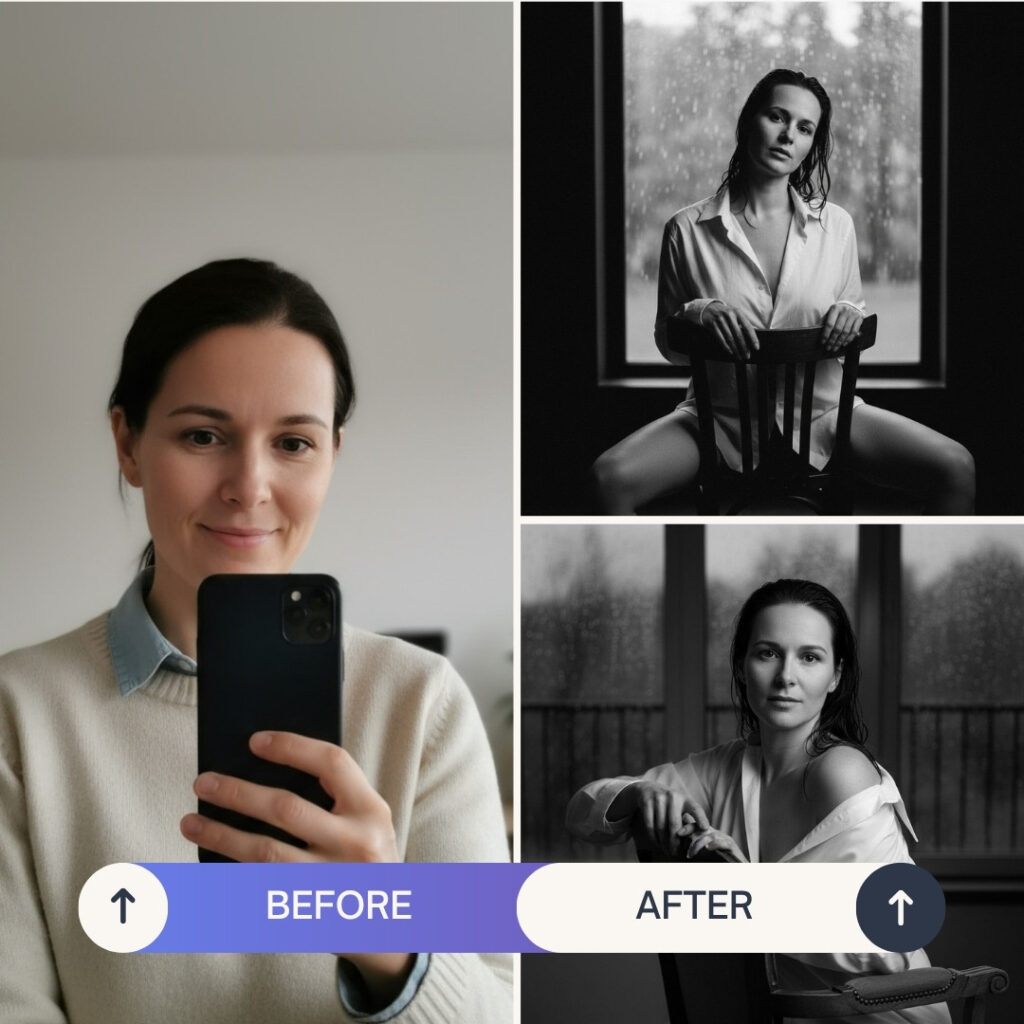
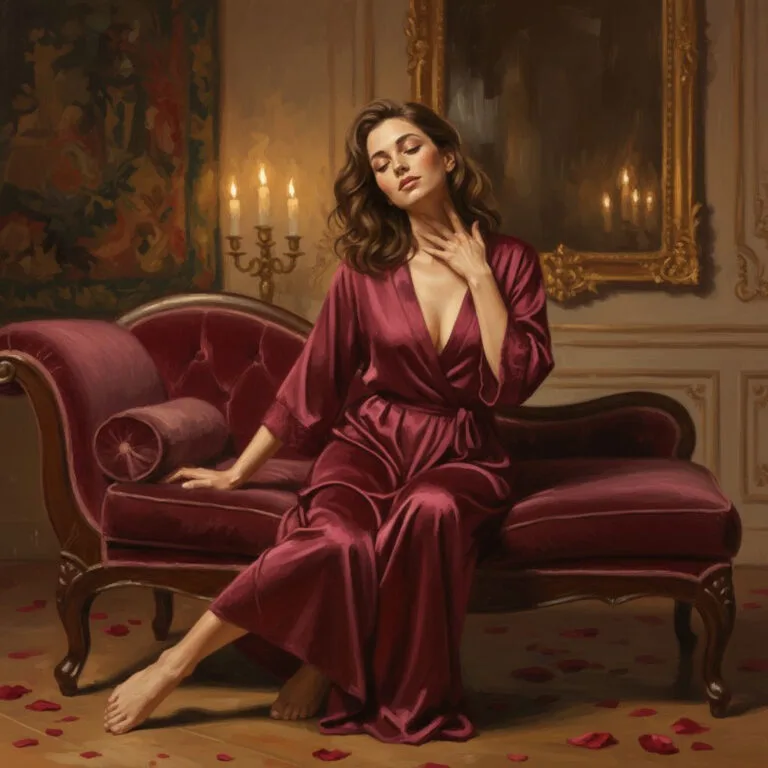
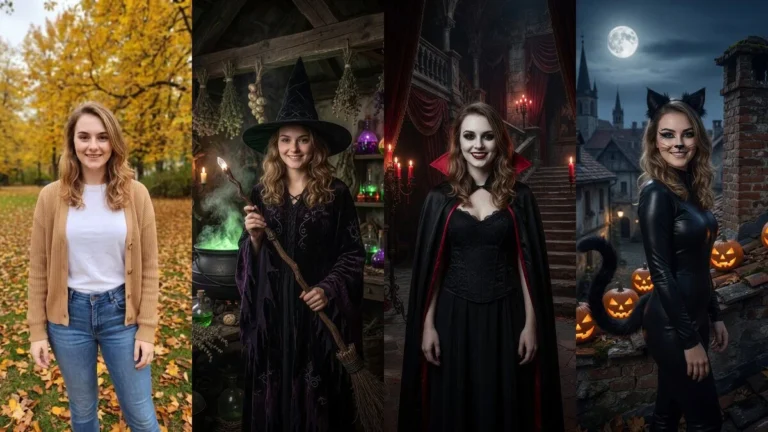
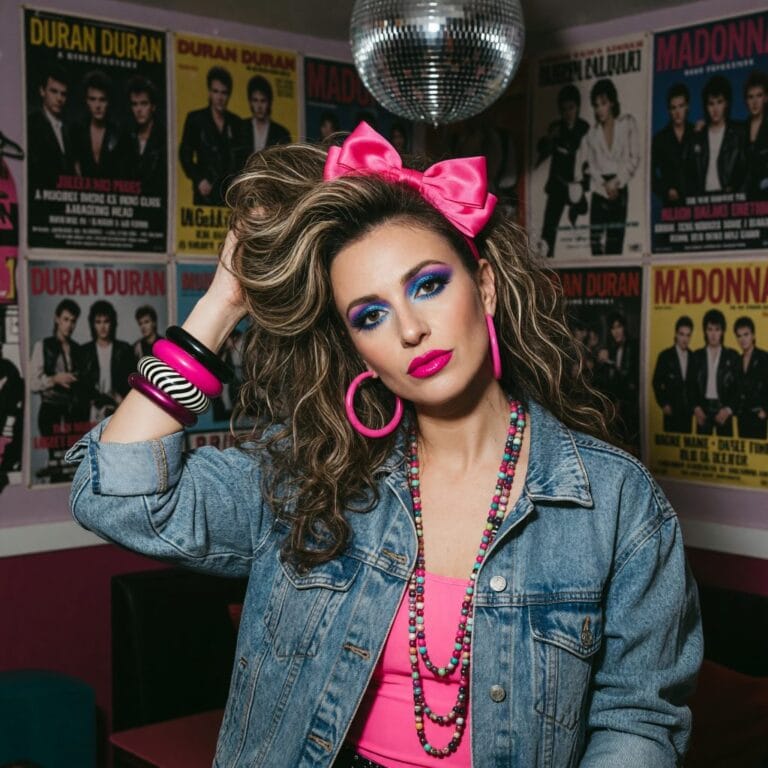
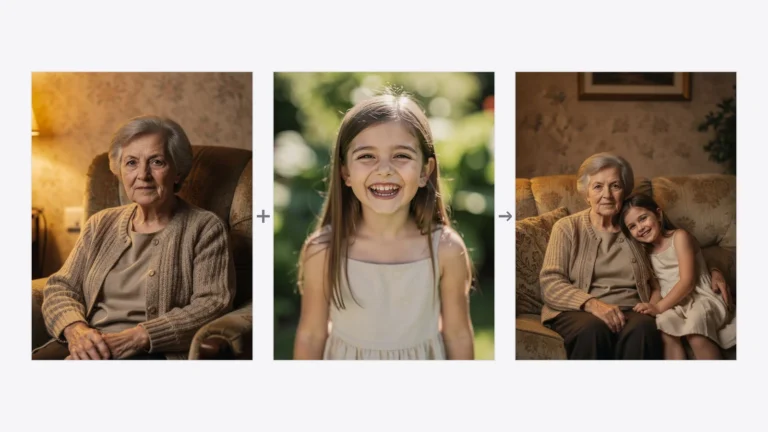
An AI sensual photo shoot turns an ordinary portrait into an elegant, intimate session — boudoir, glamour, or candlelit — in seconds, while keeping your face and staying tasteful (no nudity). In PixiFixi you upload a photo, pick a sensual preset or describe the mood, and download the result; your first shots are free.
Sensual sessions — intimate, feminine, and atmospheric — have become a real trend on social media. This guide shows how to create one with AI step by step, the styles you can choose, tips for an elegant result, what it costs, and the privacy and ethics rules that keep it safe.
How to create a sensual photo shoot in PixiFixi (step by step)
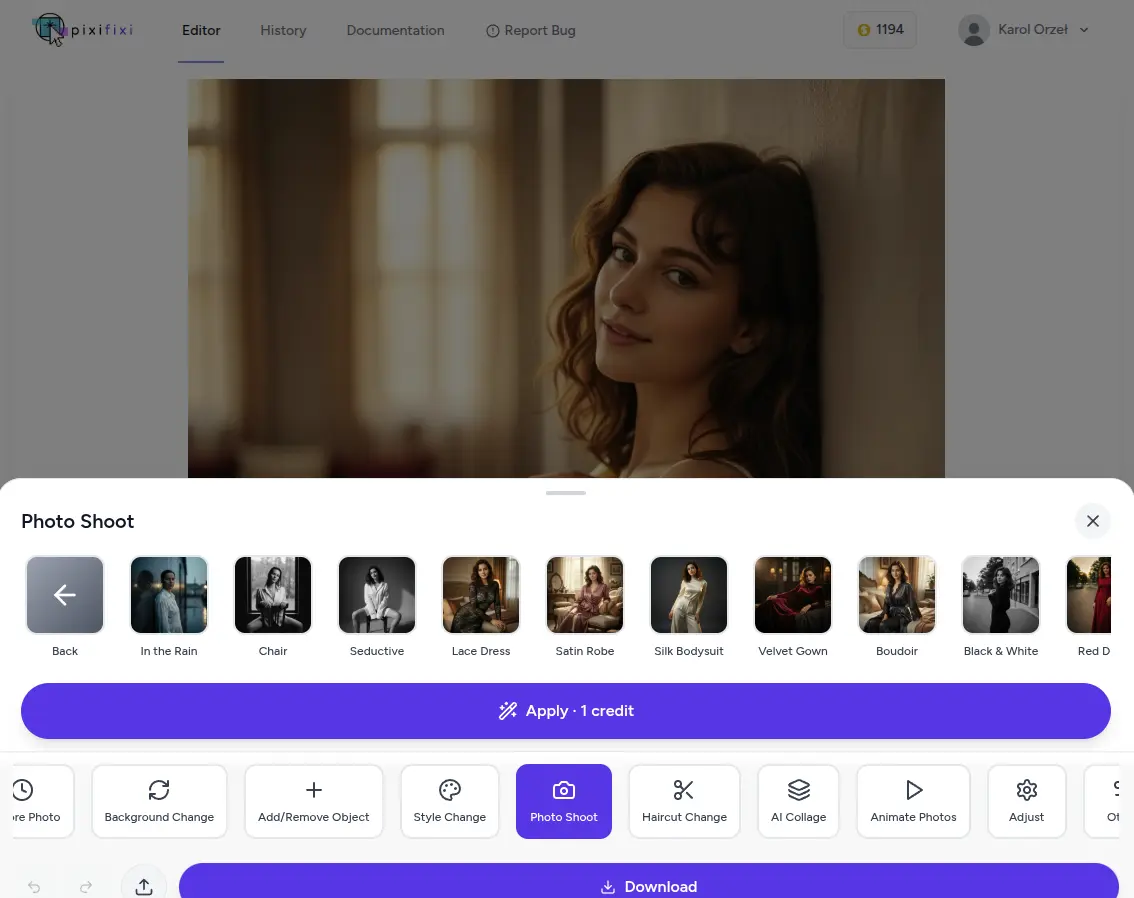
PixiFixi has a dedicated category for sensual sessions:
For a more personal result, use the “Other” tool and enter your own custom prompt. Here is a full example.
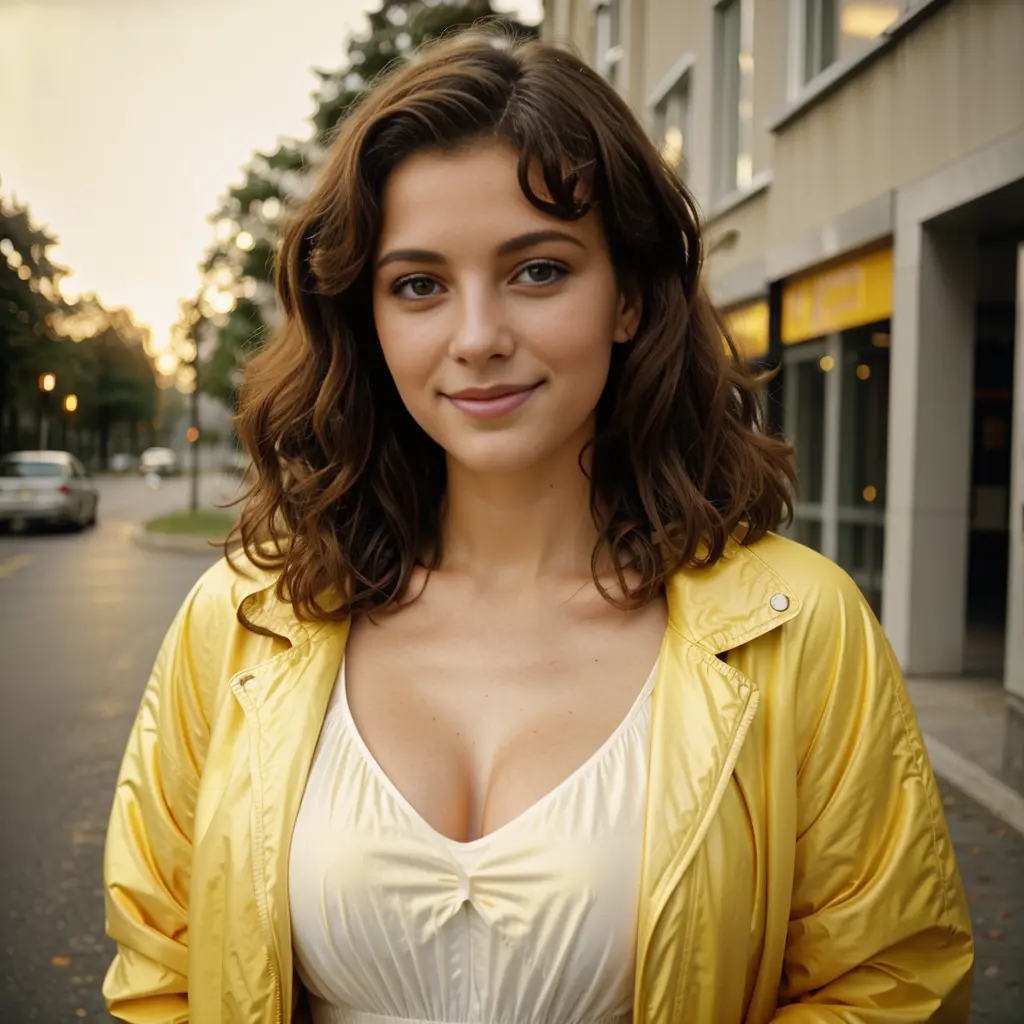
Original photo:
AI sensual photo session — the original photo
Prompt used in the “Other” tool:
“Turn the photo into a sensual photo session. Make sure there is no nudity in the image.”
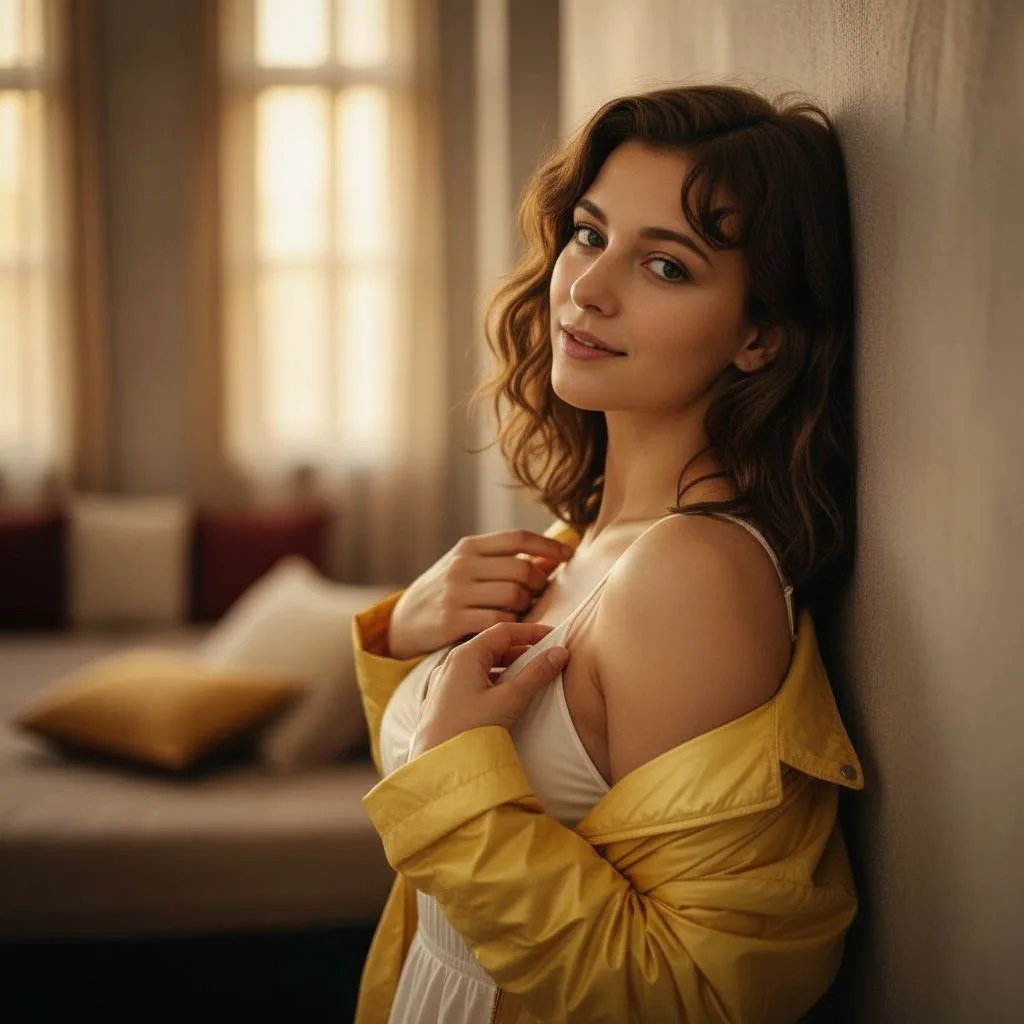
Result:
The sensual photo shoot result
It works because the prompt clearly states the result should be sensual but without nudity. AI needs clear guidelines — the more specific the mood, lighting, and style, the better the outcome.
More prompt examples
“Create a sensual, feminine photo session in a glamour style — without nudity.”
“Transform the photo into a romantic, moody session lit by candles. No nudity.”
“Make a sensual, artistic-style session with an elegant atmosphere — without nudity.”
“Give the photo the feel of a sensual black-and-white session. No nudity.”
A sensual, artistic-style session with an elegant atmosphere
Tips for an elegant, flattering result
Choose soft, warm lighting — candlelit or window light flatters more than harsh flash
Wear elegant pieces — a silk robe, an oversized shirt, or a simple dress reads as tasteful and refined
Keep the background simple — a bed, a window, or a plain wall keeps focus on you
Use a clear, well-lit source photo with your face visible for the best likeness
Generate a few variations — each run differs slightly, so pick the most flattering one
How much does a sensual photo shoot cost? Is it free?
A sensual photo shoot uses the Photoshoot tool, so it costs 2 credits and is created in 2K — one best AI engine, with no quality choice to make. New accounts get free starter credits, so your first sessions are free. Credits never expire and there’s no subscription.
Nudity, privacy and ethics
PixiFixi, like most AI tools, does not allow nudity — neither in your uploaded photo nor in the generated result. Built-in content moderation automatically blocks inappropriate uploads and outputs. If the AI ever returns an error, it’s simply this safeguard at work — rephrase the prompt, put stronger emphasis on “no nudity”, or change the source photo.
Your privacy matters: uploaded photos are used only to generate your result, stored securely, and never used to train AI models. Only edit photos you own or have consent to use. Ethics and responsibility always come first.
Frequently asked questions
What is an AI sensual photo shoot?
It turns an ordinary portrait into an elegant, intimate session — boudoir, glamour, candlelit or artistic black-and-white — while keeping your face and staying tasteful, with no nudity. You upload a photo, pick a sensual preset or write a prompt, and download the result.
Is the AI sensual photo shoot free?
New accounts get free starter credits, so your first sensual photo shoots are free. Each sensual photo shoot costs 2 credits and is created in 2K — one best AI engine, no quality choice. Credits never expire and there’s no subscription.
Does it allow nudity?
No. PixiFixi does not allow nudity in uploads or results. Built-in content moderation blocks inappropriate content. Sensual sessions are designed to be tasteful and elegant — boudoir, glamour and artistic styles without nudity.
Will the AI keep my face?
Yes. The AI preserves the facial features from your uploaded photo and changes only the styling, lighting, and atmosphere to create the sensual look.
What should I upload and wear?
Upload a clear, well-lit photo with your face visible. Elegant pieces like a silk robe, an oversized shirt, or a simple dress read as the most tasteful and refined. Your uploaded photo must not contain nudity.
Are my photos private?
Yes. Uploaded photos are used only to generate your result, stored securely, and never used to train AI models. Only edit photos you own or have consent to use.
Summary
A sensual photo shoot is a beautiful way to highlight femininity and elegance in an artistic way — and with PixiFixi you can create one in seconds, without an expensive studio session. Keep it tasteful, respect privacy, and have fun experimenting with styles. You can also turn the same photo into a full AI photoshoot, change the outfit, or animate it into a short video.