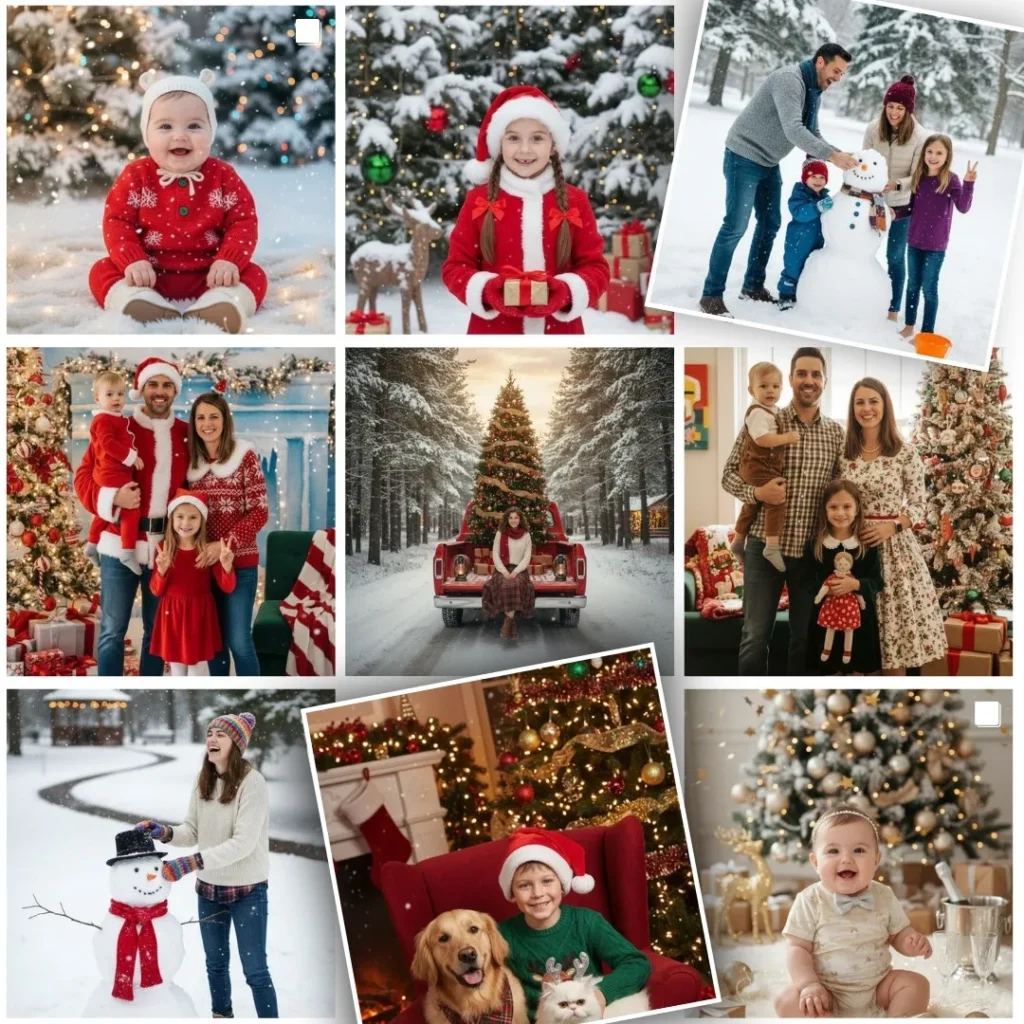
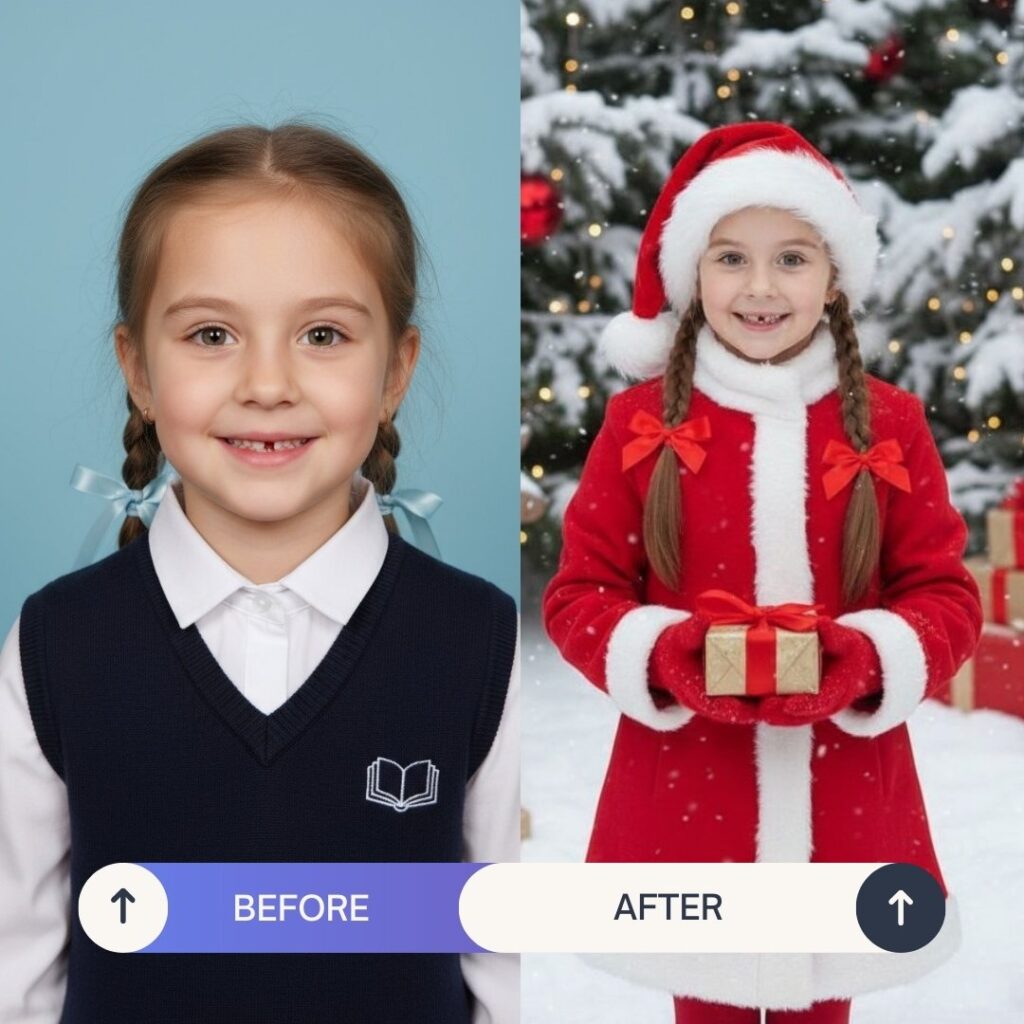
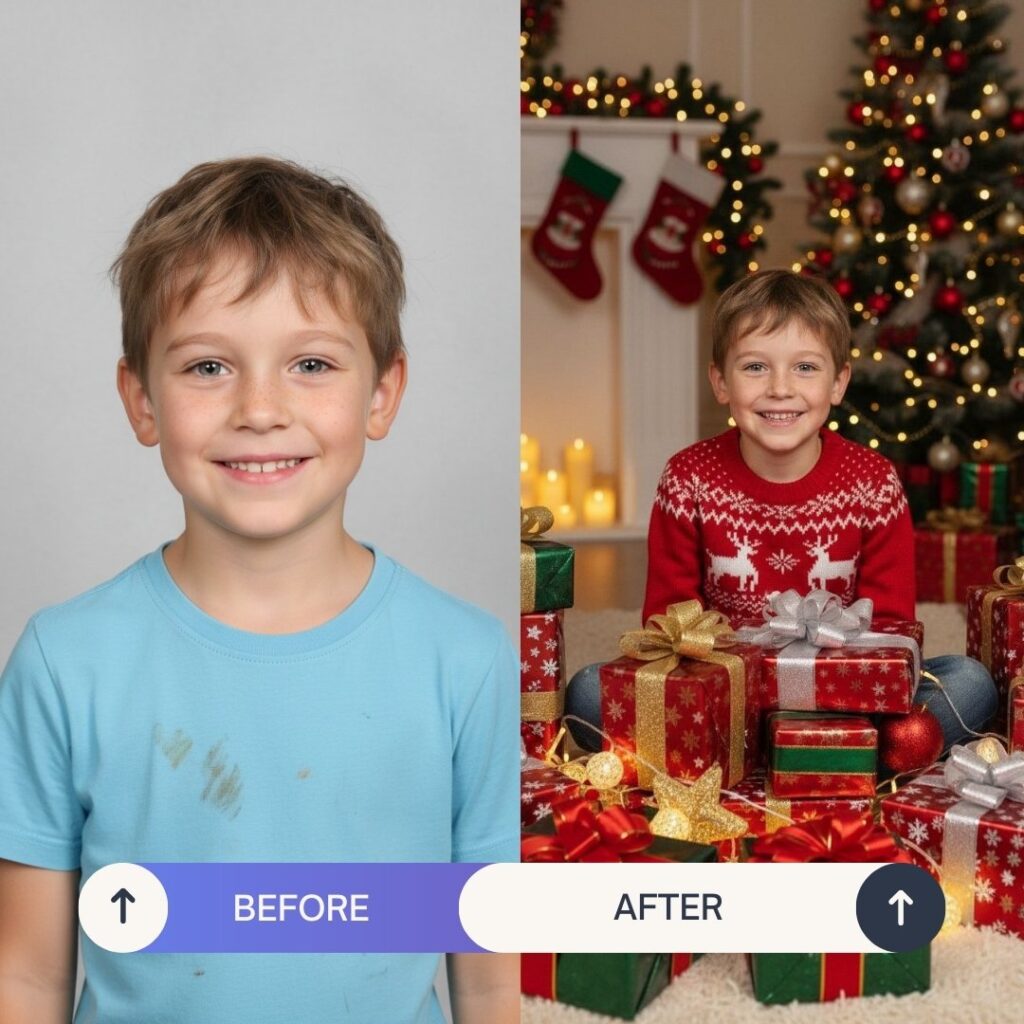
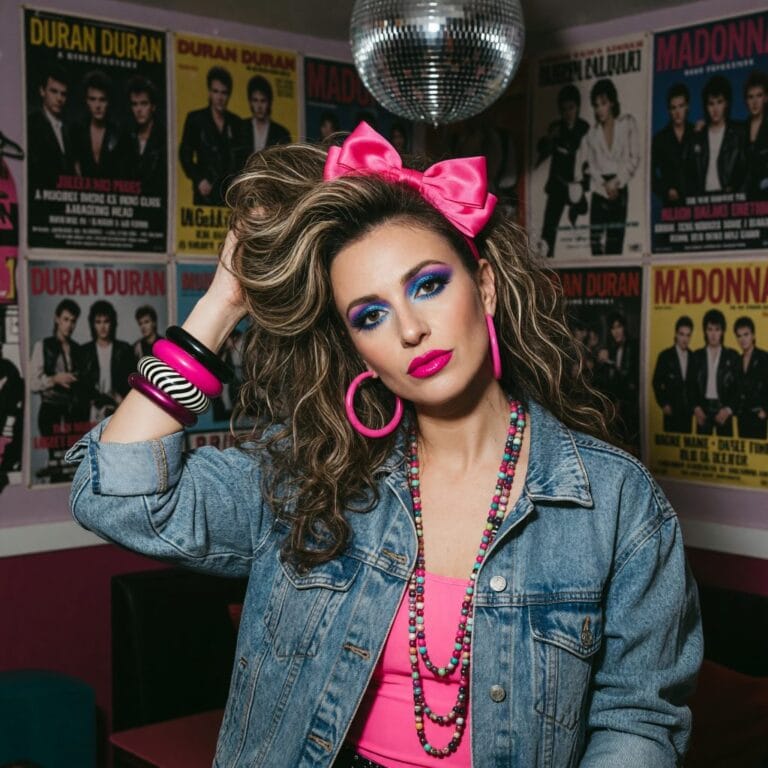
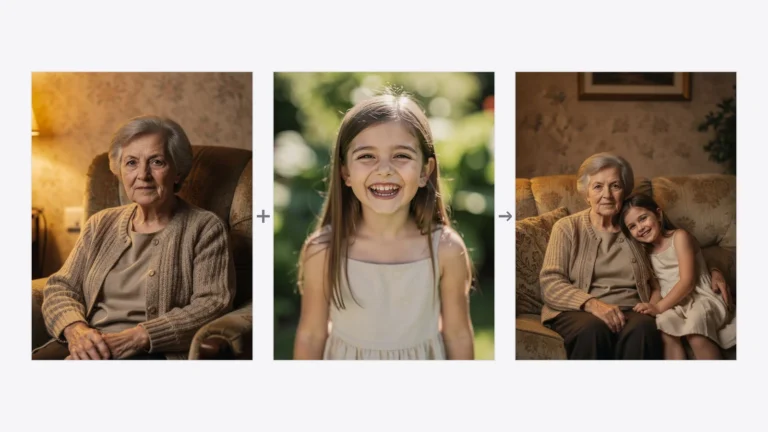
A Christmas photoshoot is the perfect moment to capture magical, cozy memories. If you dream of beautiful holiday photos but don’t have time for a professional studio or outdoor session — PixiFixi can create a stunning Christmas photoshoot for you in just a few seconds (seriously!).
AI Christmas photoshoot? But why?
no photographer or holiday set design needed (who has time for that during the Christmas rush?)
AI creates atmospheric, natural-looking images
perfect for Christmas cards, social media, and gifts
the result is ready in seconds (really!)
Watch how easy it is (ignore the Polish version, app is available in English as well):
Ready-Made Styles and Holiday Vibes
Ready-made styles and holiday vibes
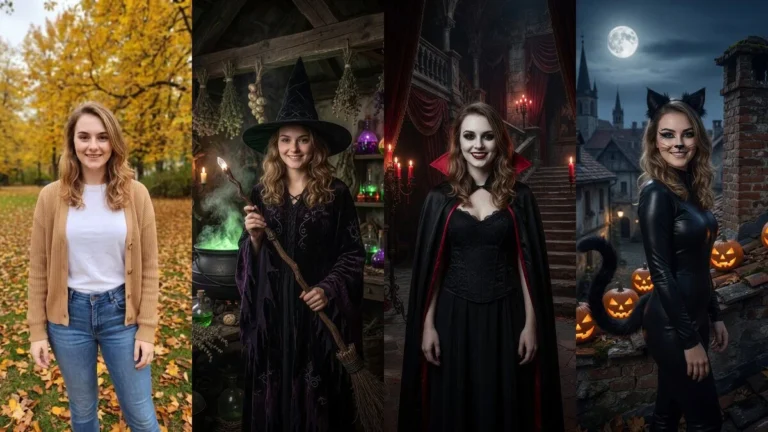
Your photo can look like this too
Try it on your own picture — no card, no subscription, and you get free credits to start.
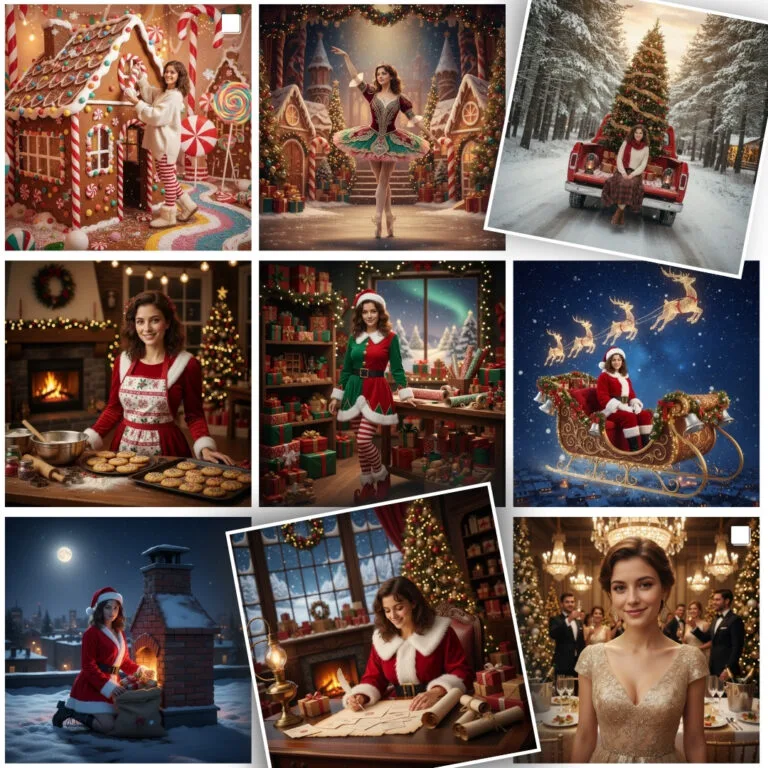
In the Photoshoot tool, you’ll find a dedicated Christmas category that lets you create a realistic AI Christmas photoshoot. The app is incredibly easy to use, but below we explain everything step by step. Available styles include:
portraits by the Christmas tree
family Christmas photos
elegant shots in warm festive lights
fairytale, cinematic scenes
AI winter photoshoot – even when there’s no snow 🙁
Winter photoshoot
If you’re more interested in a winter photoshoot than classic Christmas scenes, PixiFixi has you covered.
The Winter category includes:
snow-covered landscapes
winter portraits in snowfall
mountain scenery
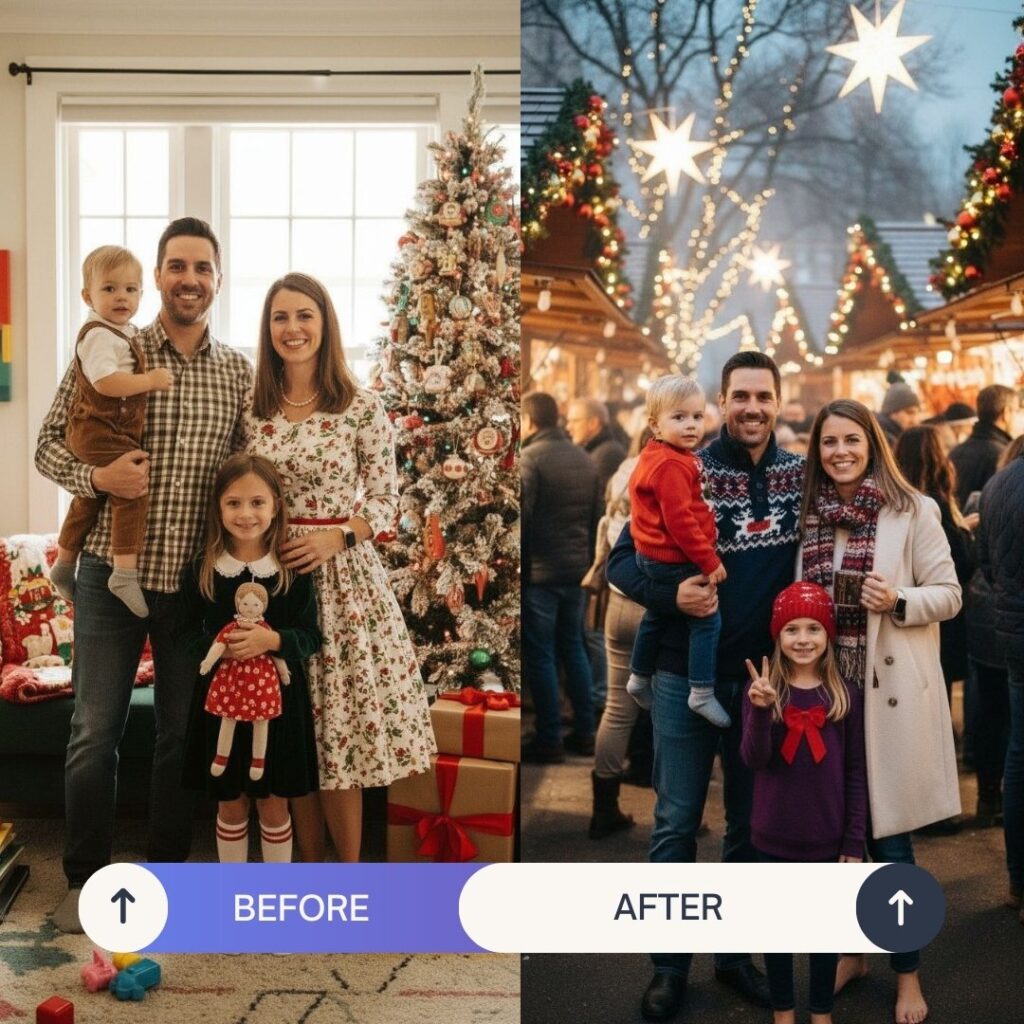
Christmas markets
It’s a perfect alternative when you want a winter atmosphere — even if there’s no snow outside.
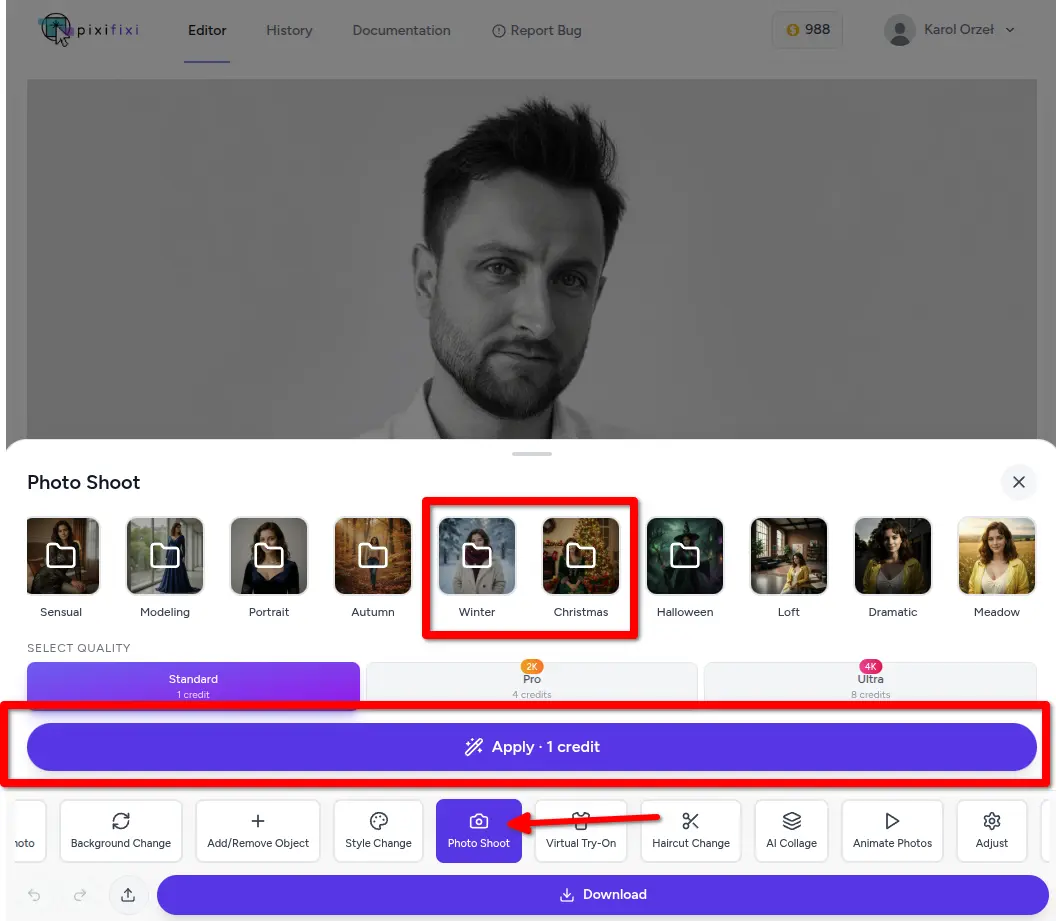
How to Create a Photoshoot in PixiFixi — Step by Step
How to create a AI photoshoot in PixiFixi — step by step
4. Go to the “Christmas” or “Winter” category
5. Choose a holiday style you like
6. Click “Apply”
7. Download the final result. The process takes just seconds. You can generate 2 photos for free as a trial!
Here are a few before-and-after examples:
Want a Unique Shot? Create Your Own Photoshoot with the “Other” Tool
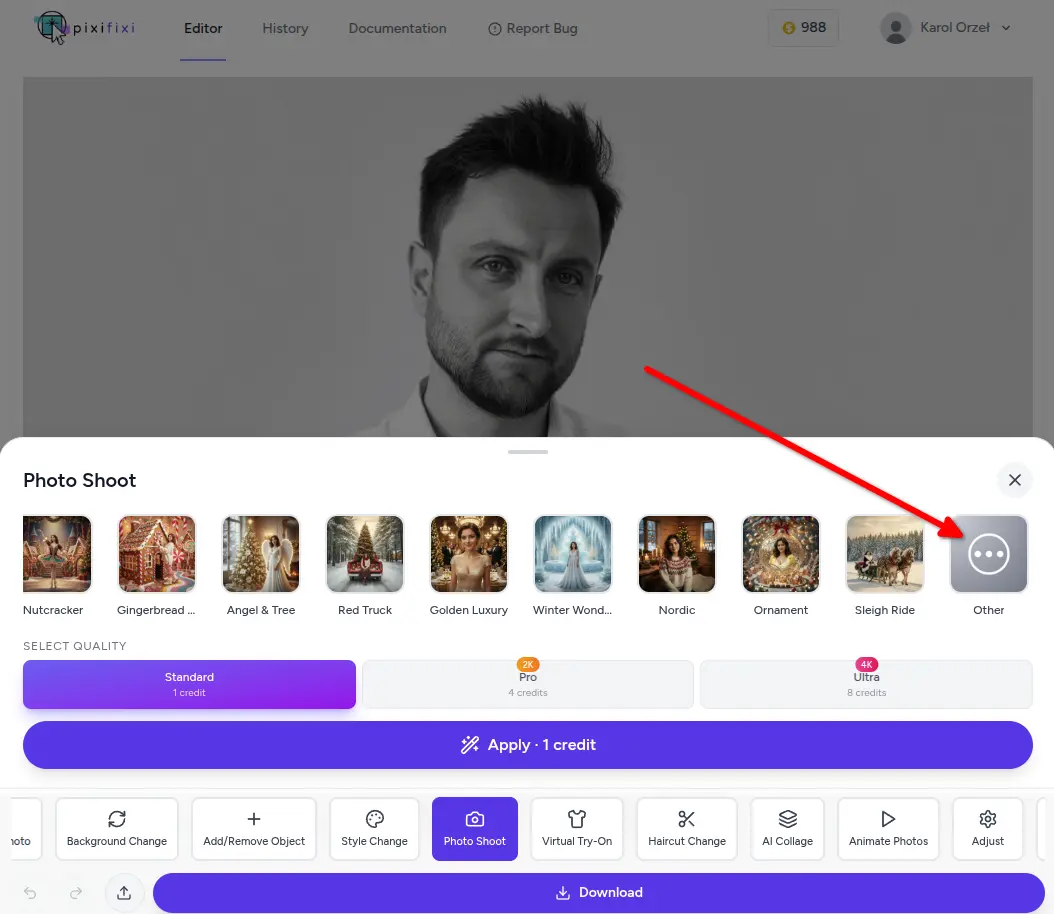
You can enter your own description and create a fully custom AI Christmas photoshoot tailored to your idea. Just select the Other tool on the main app screen.
The “Other” tool in PixiFixi
Example prompts for Christmas related photos:
Christmas portrait by a tree, warm light, golden fairy lights
Elegant Christmas photoshoot, dark background, glamour style
Winter portrait in snow, bright tones, gentle snowfall
Family Christmas photoshoot, red accents, cozy atmosphere
So, why create your holiday photoshoot with PixiFixi AI?
realistic results without leaving home
perfect photos for print and online use
fast, simple, and impressive process
a huge selection of Christmas and winter styles
Start today
Choose the Christmas or Winter category and let AI create professional-looking holiday photos just for you.
16 December 20253 min read
Start with one photo
It takes a minute and you see the result straight away. No card, no subscription.