Yes — ChatGPT can merge two photos into one, and it is genuinely good at it. It is just unreliable at the one part most people care about: keeping the faces. Upload both pictures, describe how the people should stand, and you get a single combined image. What you cannot count on is that the person who comes back is recognisably the person you uploaded — general image models tend to redraw a face rather than move it. This guide covers the prompts that work, the three ways it fails, the one source-photo habit that fixes most of them, and when a dedicated AI image combiner is the better tool.
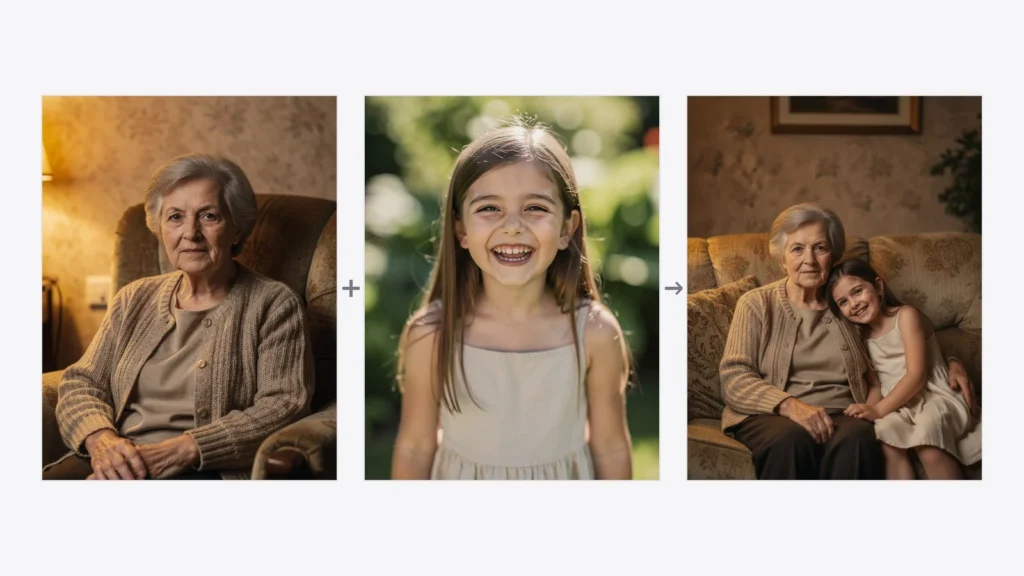
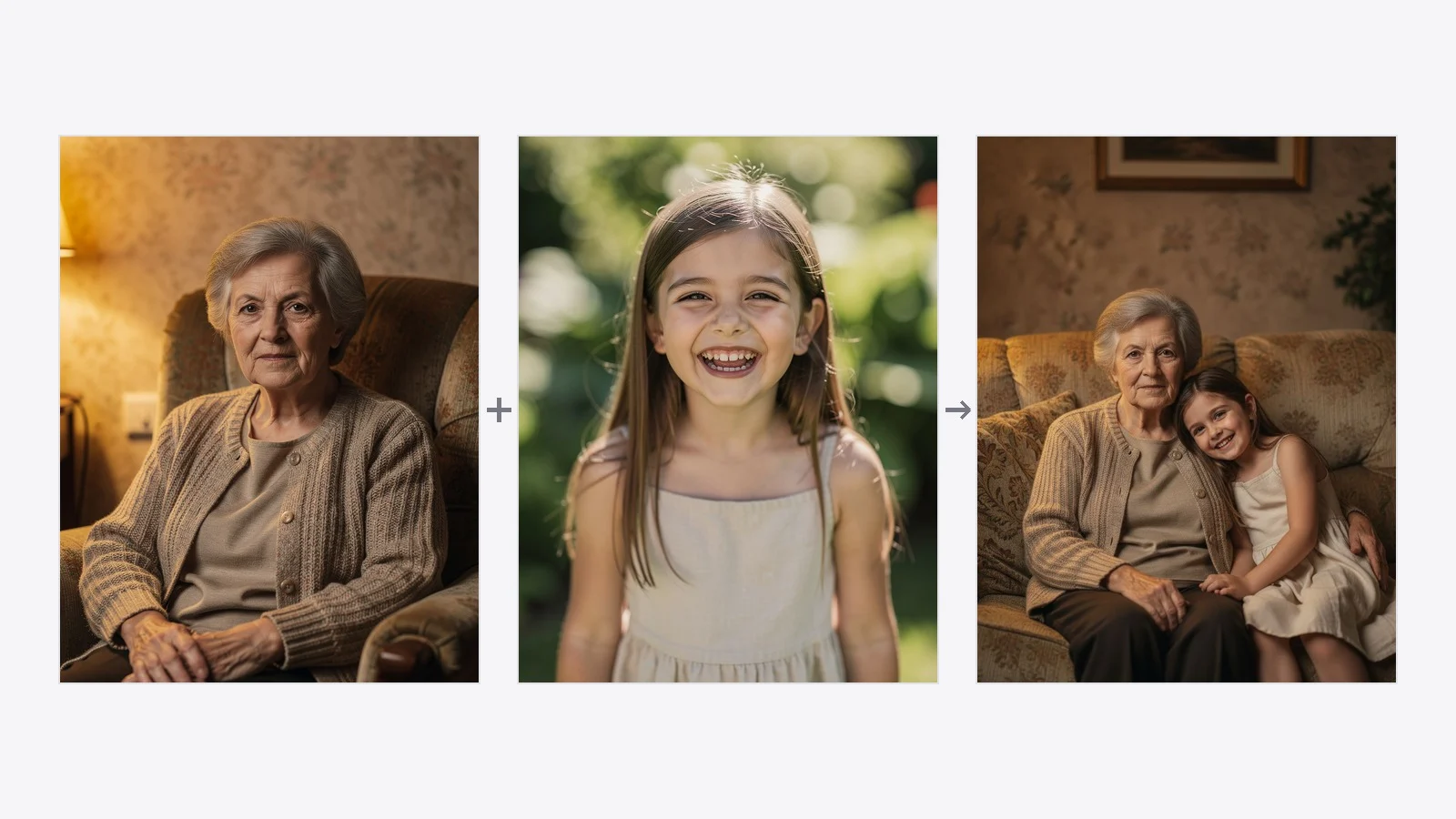
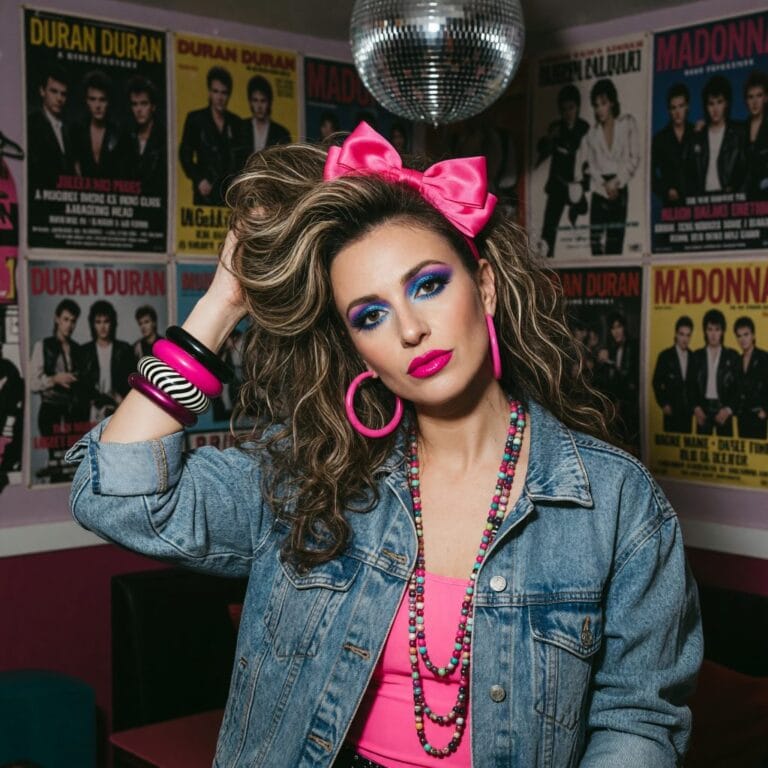
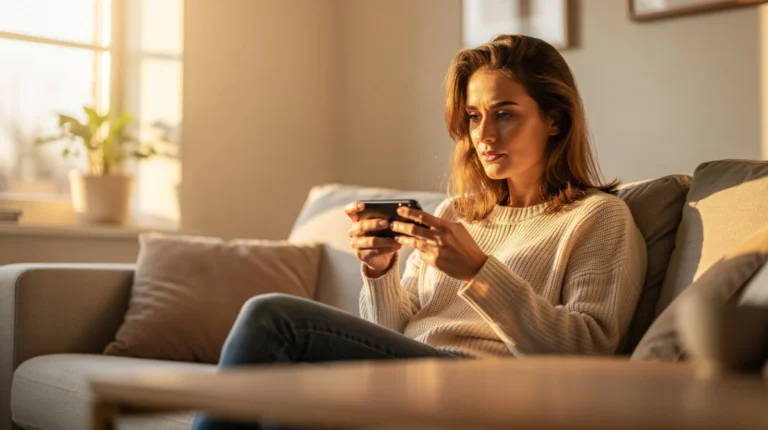
Two photographs taken in different rooms, in different light — and the single picture AI made out of them. This is an actual run, not a mock-up.
The 60-second version
Upload both photos in the same message. One at a time will not work — the model needs to see them together.
Say who is who: “the woman from the first image, the man from the second”.
Describe the arrangement, the background and the light in one sentence.
Expect to run it several times. Faces drift, and the fix is usually a better source photo, not a better prompt.
If the faces have to stay exact, use a tool built for merging rather than a chatbot.
How to merge two photos in ChatGPT, step by step
The mechanics are simple and take under a minute.
Attach both images to one message. Use the paperclip and add them together. This is the step people get wrong most often — if you send one photo, then the second in a follow-up, the model frequently treats the second as a correction to the first rather than a second subject.
Label the subjects. “Image 1” and “image 2” are enough, but naming what is in them (“the older woman”, “the man in the blue shirt”) is more reliable.
Describe the scene, not just the merge. Say where they stand, what the background is and where the light comes from. Left to itself the model invents all three, and usually invents them differently each run.
State what must not change. Ask explicitly for the faces to be preserved. It does not guarantee it, but it measurably helps.
Iterate in the same chat. Follow-ups like “keep everything, move them closer together” work better than starting over, because the thread keeps the reference images in view.
Prompts that actually work
Vague prompts are the main reason results look pasted-together. These three cover most of what people ask for. Copy them and swap the descriptions.
Two people standing together
Combine these two photos into one natural photograph. Take the woman from image 1 and the man from image 2 and place them standing side by side, facing the camera, at the same scale. Keep both faces exactly as they are in the source photos. Use one consistent background and a single soft light source from the left. Photographic, not illustrated.
A couple photo from two separate portraits
Create a single portrait of these two people together. Person from image 1 on the left, person from image 2 on the right, standing close, his arm around her shoulder, both looking at the camera and smiling naturally. Preserve both faces without alteration. Neutral indoor background, warm even lighting, shot on a 50mm lens.
People photographed decades apart
Merge these two photographs into one family portrait. The elderly woman from image 1 and the young girl from image 2, seated together on a sofa, the girl leaning against her. Keep both faces and their ages exactly as in the originals. Match the two images to one shared lighting and colour treatment so it reads as a single photograph rather than a montage.
Two habits do more than any wording. Always say “keep the faces exactly as they are” — without it the model treats the faces as suggestions. And always describe one shared light source, because mismatched lighting is what makes a merge read as a cut-out even when everything else is right.
Where it goes wrong — three failures worth knowing about
1. The faces drift
This is the big one. General image models regenerate the whole picture rather than moving your subjects into it, so a face comes back close-but-not-quite: a different nose, a decade younger, a slimmer jaw. For a stranger it is unnoticeable. For your own mother it is immediately, unmistakably wrong — and it is exactly the case where merging photos matters most.
2. It refuses, and does not say why
Photos of real, identifiable people sit close to the line every image model draws around impersonation, so merges involving faces get refused more often than landscapes or products. The refusal usually arrives as a generic apology with no specific reason, which makes it hard to tell whether to rephrase or give up.
3. You get one frame, not one photograph
Ask for two people “in one image” and you will sometimes get exactly that, read literally: two photos placed side by side in a single frame. That is a collage, not a merge — and it is where the vocabulary matters. A collage maker arranges pictures in a grid. Combining or merging puts the subjects into one shared scene with one background and one light source. If you get a grid, say “one single photograph, one shared background” and run it again.
The one thing that changes the result most: how your source photo is framed
This is the least obvious lever and by some distance the most powerful one, and it has nothing to do with the prompt.
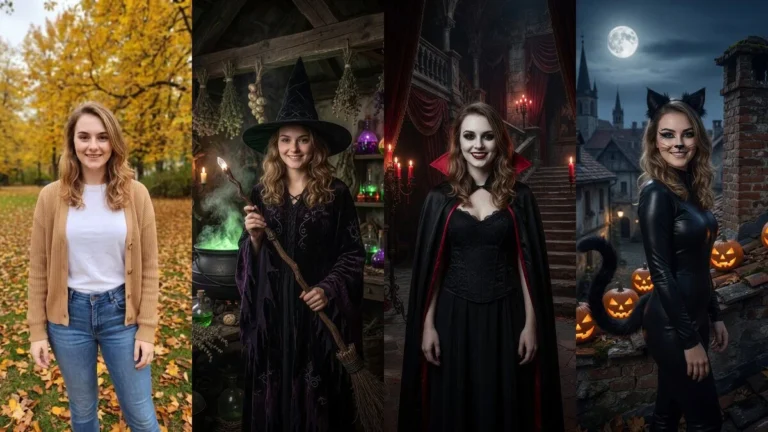
We measured it while building marketing material for our own tools: same person, same model, same prompts, the only variable being how the source photo was cropped.
Source photo
What came back
Square crop, full body head to toe — the person occupies a small part of the frame
The model visibly slimmed the person down and only roughly matched the face. Three runs out of three.
Portrait crop, subject fills the frame — roughly knees up
Face and build kept faithfully. Six runs out of six.
Same person, same model, same prompts. The only difference was the crop of the source photo.
Your photo can look like this too
Try it on your own picture — no card, no subscription, and you get free credits to start.
The mechanism is simply resolution: the fewer pixels there are on a face, the less there is to preserve, and the more the model invents. A full-length holiday snapshot might give a face 60 pixels across. That is not enough information to reconstruct someone recognisably, no matter how good the model or how precise your prompt.
So before you blame the tool: crop both source photos so each person fills most of the frame — roughly from the knees or waist up — and upload the largest version you have. Not the compressed copy from a messaging app, not a screenshot of a screenshot. This single habit fixes more failed merges than any prompt rewrite. If your only copy of an old photo is small or damaged, it is worth restoring it first and merging the restored version.
Can Gemini combine two photos?
Yes, and as of its Nano Banana image update Google is explicit about both halves of the problem. Google says you “can now upload multiple photos and blend them together for a brand-new scene”, and describes the update as designed to make photos of “your friends, family and even your pets look consistently like themselves” — acknowledging directly that “a depiction that is close but not quite the same does not feel right”.
In practice Gemini holds a likeness noticeably better than a general-purpose image model, which makes it the stronger of the two chatbots for this specific job. The trade-offs are the same ones every chatbot has: no consistent way to repeat a result, refusals on photos of real people, and free-tier limits that change without notice.
Combining two photos on an iPhone or Android
Worth clearing up, because it is where most people start and where most people get stuck. The photo apps already on your phone — Photos on iPhone, Google Photos on Android — will put two pictures next to each other. iPhone does it through a shortcut or a collage layout; Google Photos does it under Utilities as a collage. Both give you a grid: two photos, two backgrounds, a visible seam between them.
Neither will put two people into one scene, because that is not a layout operation — it needs a model that can relight and rescale both subjects into a shared frame. So if what you want is a grid for Instagram, your phone already does it and you need nothing else. If you want one photograph, you need an AI tool, and it does not matter whether it runs in an app or a browser tab. Ours runs in the browser precisely so there is nothing to install on either platform.
Chatbot or a dedicated image combiner?
Both approaches work. They fail differently, which is what should decide it.
ChatGPT / Gemini
A dedicated image combiner
Best for
Playful or creative merges, scenes you are inventing
Real people who have to stay recognisable
Face preservation
Varies run to run — the whole image is regenerated
Built around keeping each face from its source photo
Repeatability
Different every time, even with the same prompt
Same inputs give a consistent result
What you have to write
A careful prompt, then several rewrites
One sentence about the arrangement
Refusals on real faces
Common, and rarely explained
Rare — merging real photos is the intended use
Cost
Free tiers exist but are capped and change often
Priced per image, first ones free
The honest summary: chatbots are more flexible, dedicated tools are more predictable about faces.
The rule of thumb: if it would not matter that the face came back slightly different, use a chatbot. If that is the entire point, use a tool built for it.
Putting together people who were never photographed together
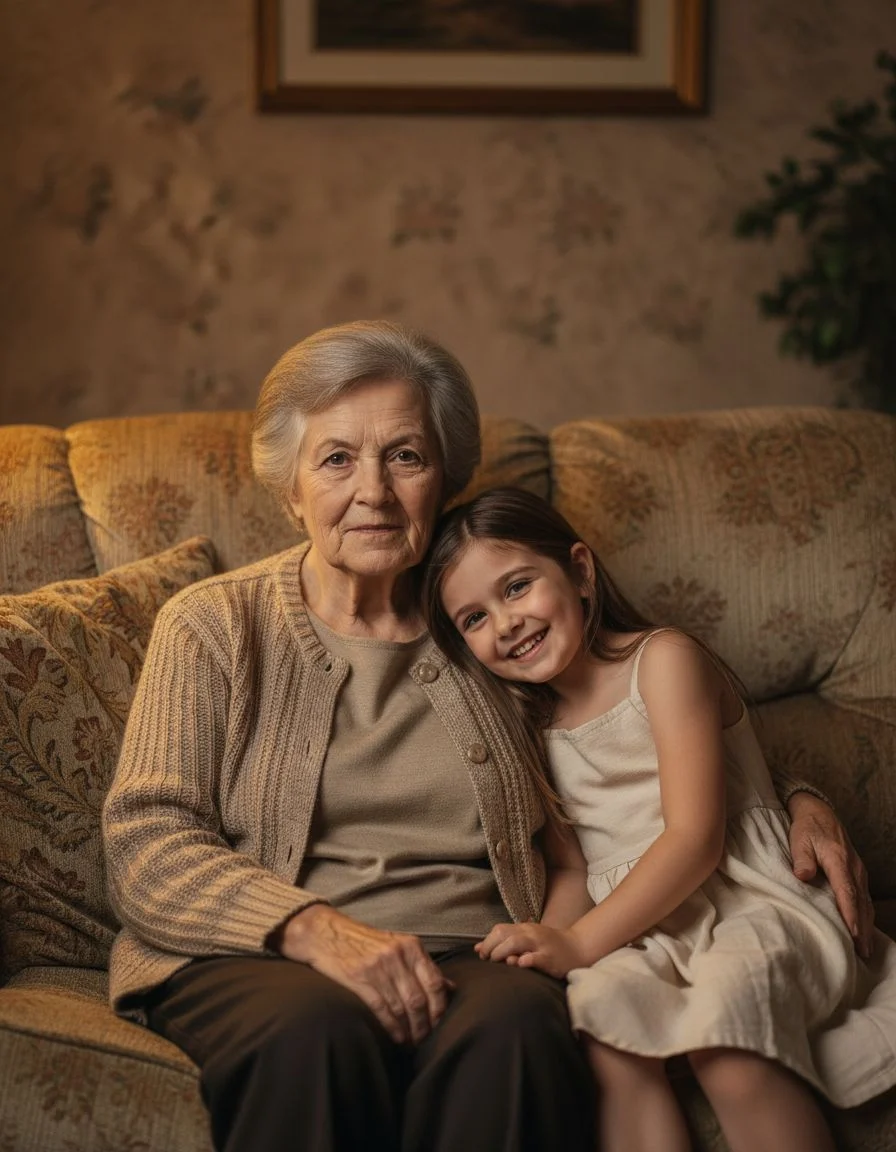
The output of an actual run: two portraits taken in different rooms, in different light, merged into one picture. Both faces are carried over from their own source photo rather than redrawn.
It is worth naming what most people are actually trying to do, because it is rarely a design exercise. They want a grandparent and a grandchild who never met in one picture. A family portrait with the person who could not travel. A parent who died before the wedding, standing with everyone else.
That use case is also the one with the least tolerance for drift. Nobody minds an invented background. Everyone minds a face that is nearly right — the closer it gets without arriving, the more it hurts to look at. This is why we treat merging as a face-preservation problem first and a composition problem second, and why the crop advice above matters more here than anywhere else.
How to combine two photos in PixiFixi
Create a free account — new accounts get starter credits, so the first merges cost nothing.
Upload two to four photos of the people or things you want in one picture.
Write one sentence about the arrangement: side by side, hugging, one behind the other.
Download the result — and if it is destined for a frame, take the high-resolution version.
It runs in a phone browser with nothing to install, and each face is carried over from its own source photo rather than regenerated, which is the whole difference from prompting a chatbot. It sits alongside the rest of the photo editing tools, so a combined picture can go straight into a background change or a retouch without leaving the editor. Details, examples and pricing: AI image combiner. If the pictures you want to merge are old prints, restore them first — merging a repaired scan gives a visibly better result than merging a faded one.
Frequently asked questions
Can ChatGPT merge two photos?
Yes. Attach both images to the same message and describe how the subjects should be arranged, and ChatGPT returns a single combined image. The limitation is consistency rather than capability: it regenerates the whole picture, so faces often come back close but not exactly the same. For photos of people who need to stay recognisable, a dedicated image combiner is more reliable.
How do I combine two photos into one photo?
Upload both pictures to the same tool at once, then say who is who and how they should be arranged – side by side, one behind the other, one with an arm around the other. Describe a single shared background and one light source, because mismatched lighting is what makes a merge look pasted together. Then download the result.
Can AI put two people together in a photo?
Yes, and it is the most common reason people merge photos at all. Two people photographed separately, in different places or different years, can be placed in one shared picture with matched lighting and scale. The thing to watch is whether the tool preserves each face from its source photo or regenerates it – only the first keeps them recognisable.
How do I make a couple photo from two separate pictures?
Upload a photo of each person, then describe the pose explicitly: standing close, facing the camera, his arm around her shoulder, both smiling. Ask for the faces to be kept exactly as they are, and name one background and one light direction. Crop both source photos so each person fills most of the frame before you upload.
Why do the faces look different after merging?
Because most image models redraw the whole picture rather than moving your subjects into it, so a face is reconstructed rather than copied. The single biggest fix is the source photo: crop it so the person fills the frame, roughly knees up, and upload the largest version you have. The fewer pixels there are on a face, the more the model has to invent.
Can Gemini combine two photos?
Yes. Google's Nano Banana image update lets you upload multiple photos and blend them into one scene, and it was built specifically to keep people and pets looking like themselves. It holds a likeness better than a general-purpose image model, though it shares the usual chatbot limitations: results vary run to run, and photos of real people are sometimes refused.
What is the difference between combining photos and a collage?
A collage arranges separate photos side by side in frames or a grid, and it reads as a montage. Combining merges the subjects into one picture with a single background, one light source and consistent scale, as if everyone had been photographed together. If you want a grid, you want a collage maker; if you want one photograph, you want an image combiner.
How many photos can I merge at once?
In PixiFixi, from two to four in a single run. Chatbots will accept more, but every extra photo makes the composition less predictable and the faces less accurate, so two at a time is usually the better trade.
Is there a free way to combine two photos with AI?
Yes. Chatbot free tiers include a small number of image generations a day, though the exact allowance changes often. PixiFixi gives new accounts starter credits, so the first merges cost nothing, and merging afterwards starts at one credit per image.
Can I combine photos taken years apart?
Yes, and it is one of the main uses – a grandparent and a grandchild in one portrait, or a family photo with someone who could not be there. Restore the older scan first if it is faded or damaged; merging a repaired photo gives a noticeably better result than merging the original.
The short version
ChatGPT and Gemini will both merge two photos, and for anything invented or playful they do it well. The moment the picture has to contain people you actually know, the question stops being “can it merge them” and becomes “will they still be themselves” — and there the answer is: sometimes, and you will not know which run until you look. Crop your sources so the faces are big, say plainly that they must not change, and if the result has to be right rather than merely close, use a tool built around keeping them.