Two people together
Put two people in one picture — a couple photo, a family shot, or someone who is no longer around to pose for one.


Merge two photos into one picture — including two people who were never photographed together. AI matches the light, the shadows and the perspective, so the result reads as one shot rather than a cut-out pasted on top.

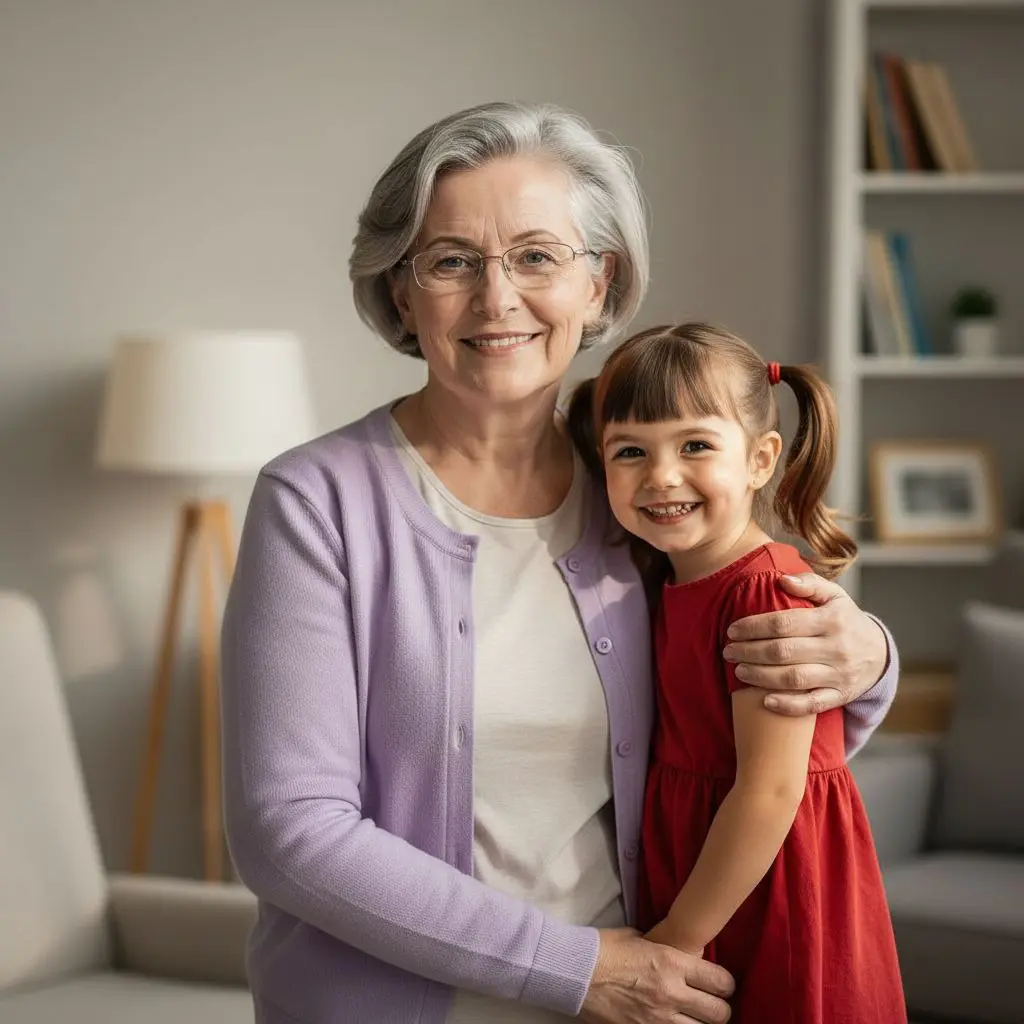
Two pictures in, one photo out.
Put two people in one picture — a couple photo, a family shot, or someone who is no longer around to pose for one.
Merge pictures taken decades apart into a single family composition.
AI matches lighting, shadows and scale, so nobody looks pasted in.
Download the combined photo in high resolution and put it in a frame.
A real PixiFixi run — two people photographed separately, merged into one natural shared photo.
Two to four pictures you want merged into one.
Describe the arrangement in a sentence — side by side, hugging, one behind the other.
A few seconds later you have one photo instead of two.
Three quality tiers.
| Quality | Resolution | Cost | For |
|---|---|---|---|
| Standard | basic | 1 credit | screen, social media |
| Pro | 2K | 4 credits | print, portrait |
| Ultra | 4K | 8 credits | large print, wall |
| HQ download | 4× larger | 2 credits | when Standard already fits |
Step-by-step guide: can ChatGPT merge two photos?
Yes. Upload both pictures, write one sentence about how the subjects should be arranged, and AI returns a single photo — with the lighting, shadows and scale matched between them.
Yes, and it is the most common reason people use this. Two people photographed separately — in different places or different years — end up in one shared picture, each keeping their own face.
Upload a photo of each person and describe the pose: standing side by side, hugging, one with an arm around the other. AI composes the shared frame around that description.
From two to four in a single run.
Yes — AI keeps each face from its source photo instead of generating a new person. The sharper the faces are in the originals, the truer they come out.
Yes, that is one of the main uses — merging pictures taken decades apart into one family photo. Restoring an old scan first gives a noticeably better result.
A collage maker arranges photos side by side in frames, and it reads as a montage. This merges them into one picture — a single background, one light source, consistent scale — as if everyone had been photographed together.
From 1 credit per combined photo. New accounts get free credits, so the first ones cost nothing. Pro and Ultra give higher resolution for printing.
Your own — the description is handled for you in the background.
No. PixiFixi runs in the browser — open the page, upload a photo, download the result. There is nothing to install and nothing takes up space on your device.
Yes. Everything works the same on a phone as on a computer — upload straight from your gallery or take the photo right there. You can also add the app to your phone’s home screen.
JPG, PNG, HEIC from an iPhone and TIFF. A photo straight from your phone is fine — it is resized automatically before upload, so there is nothing to convert or compress yourself.
Only you can see them. They never appear in any gallery, are not used to train models and are not shared with anyone. You can delete them at any time, or switch on automatic deletion after 7, 30 or 90 days.
Restore old photos first, then combine them.
Set a shared background for the combined photo.
Describe any further change to the finished picture.
Upload two pictures and get a single photo out of them. The first edits are free.
Combine photos freeNo card · From 1 credit