You upload your image to an AI tool, click “Remove Background,” and download the PNG with a transparent background. The process takes just a few seconds.
This guide explains how background removal works, whether it’s really free, and how to get high-quality results without Photoshop.
What Is Background Removal?
Background removal is the process of separating the main subject of an image (person, product, object) from its background.
Modern AI tools automatically detect edges, hair details, shadows, and depth, then remove everything except the main subject. The result is usually exported as a transparent PNG file.
How to Remove Background Online (Step-by-Step)
Open an AI background remover (for example, PixiFixi).
Upload your image.
Select the Remove Background tool.
Click Apply.
Download the transparent PNG.
No manual brushing or complex selection tools are required. Our example. Here’s before image:
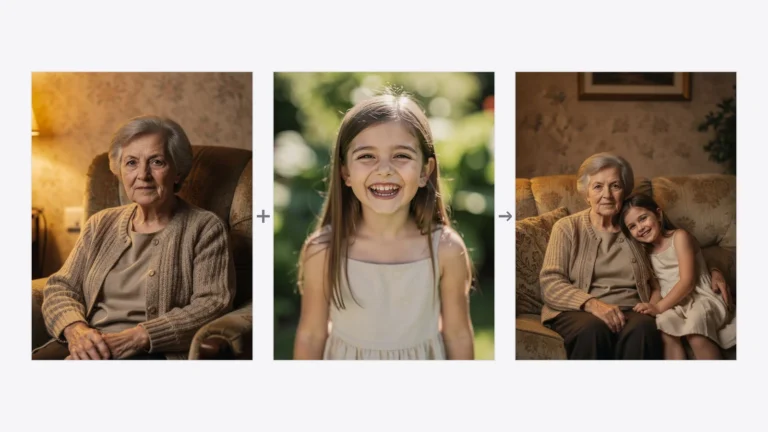
Your photo can look like this too
Try it on your own picture — no card, no subscription, and you get free credits to start.
And here’s our image after using our background removal tool in PixiFixi:
Remove background from a photo online using AI
Is Remove Background Online Free?
Some tools offer limited free background removal. This often includes:
Watermarked downloads
Lower resolution output
Limited number of exports
AI tools like PixiFixi allow new users to test the feature with starter credits before upgrading.
What Is a High-Quality Remove BG Tool?
A high-quality remove background tool should:
Preserve fine hair details
Avoid rough or jagged edges
Maintain natural shadows
Keep original image resolution
AI precision is especially important for portraits, product photography, and marketing materials.
When Do You Need Background Removal?
E-commerce product photos
Professional LinkedIn portraits
Marketing banners and ads
YouTube thumbnails
Graphic design projects
What Can You Do After Removing the Background?
After removing the background, you can:
Add a new background (studio, office, beach, etc.)
Create AI-generated photoshoots
Enhance image quality
Use the cutout in marketing graphics
Final Answer
If you’re looking for a simple way to remove background online, AI tools make it possible in seconds. Upload your image, apply background removal, and download a transparent PNG — no Photoshop required.