People together
Bring together loved ones who never got to stand in one photo.


Merge several photos into one cohesive composition — for example people who were never in the same shot. AI matches the light and perspective so it looks like a single photo.
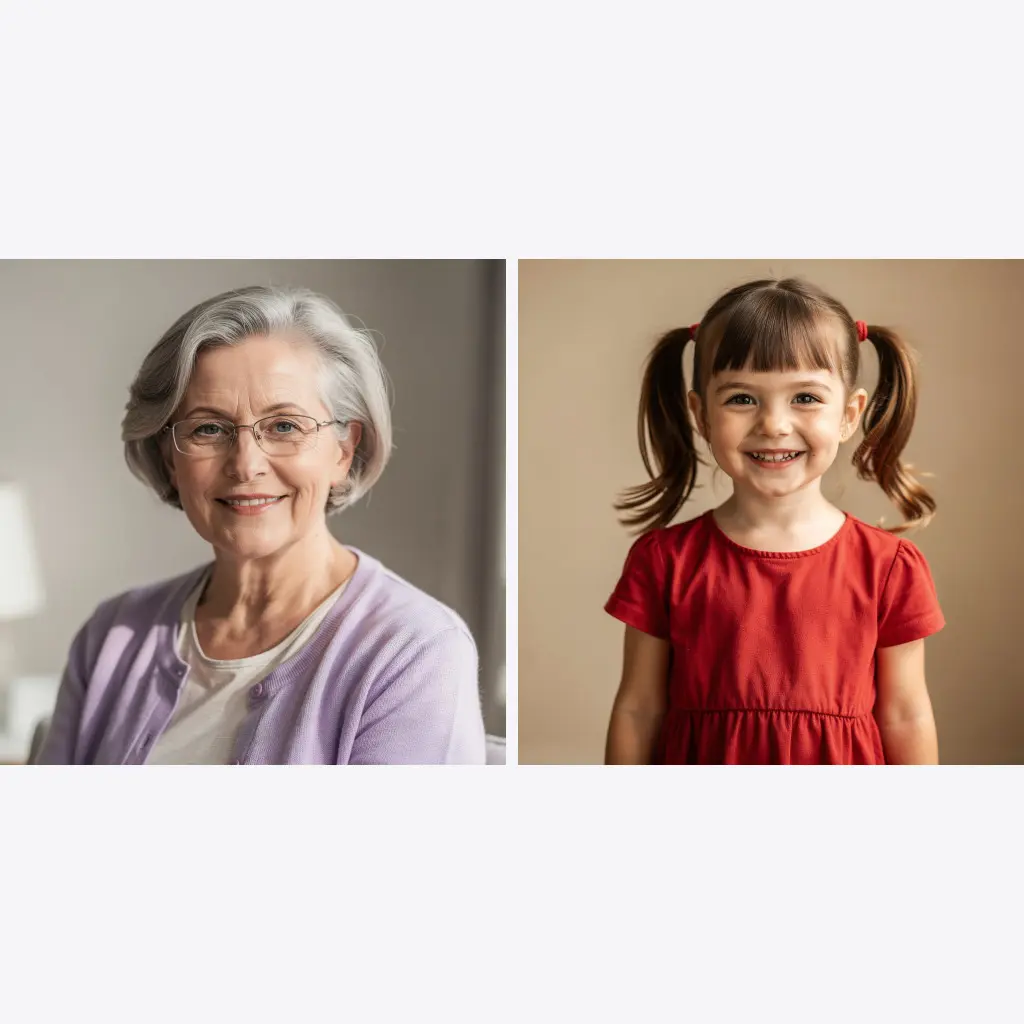
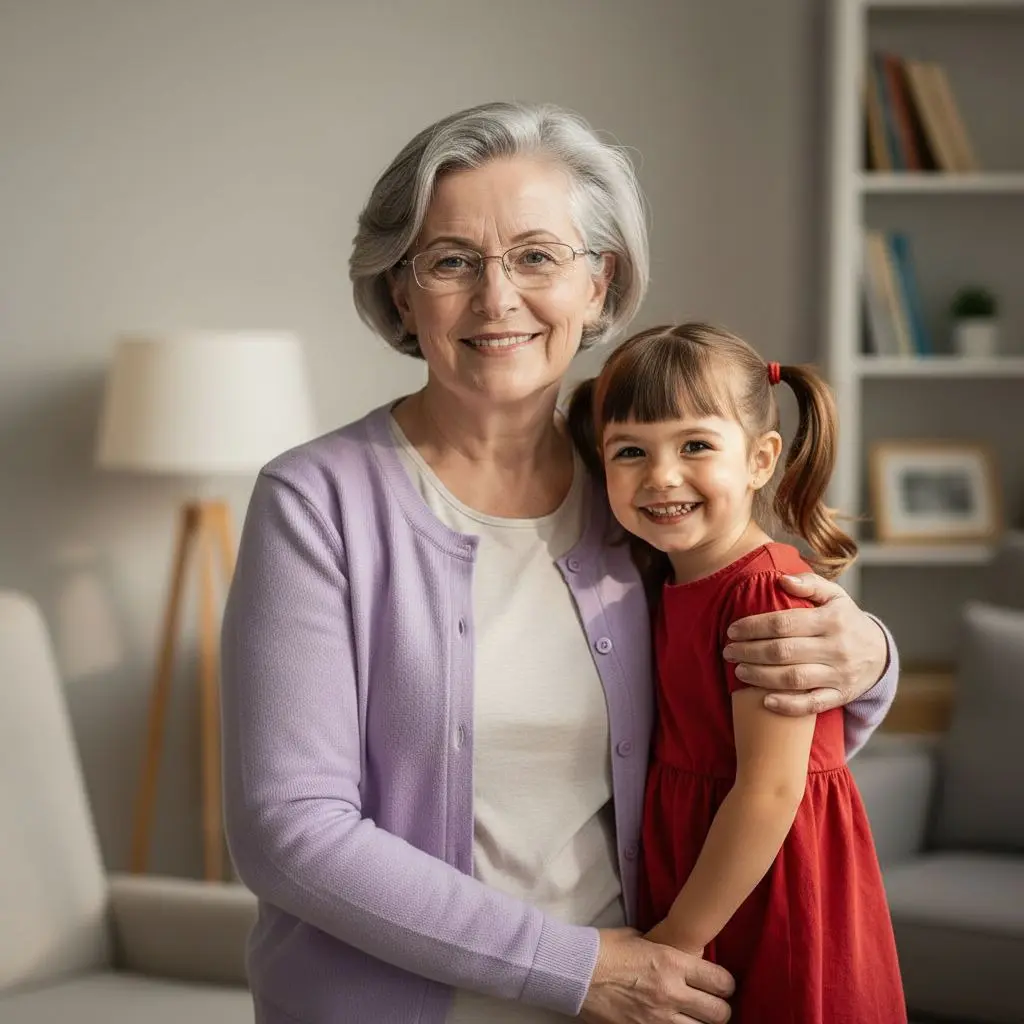
Several photos, one cohesive composition.
Bring together loved ones who never got to stand in one photo.
Combine photos from different periods into one family composition.
AI matches lighting and perspective so the whole thing looks like one shot.
Download the result in high resolution for a frame.
An example from PixiFixi — two separate people merged into a natural shared photo.
Two to four shots you want to combine.
Write how the people or elements should be arranged.
A few seconds and you have one cohesive photo.
Three quality tiers.
| Quality | Resolution | Cost | For |
|---|---|---|---|
| Standard | basic | 1 credit | screen, social media |
| Pro | 2K | 4 credits | print, portrait |
| Ultra | 4K | 8 credits | large print, wall |
| HQ download | 4× larger | 2 credits | when Standard already fits |
Step-by-step guide: how to combine several photos into one
From two to four per collage.
Yes — AI keeps the faces from each photo and merges them into one scene.
Yes, that’s a common use — combining photos from different periods.
From 1 credit (Standard). Pro and Ultra give higher resolution for print.
Your own — it’s handled for you in the background.
A classic collage puts photos side by side in frames and it looks like a montage. Here AI merges them into one shot — shared lighting, background and scale.
No. PixiFixi runs in the browser — open the page, upload a photo, download the result. There is nothing to install and nothing takes up space on your device.
Yes. Everything works the same on a phone as on a computer — upload straight from your gallery or take the photo right there. You can also add the app to your phone’s home screen.
JPG, PNG, HEIC from an iPhone and TIFF. A photo straight from your phone is fine — it is resized automatically before upload, so there is nothing to convert or compress yourself.
Only you can see them. They never appear in any gallery, are not used to train models and are not shared with anyone. You can delete them at any time, or switch on automatic deletion after 7, 30 or 90 days.
Restore old photos first, then merge them into a collage.
Set a shared background for the whole composition.
Describe any change on the finished collage.
Upload several photos and build one composition from them. The first edits are free.
Make a collage freeNo card · From 1 credit