Evens out tone
Redness, patches and uneven complexion — without washing out the whole face.


Upload a portrait and PixiFixi evens out skin tone and clears temporary blemishes. No slimming, no reshaped features, no plastic-doll look — the skin keeps its texture and the face stays yours.

The first two are on by default — add the rest yourself if you want them.
Redness, patches and uneven complexion — without washing out the whole face.
Temporary spots that were not there last week and will not be there next week.
Reduces rather than erases — the face does not come back ten years younger.
A natural lift, not the artificial white of a toothpaste advert.
Lifts the gaze slightly on photos taken in poor light.
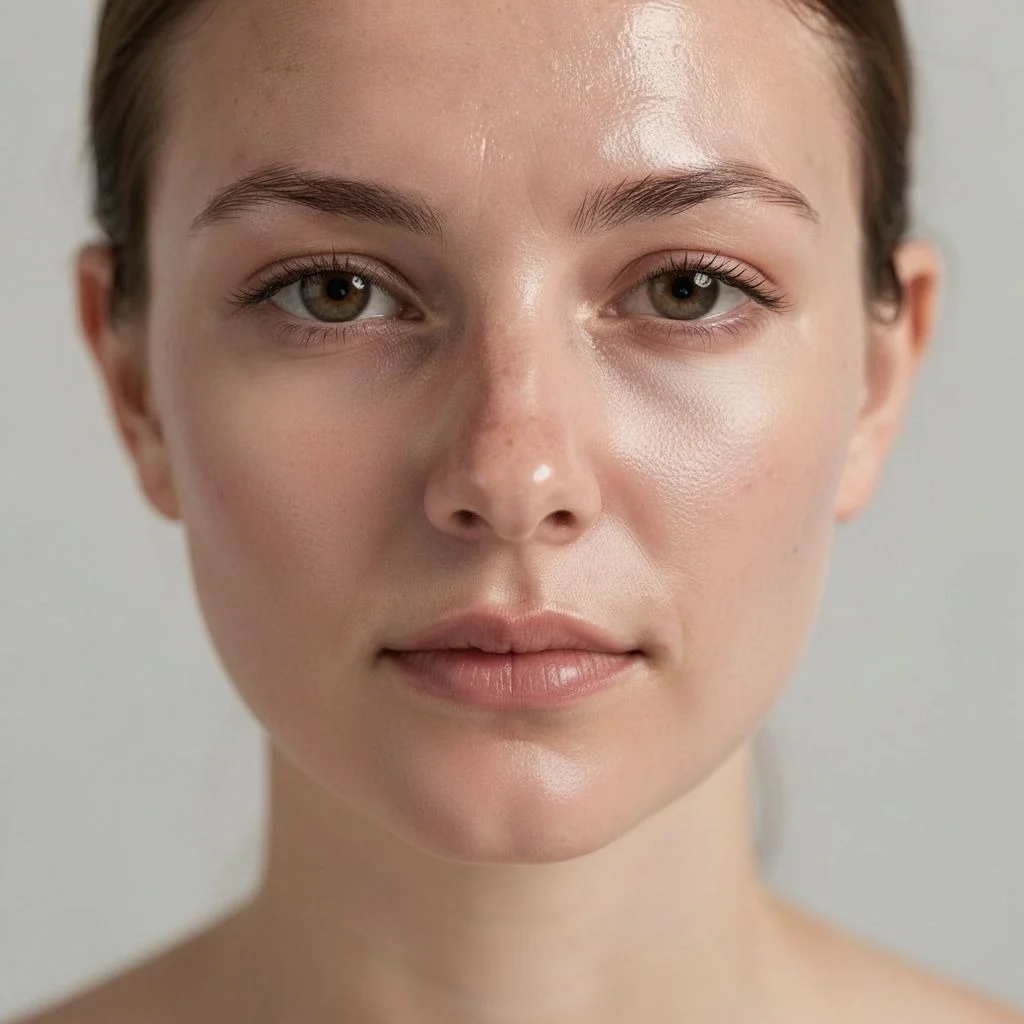
Examples at strong strength — the tool's most pronounced setting. Drag the slider: spots and redness go, while pores, stubble and expression lines stay where they were.
Ideally a sharp photo where the face fills a good part of the frame.
Subtle, medium or strong. Not sure? Leave it on medium — it fits most photos.
Fifteen seconds later you download the finished photo.
One flat price whatever the strength and options — no tiers.
| Quality | Resolution | Cost | For |
|---|---|---|---|
| Single tier | optimised | 1 credit | finished photo, any strength |
| HQ download | 4× larger | 2 credits | print the finished photo |
Step-by-step guide: how to retouch a photo step by step
No. The tool is explicitly blocked from changing features, proportions, age or expression — it works on skin only. In the examples above you can see pores, stubble and expression lines surviving the retouch.
Face editors usually change the shape itself — slimming cheeks, enlarging eyes, adding makeup. Retouch in PixiFixi does the opposite: it improves the skin only and leaves features, proportions and expression untouched.
Not at subtle or medium strength — the tool deliberately keeps visible skin texture. Strong gives a more pronounced result but still keeps real skin rather than a smooth blank.
A flat 1 credit, whatever the strength and however many options you tick. You get free credits to start, so the first photos cost nothing.
Not in this tool, by design. Retouch is meant to improve skin, not change your shape. If you want that, use the "Other" tool and describe it in your own words.
Yes, but it works best on portraits where the face fills a good part of the frame. In a group shot the faces are smaller, so the improvement is less visible.
No. PixiFixi runs in the browser, on desktop and phone. Upload the photo, pick a strength, download the result.
JPG, PNG, HEIC from an iPhone and TIFF. A photo straight from your phone is fine — it is resized automatically before upload, so there is nothing to convert or compress yourself.
Only you can see them. They never appear in any gallery, are not used to train models and are not shared with anyone. You can delete them at any time, or switch on automatic deletion after 7, 30 or 90 days.
Old, damaged photo? Restore it first, then retouch.
A full styled shoot instead of just a skin fix.
The change retouching deliberately refuses — describe it in your own words.
Upload a portrait, pick a strength, download the result. The first edits are free.
Retouch freeNo card · Flat 1 credit